İIKSIRPRINT PRODUCTION SUITE

04 · ROLL NESTING & EXCEL SERIAL PRINT

Smart Wide-Format Roll Layout, Fotoba Marks & Excel Serial Production

Minimize roll offcuts across mixed print jobs using auto-90° nesting or snap manual alignment, add Fotoba crop lines and operator Slug Lines, and turn Excel branch tables into print-ready batches.

Smart Roll Layout, Excel Serial Production, Plotter Stickers & CNC / Laser

Pack mixed jobs onto media rolls with minimal offcuts, drive branch-by-branch variable data directly from Excel spreadsheets, and trace contours or vector DXF shapes ready for cutting.

Roll Layout, Fotoba Marks, Slug Lines & Job Sheet PDF

  • Switch between automatic 90° nesting and snap-guided Manual Layout, using Fill Row to populate full roll widths automatically.
  • Enable full-span Fotoba cut lines, corner crop marks, operator Slug Line header bands, smart filenames and multi-sheet length splitting.
  • Export an A4 Roll Layout Job Sheet PDF detailing sheet counts, linear meters and placed part lists.
Serial Production, Plotter Stickers & CNC / Laser

  • Serial Production: Import .xlsx/CSV branch sheets or configure sequential counters with per-row sizes, mm variable text boxes and crisp dynamic QR overlays; send the entire series straight to Layout.
  • Sticker Preparation: Trace alpha/background contours, merge nearby text parts, nest by silhouette, add Roland/Summa/Graphtec/Mimaki optical marks, PerfCut pop-out bridges and Speed-Weed lines.
  • CNC / Laser: Split SVG/DXF lettering and paths into nestable parts and export true-millimeter DXF cutting files.
See all 19 modules in Technical GuideLaunch calculator: How Many Meters of Vinyl or Banner Will This Job Use?

13 MODES · REAL-SCALE RIP TEST PACKS

Verify Directly in Your RIP Software or IKSIR

Download both the clean source artwork and IKSIR’s production output (with overlap seams, sleeve folds, grommets, and print labels) to verify physical dimensions in Onyx, Caldera, VersaWorks, PhotoPrint, or Maintop.

Try with Sample Artwork50×70 + 35×50 cm

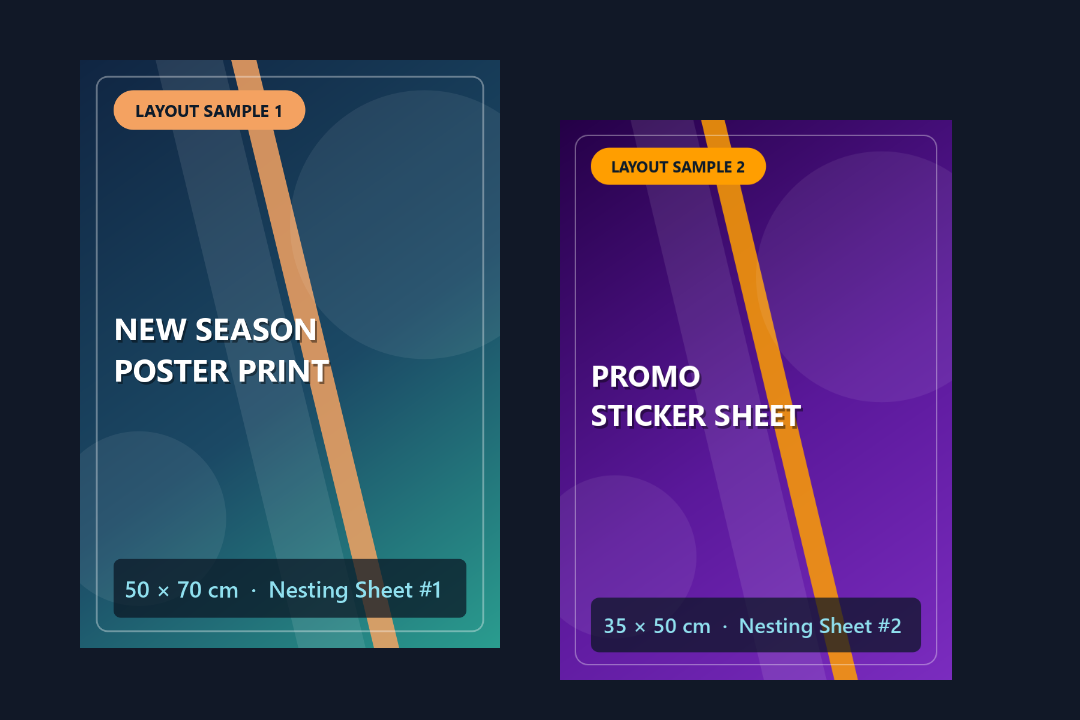
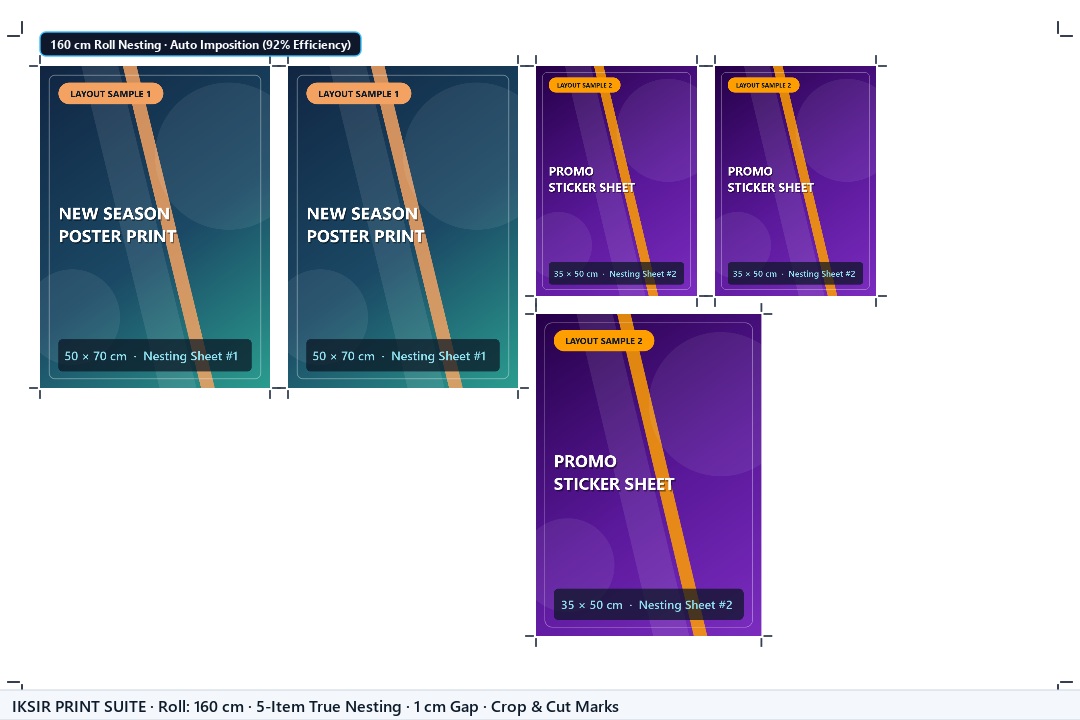
Roll Layout (Nesting)

50 × 70 cm posters and 35 × 50 cm labels automatically nested on a 160 cm roll for minimum waste.

  • 50×70 + 35×50 cm
  • 160 cm Roll Nesting
  • 92% Sheet Utilization
Roll Layout (Nesting) — Raw Sample
Raw Sample
Roll Layout (Nesting) — IKSIR Output
IKSIR Output
Try with Sample Artwork60 × 40 cm

4× AI Image Enhancement

Low-resolution 60 × 40 cm artwork upscaled 4× with sharp typography and clean gradients ready for wide-format print.

  • 60 × 40 cm Print
  • 4× AI Upscaling
  • Pixelation Removed
4× AI Image Enhancement — Raw Sample
Raw Sample
4× AI Image Enhancement — IKSIR Output
IKSIR Output

LIVE ROLL, PANEL & WASTE CALCULATOR

How Many Meters of Vinyl or Banner Will This Job Use?

Enter job dimensions, quantity, and roll width to calculate automatic panel splits or multi-up nesting, exact roll meters, waste percentage, and grommet count.

Quick Job Presets:
Roll Split / Imposition3 per row · 7 rowsAuto Roll Nesting
Required Roll Length5.03 m160 cm × 5.03 m
Net / Gross Area & WasteNet 7.00 m² / Gross 8.05 m²87% yield · 13.0% waste
Total Grommets—No grommets configured
Live Roll Layout Schematic160 cm Roll
#1#2#3

Frequently Asked Questions

How does Excel Serial Production automate franchise or retail chain campaigns?

Import an .xlsx or CSV table specifying store names, custom width/height per copy, quantity, variable text and dynamic QR URLs; IKSIR renders every piece and sends the batch straight to roll nesting.

Why include Slug Lines and automatic multi-sheet splitting?

Large batches are automatically split before maximum printer run length is exceeded, with a top Slug Line printing job ID, roll size, DPI, color profile and sheet number for operator clarity.

Related Print Solutions

Try every workflow for 21 days with your own files.

All processing runs locally on your PC—executing Photoshop macro-style workflows instantly and error-free inside ready-made templates without recording macros.