İIKSIRPRINT PRODUCTION SUITE

TECHNICAL PRODUCTION GUIDE

Complete Features & Production Modules

Technical details for every workflow—from vehicle wraps and pole banner sets to AI SVG logo & 3D facade design, color management, UV spot channels, sticker plotter contours and shop floor PDFs.

01 · VEHICLE WRAP, FLEET QUOTING & MOCKUP

Vehicle Wrap: 10 Faces, No-Seam Protection, Photo Mockup & Automatic Quotes

Panel sedans, vans, buses and commercial fleets to match your roll width; protect door handles and windows from panel seams, present realistic perspective mockups on vehicle photos, and compute profitable multi-vehicle quotes automatically.

10 Vehicle Sides, Roll Profiles & Install Axis

PANELING & ROLLS
  • Manage left side, right side, rear, front, hood, roof, trunk, bumper, mirror and spoiler faces within one job, with automatic side detection from filenames.
  • Calculate usable roll width (roll width minus side margins), switch between vertical stripes or horizontal runs, and add hidden-overlap assembly arrows plus bleed-margin labels.
  • Configure mirror, edge-stretch or solid-color bleed uniformly or per edge in centimeters/millimeters.
  • Drag seam boundaries directly on the live preview to adjust custom panel widths or reset to your roll width in one click.

No-Seam Zone Protection & Perforated Window Film Split

SHOP FLOOR SAFETY
  • Mark door handles, body trim, fuel caps and wheel arches as No-Seam Zones so panel splits stay clear of difficult recessed contours.
  • Designate side and rear glass areas to automatically split window zones into separate One-Way Vision (perforated film) print files.
  • Enable perforated-film contrast enhancement so printed graphics remain vivid once applied onto perforated vinyl.

Perspective Vehicle Photo Mockup

CLIENT APPROVAL
  • Open a real photo of the customer’s vehicle and map queued side designs using four interactive corner pins.
  • Preserve natural vehicle lighting and shadows over the wrap and simulate perforated window visibility realistically.
  • Export as standalone PNG, side-by-side Before/After comparison image, or a Customer Approval PDF ready to share for sign-off.

Live Fleet Quoting & A4/A3 Installation Map PDF

QUOTES & INSTALL MAPS
  • Set unit costs per m² for cast vinyl, lamination, printing, side-difficulty labor multipliers, old wrap removal, perforated film, profit margin, fleet discounts and VAT.
  • Monitor net area (m²), roll linear meters, waste percentage (%) and itemized price totals on every preview update.
  • Generate company-branded A4 or A3 Installation Diagram PDFs detailing numbered panels, cut widths, no-seam zones and install order.
Try with Sample Artwork450 × 180 cm

Vehicle Wrap

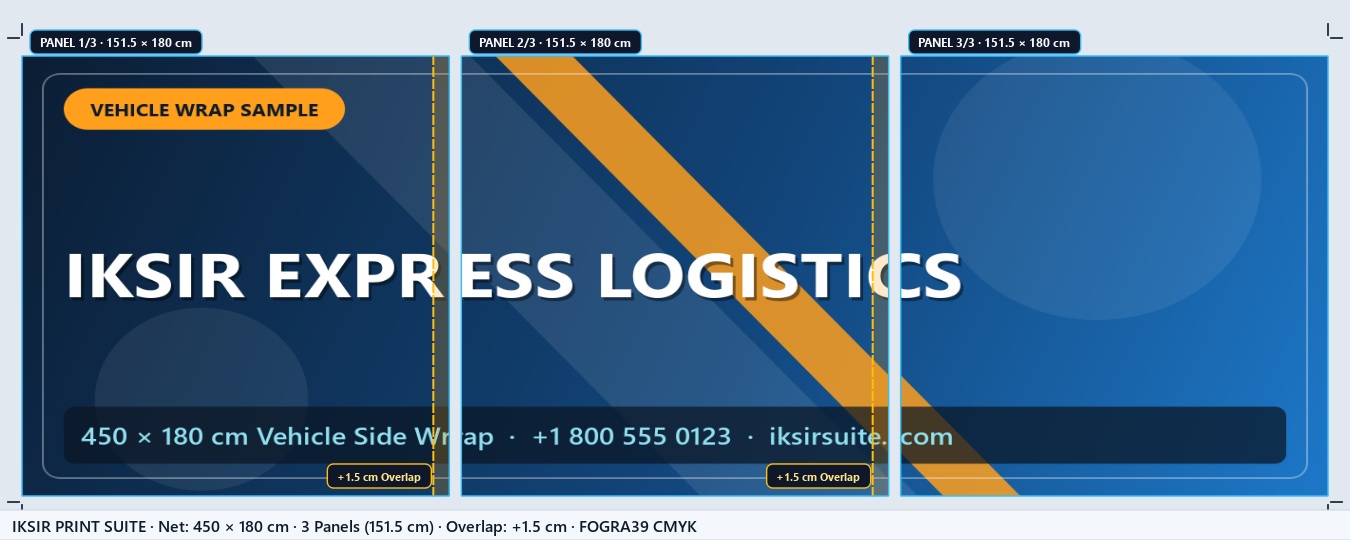
450 × 180 cm side-wrap artwork automatically tiled across 152 cm vinyl rolls with +1.5 cm overlap seams.

  • 450 × 180 cm Net
  • 3 Roll Panels + 1.5 cm Overlap
  • Panel 1/3 · 2/3 · 3/3 Labels
Vehicle Wrap — Raw Sample
Raw Sample
Vehicle Wrap — IKSIR Output
IKSIR Output
Open workflow guide: Vehicle Wrap Paneling & Fleet Quoting

02 · ELECTRIC POLE BANNER SETS

Electric Pole Banners: A/B/C/D Sets, Folding Allowances & Dual-Face Output

Manage municipal and street pole banner sets with synchronized A, B, C, D panels, custom or patterned top/bottom pole pockets, scissors/stitch guides and simultaneous front/back exports.

Multi-Panel A/B/C/D Sets & Standard Dimension Locks

  • Assign images or multi-page PDFs directly onto preview slots A–D via drag and drop or per-panel file pickers.
  • Protect standard 90×245 cm pole banner dimensions with an intentional unlock confirmation before custom sizing.
  • Verify continuous cross-panel graphic alignment in the dedicated Panel Seam Inspection dialog prior to production.

Pocket Fills, Stitch Guides, Scissors Marks & Back Band

  • Fill top and bottom folding pockets using automatic image extensions, solid swatches or the built-in Pattern Gallery, with independent stretch and crop controls per panel.
  • Add 1.0 or 1.5 cm stitch guide lines for machine or manual finishing, corner scissors cut ticks and configurable white back-face pocket bands.
  • Export front and back print faces together in one pass with short job prefixes and sequential page numbering.
Try with Sample Artwork90 × 245 cm (A+B)

Pole Banners (Side A + B)

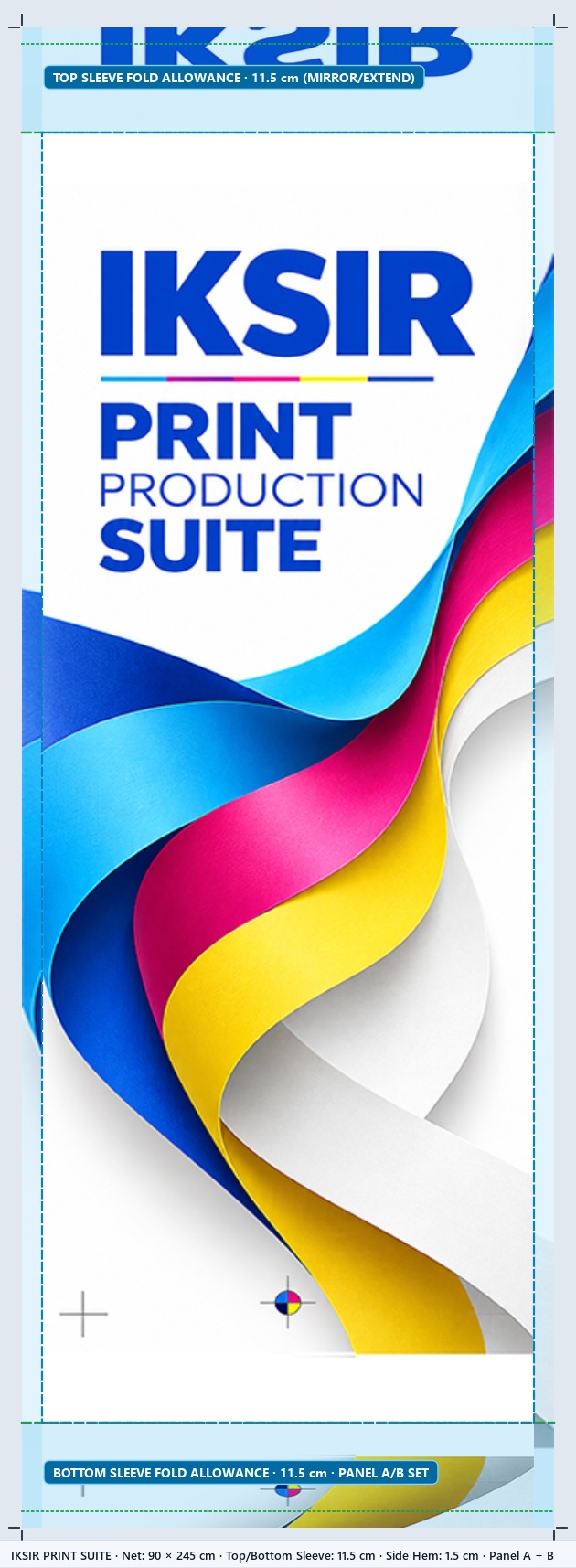
90 × 245 cm pole banner pair with 11.5 cm top/bottom sleeve folds and 1.5 cm side hems.

  • 90 × 245 cm (Side A+B)
  • 11.5 cm Sleeve Folds
  • 1.5 cm Side Allowance
Pole Banners (Side A + B) — Raw Sample
Raw Sample
Pole Banners (Side A + B) — IKSIR Output
IKSIR Output

Electric Pole output is a separately purchased, one-time add-on for new licenses. It is attached to the existing license and retained on renewal; a valid main license is required for use. Existing paid customers retain their access.

03 · DESIGN, AI SVG LOGO & FACADE MOCKUP

Smart Print Design, AI Vector Logos, 3D Facade Mockups & Blank Canvas

Start print-ready signage and marketing layouts in 20 languages, generate 3 AI vector SVG logo concepts, extract corporate palettes from customer logos, validate FOGRA39 CMYK proofs and present lit day/night storefront mockups.

20-Language Design Requests & AI Vector SVG Logos

AI & VECTOR
  • Describe signs, banners, flyers or business cards in 20 supported languages or start from industry templates, keeping up to 30 recent prompts and logos on disk.
  • Use AI Logo Suggestions to draw 3 distinct vector SVG logo concepts matching your business name and palette; insert straight onto the canvas or export .svg files.
  • Extract dominant colors from uploaded logos (PNG, JPG, PDF) to generate high-contrast brand palettes and place crisp dynamic QR codes cleanly.

0–100 Design Score, FOGRA39 Soft Proof & Layered Blank Canvas

PROOF & PRESENT
  • Evaluate readability from viewing distance, WCAG contrast, text fit, safe margins and effective DPI with a 0–100 score and one-click non-conflicting improvements.
  • Toggle live FOGRA39 CMYK soft proofing inside the editor to catch gamut shifts before sending files to print.
  • Open Customer Presentation (Mockup) for acrylic, brushed stainless steel and halo LED signage previews on real building photos with side-by-side day/night comparison.
  • Create multi-layer designs on Blank Canvas (Ctrl+N) with draggable ruler guides, integrated photo cropping and editable .iksir project saves.
Try with Sample Artwork120 × 80 cm

Standard Print & Eyelets

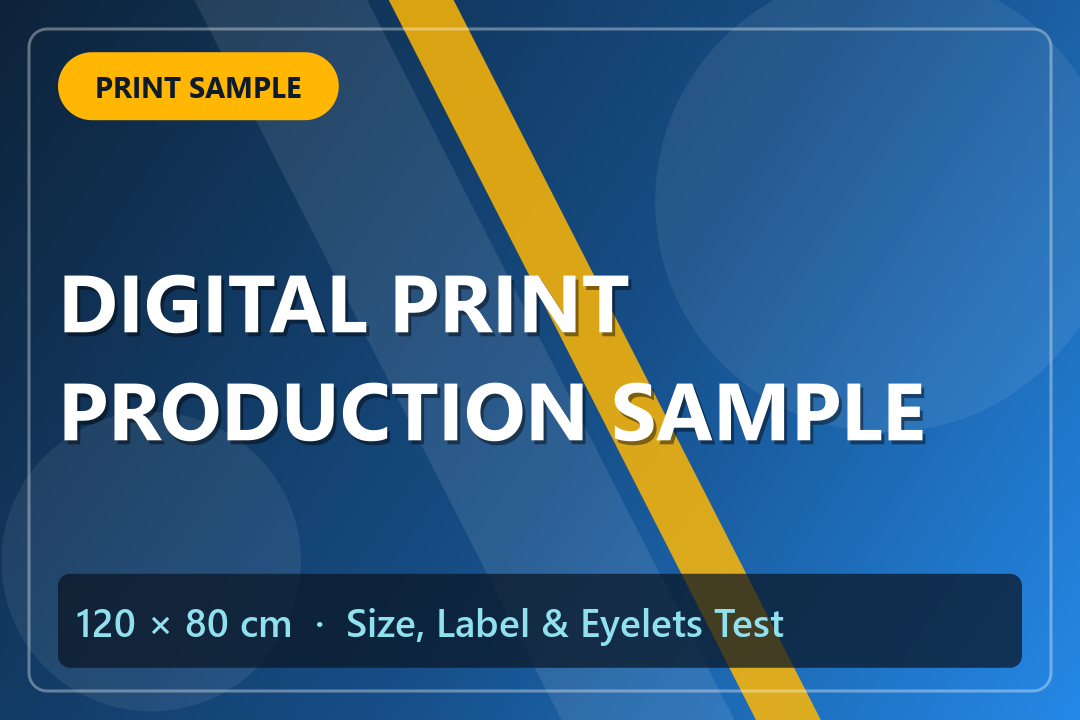
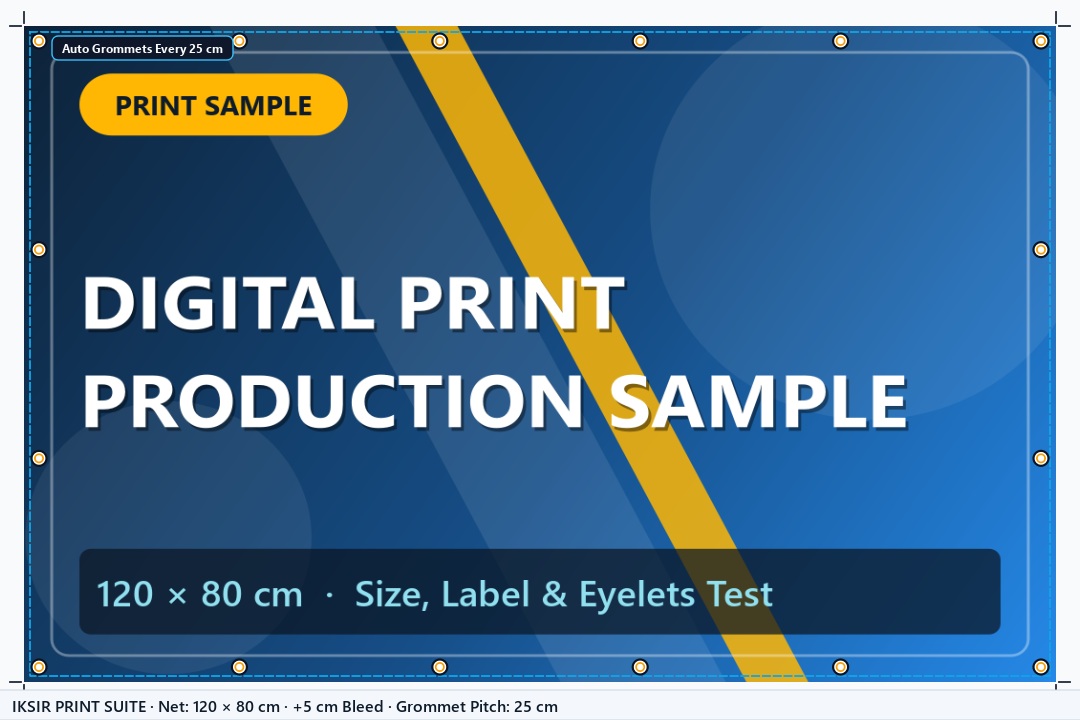
120 × 80 cm print job with bleed margin, 25 cm eyelet markers around all edges, and a footer label.

  • 120 × 80 cm Net
  • 25 cm Grommet Spacing
  • Size & Job Margin Label
Standard Print & Eyelets — Raw Sample
Raw Sample
Standard Print & Eyelets — IKSIR Output
IKSIR Output

04 · STOREFRONT SPLITTING & OUTDOOR

Multi-Window Storefront, Panel Splitting, Billboard, Megalight, Flag & Roll-Up

Model real architectural window facades with mullion gaps, automate outdoor sheet tiling, add Fotoba marks for backlit megalights and enforce safe zones across sail flags and roll-up hardware.

Multi-Window Storefront & Overlapping Panel Splitting

  • Define variable pane widths, heights, top elevation offsets (door transoms) and inter-pane mullion gaps from quick facade presets or custom tables.
  • Skip covered mullion zones to preserve architectural geometry across glass panes, and reprint individual replacement window numbers (e.g. 1, 3) anytime.
  • Generate overlapping wall/vinyl panels with custom widths and export an A4 Storefront Installation Diagram PDF for installers.

Billboard, Megalight, Sail Flags, Roll-Up & Pole-Pocket Banners

  • Billboard: Automated sheet splitting with overlap allowances and alphanumeric sheet codes.
  • Megalight: Built-in street-furniture standard profiles plus one-click Fotoba cut lines.
  • Sail Flag & Roll-Up: Teardrop/feather/blade templates, pocket fills, 80–150 cm cassette presets, bottom roller leader margins and double-sided production PDFs.
Try with Sample Artwork360 × 220 cm

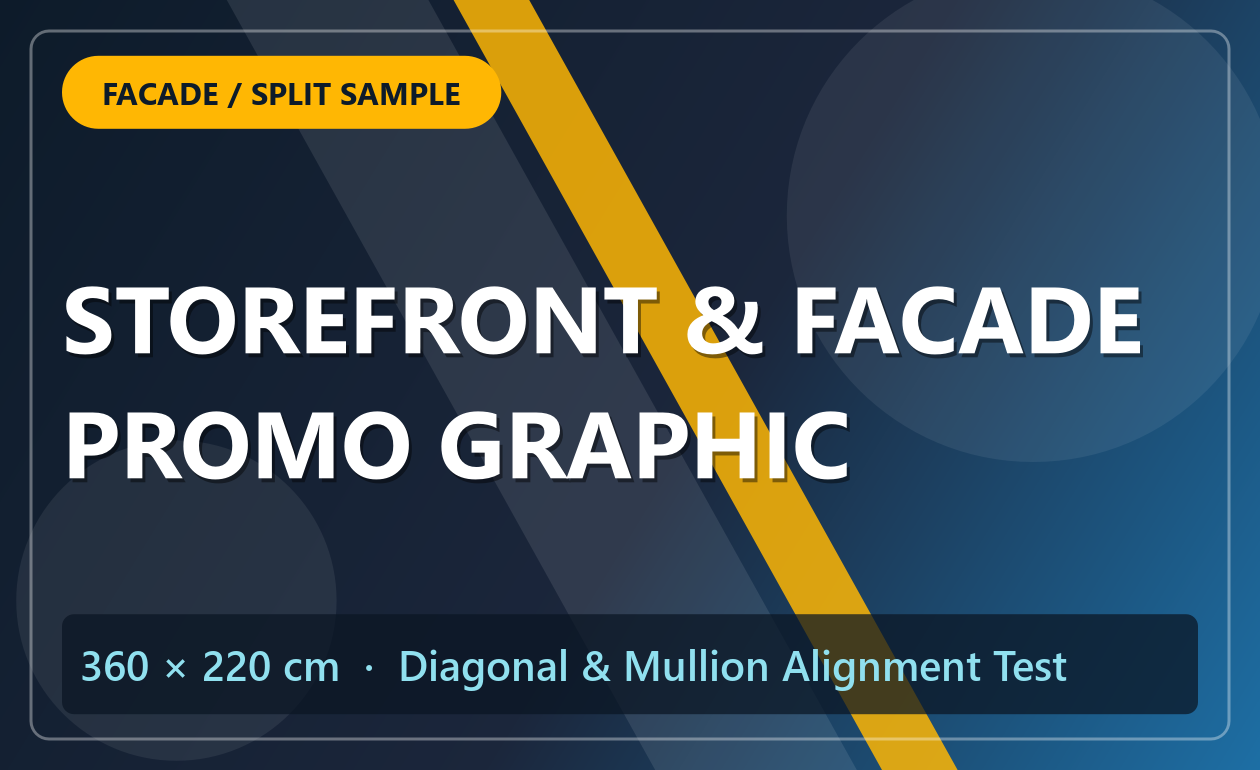
Storefront & Facade Split

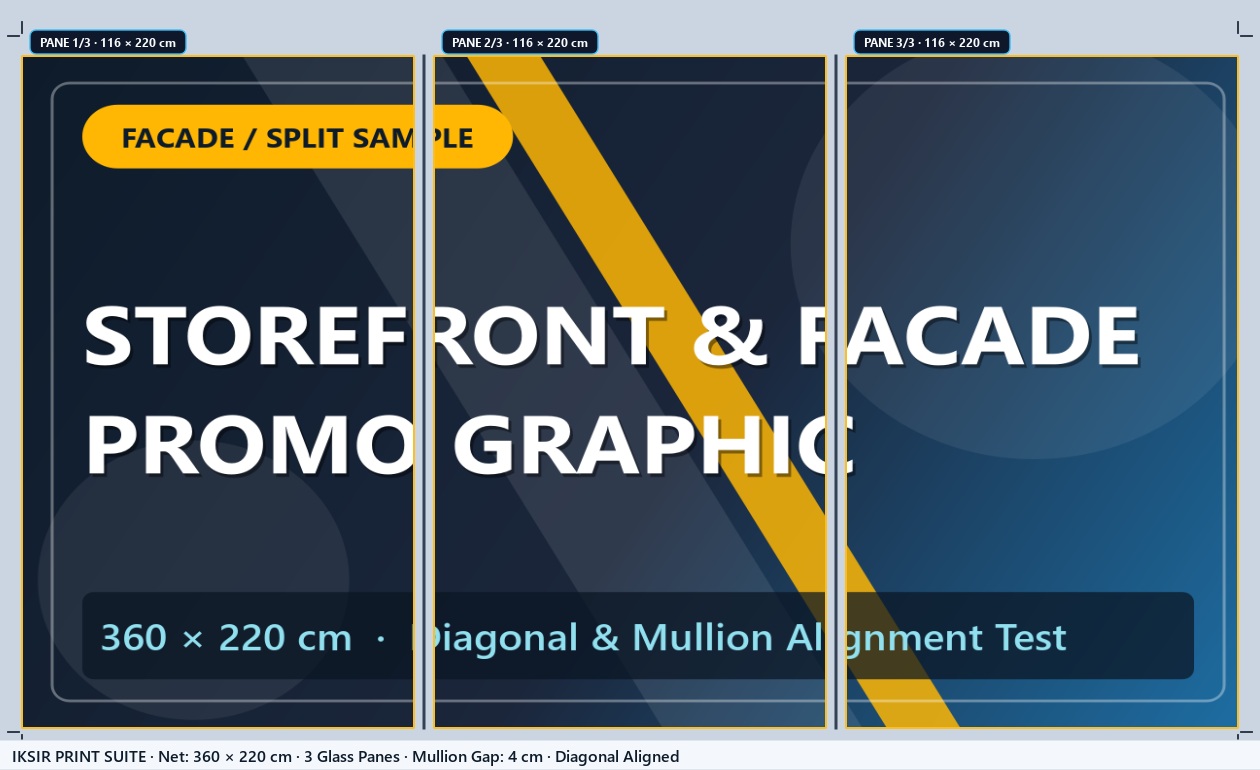
360 × 220 cm shopfront graphic split across 3 glass panes with 4 cm aluminum mullion gap compensation.

  • 360 × 220 cm Facade
  • 4 cm Mullion Deduction
  • Perspective-Safe Alignment
Storefront & Facade Split — Raw Sample
Raw Sample
Storefront & Facade Split — IKSIR Output
IKSIR Output
Try with Sample Artwork460 × 80 cm

Street Banner

460 × 80 cm banner prepared with 7 cm mirrored left/right pole pockets and corner grommets.

  • 460 × 80 cm Net
  • ±7 cm Mirrored Pocket
  • Total 474 × 80 cm Print
Street Banner — Raw Sample
Raw Sample
Street Banner — IKSIR Output
IKSIR Output
Try with Sample Artwork75 × 290 cm

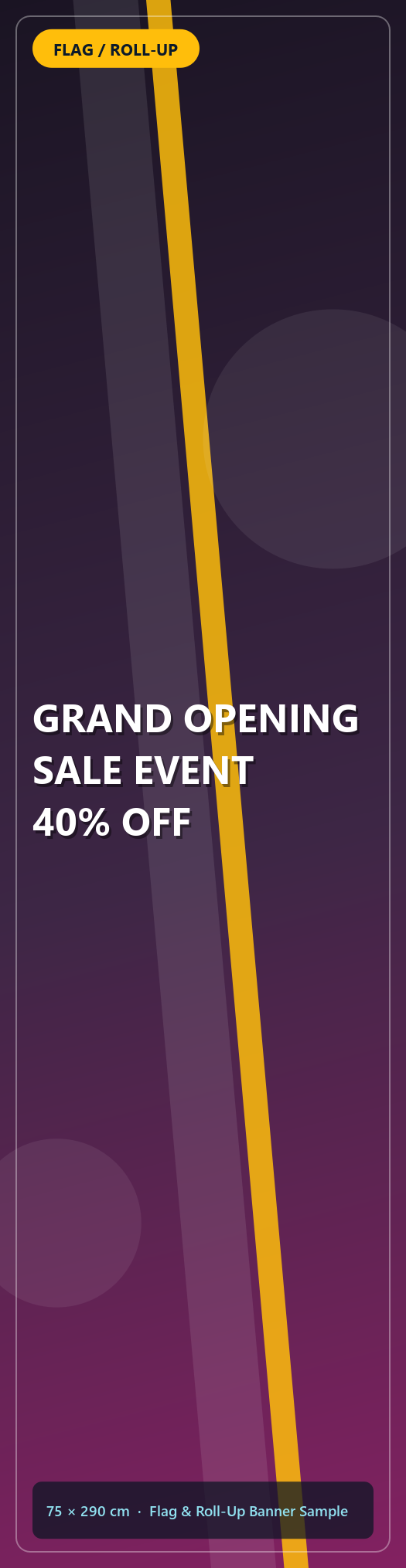
Sail Flag & Roll-Up

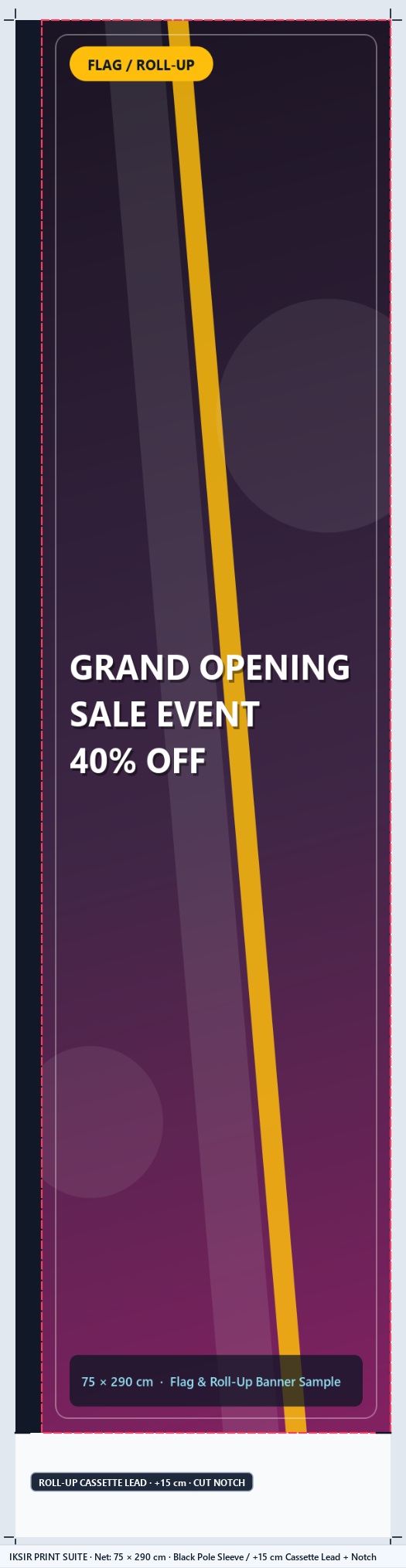
75 × 290 cm vertical layout with pole pocket allowance and +15 cm roll-up cassette lead + trim ticks.

  • 75 × 290 cm Net
  • Pole Pocket / +15 cm Lead
  • Cassette Trim Ticks
Sail Flag & Roll-Up — Raw Sample
Raw Sample
Sail Flag & Roll-Up — IKSIR Output
IKSIR Output
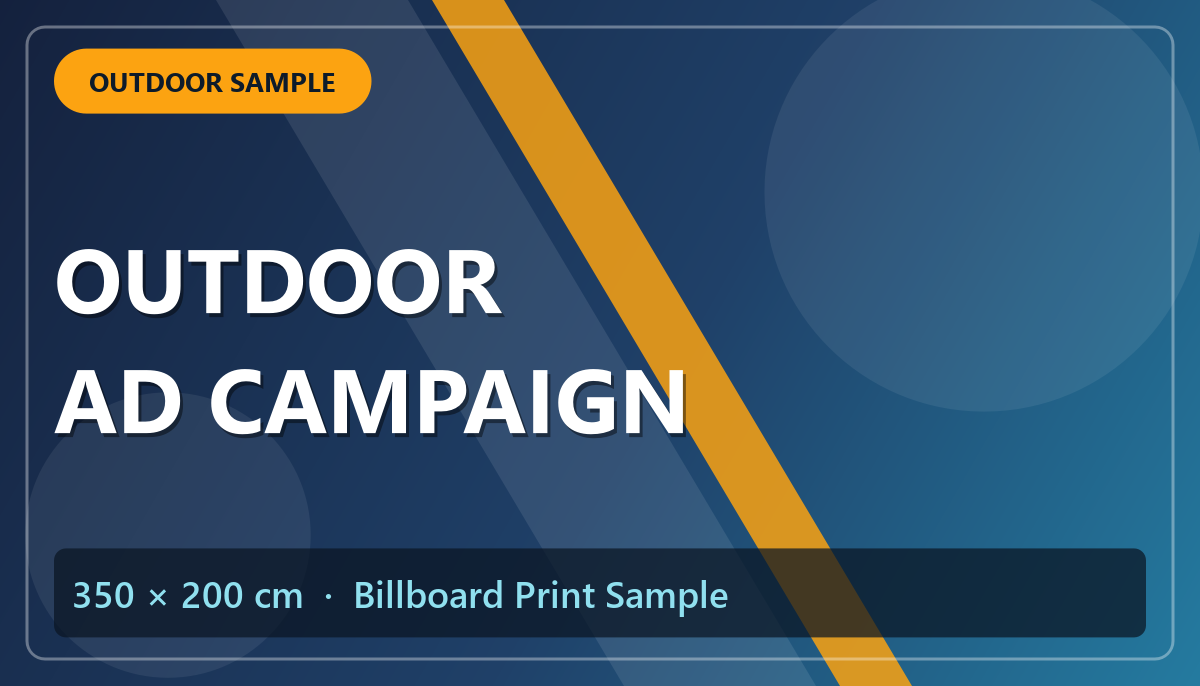
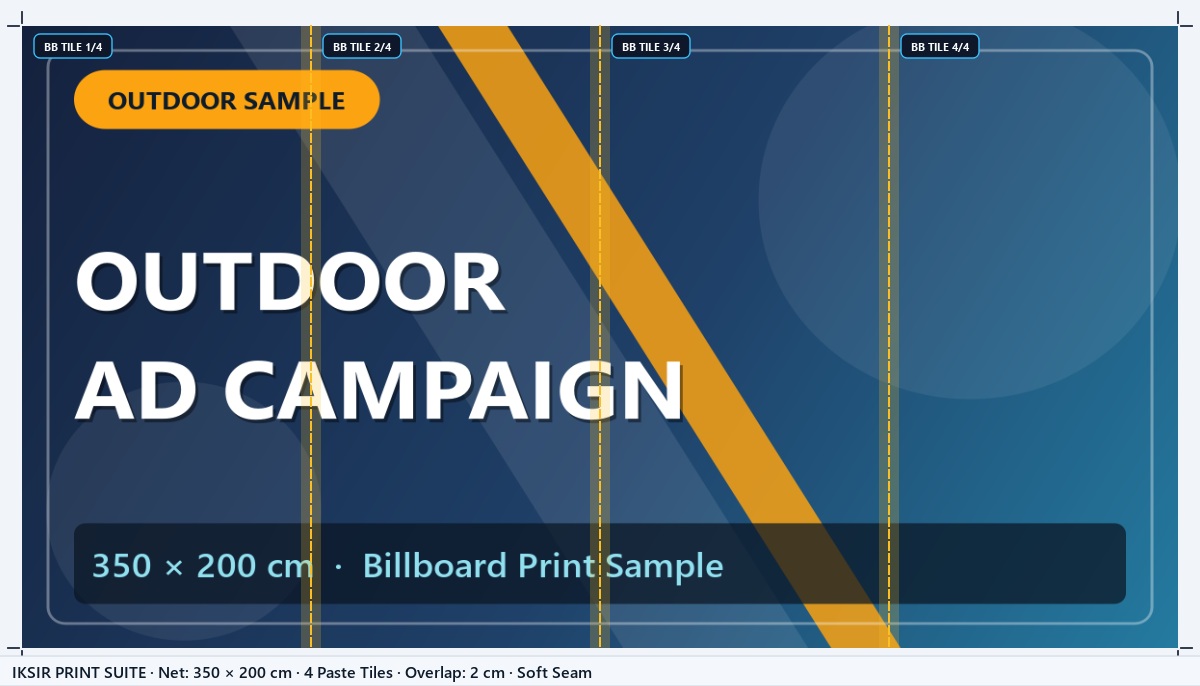
Try with Sample Artwork350 × 200 cm

Billboard Pasting Tiles

350 × 200 cm billboard artwork split into 4 pasting sheets with 2 cm overlap allowance.

  • 350 × 200 cm Net
  • 4 Tiles + 2 cm Overlap
  • Tile 1/4..4/4 Edge Labels
Billboard Pasting Tiles — Raw Sample
Raw Sample
Billboard Pasting Tiles — IKSIR Output
IKSIR Output
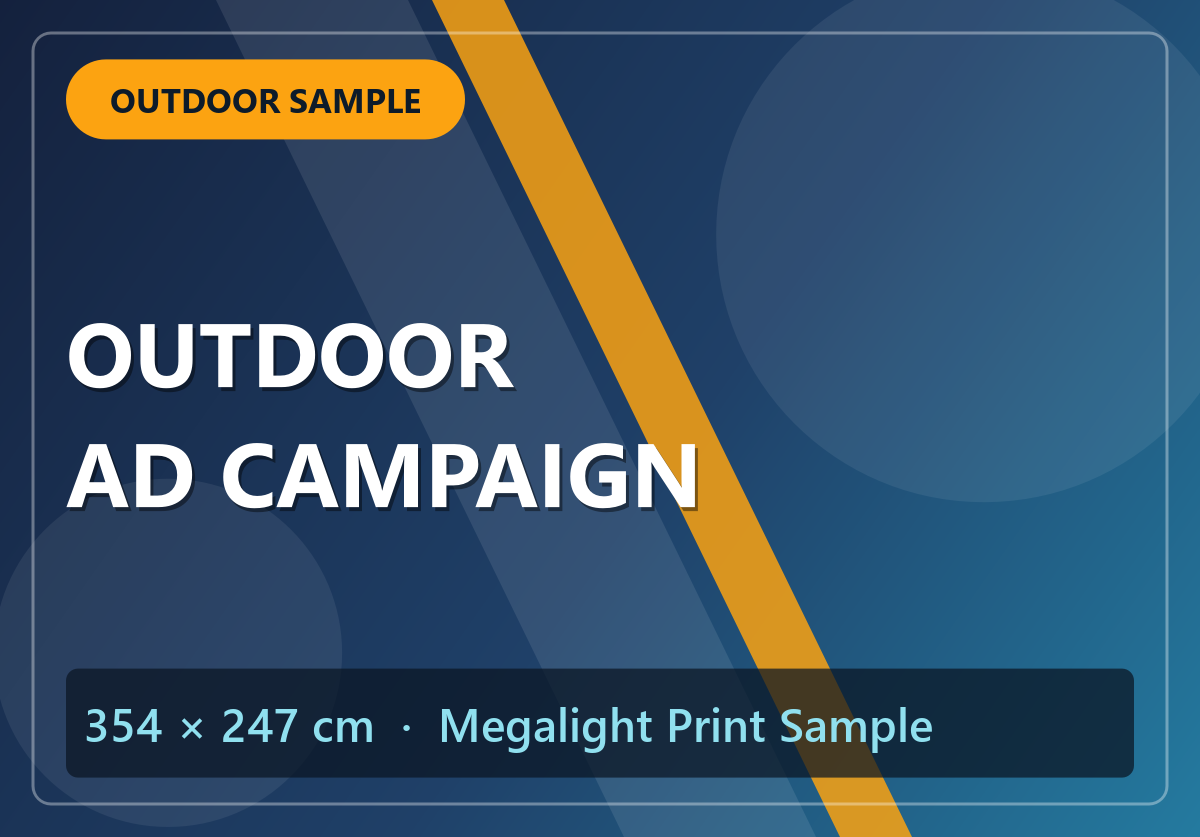
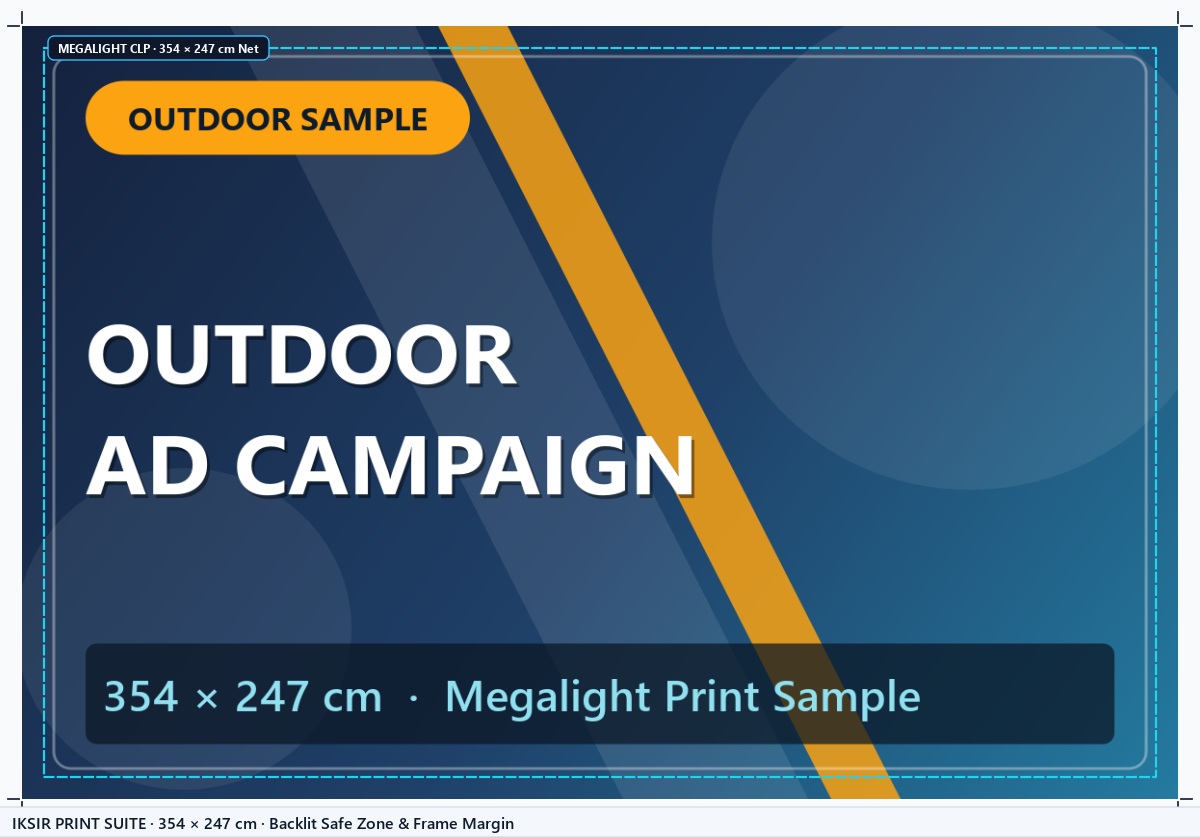
Try with Sample Artwork354 × 247 cm

Megalight / CLP Display

354 × 247 cm backlit poster framed with safe-zone guides and fixture margin allowances.

  • 354 × 247 cm Net
  • CLP Safe-Zone Guides
  • Backlit Frame Margin
Megalight / CLP Display — Raw Sample
Raw Sample
Megalight / CLP Display — IKSIR Output
IKSIR Output
Open workflow guide: Billboard Tiling & Storefront Facade Split

05 · FRAMES, CANVAS WRAP & SEG TEXTILE LIGHTBOX

Frames, Gallery-Wrapped Canvas & SEG Silicone-Edge Textile Lightbox

Eliminate manual stretch-bar, back-staple and silicone-keder allowance math with mirrored edges, corner relief cutouts, bidirectional stretch compensation and A4 finishing sheets.

Canvas Wrap & Framed Prints

  • Combine net face dimensions with wooden stretcher depth presets (2, 3, 4 cm) and back staple margins, monitoring net vs gross m² live.
  • Style sides with Mirror Wrap, Pixel Stretch, Soft Blur Stretch, Auto Edge Color or Solid Color while leaving staple margins ink-free.
  • Add square or 45° miter corner relief cutouts, corner fold ticks, outer trim frames and export an A4 Canvas Production Sheet PDF.

SEG Textile Lightbox

  • Configure 12, 14 or 15 mm silicone keder sewing allowances with dashed stitch guides, corner keder relief cutouts and a TOP orientation marker.
  • Compensate fabric stretch independently along horizontal (X%) and vertical (Y%) axes for drum-tight tension in aluminum extrusion channels.
  • Batch front and back graphics for freestanding lightboxes along with an A4 SEG Sewing Specification PDF.
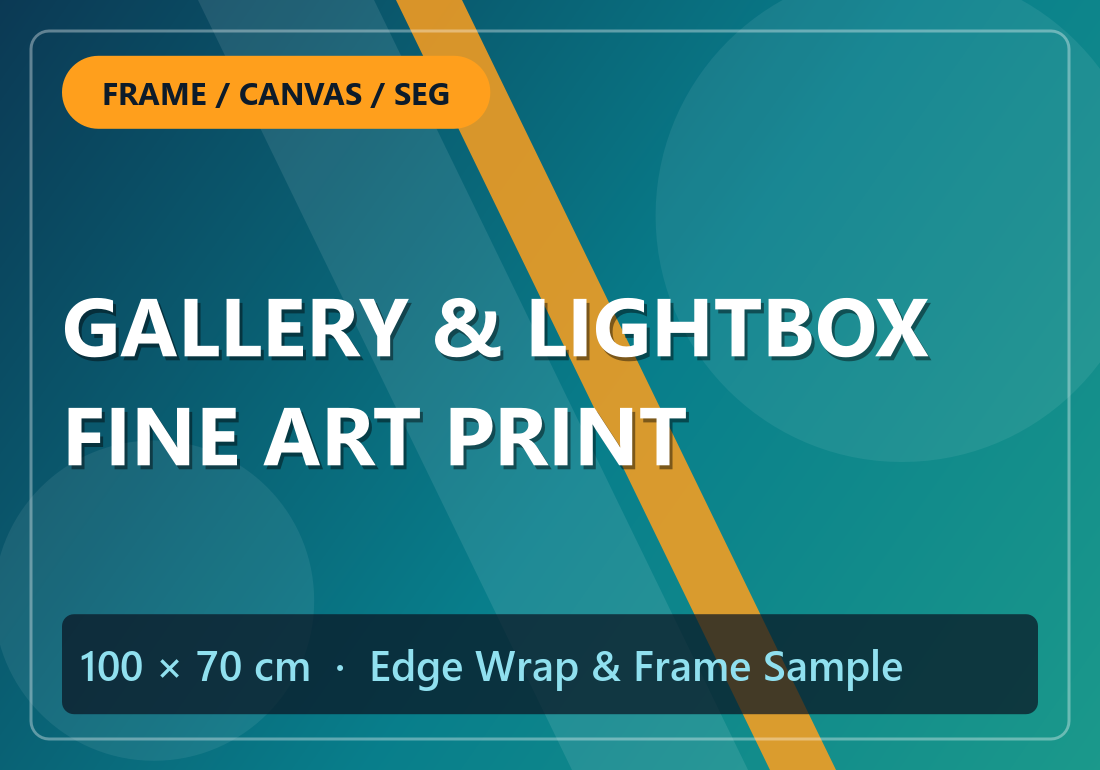
Try with Sample Artwork100 × 70 cm

Canvas Wrap / Lightbox / SEG

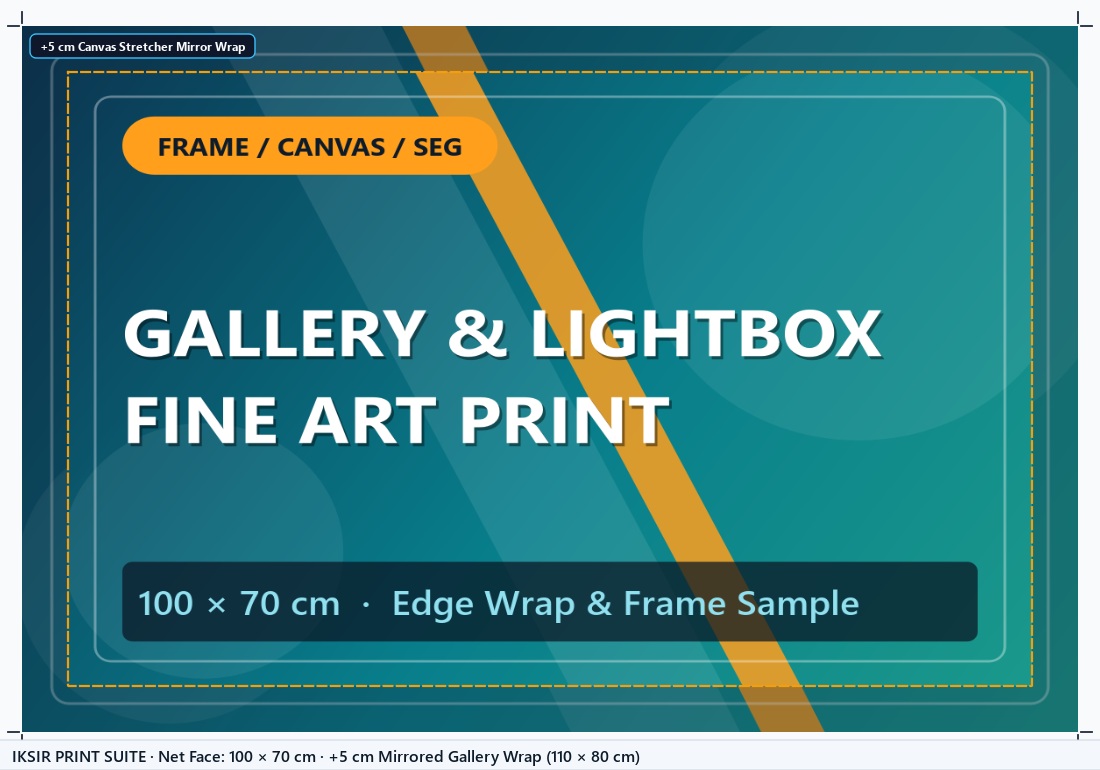
100 × 70 cm fine-art print extended with a +5 cm mirrored gallery wrap border for wooden stretchers.

  • 100 × 70 cm Face
  • +5 cm Mirrored Wrap
  • Fold & Trim Lines
Canvas Wrap / Lightbox / SEG — Raw Sample
Raw Sample
Canvas Wrap / Lightbox / SEG — IKSIR Output
IKSIR Output
Open workflow guide: Canvas Gallery Wrap, Frames & SEG Lightbox

06 · ROLL LAYOUT, SERIAL PRODUCTION, STICKERS & CNC

Smart Roll Layout, Excel Serial Production, Plotter Stickers & CNC / Laser

Pack mixed jobs onto media rolls with minimal offcuts, drive branch-by-branch variable data directly from Excel spreadsheets, and trace contours or vector DXF shapes ready for cutting.

Roll Layout, Fotoba Marks, Slug Lines & Job Sheet PDF

  • Switch between automatic 90° nesting and snap-guided Manual Layout, using Fill Row to populate full roll widths automatically.
  • Enable full-span Fotoba cut lines, corner crop marks, operator Slug Line header bands, smart filenames and multi-sheet length splitting.
  • Export an A4 Roll Layout Job Sheet PDF detailing sheet counts, linear meters and placed part lists.

Serial Production, Plotter Stickers & CNC / Laser

  • Serial Production: Import .xlsx/CSV branch sheets or configure sequential counters with per-row sizes, mm variable text boxes and crisp dynamic QR overlays; send the entire series straight to Layout.
  • Sticker Preparation: Trace alpha/background contours, merge nearby text parts, nest by silhouette, add Roland/Summa/Graphtec/Mimaki optical marks, PerfCut pop-out bridges and Speed-Weed lines.
  • CNC / Laser: Split SVG/DXF lettering and paths into nestable parts and export true-millimeter DXF cutting files.
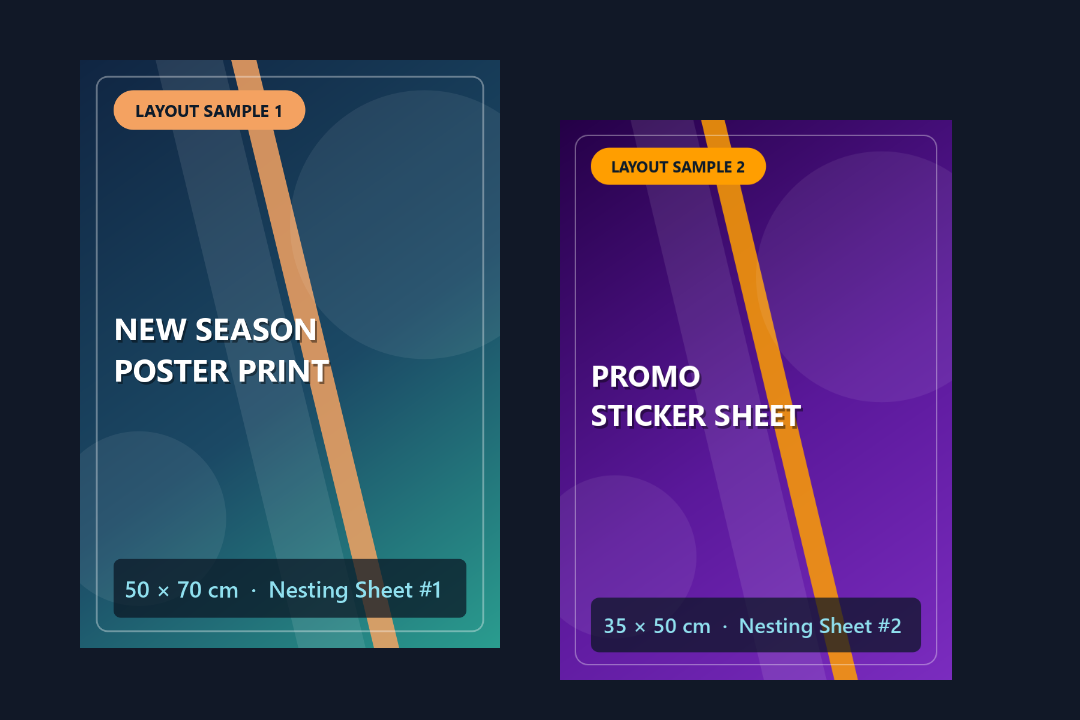
Try with Sample Artwork50×70 + 35×50 cm

Roll Layout (Nesting)

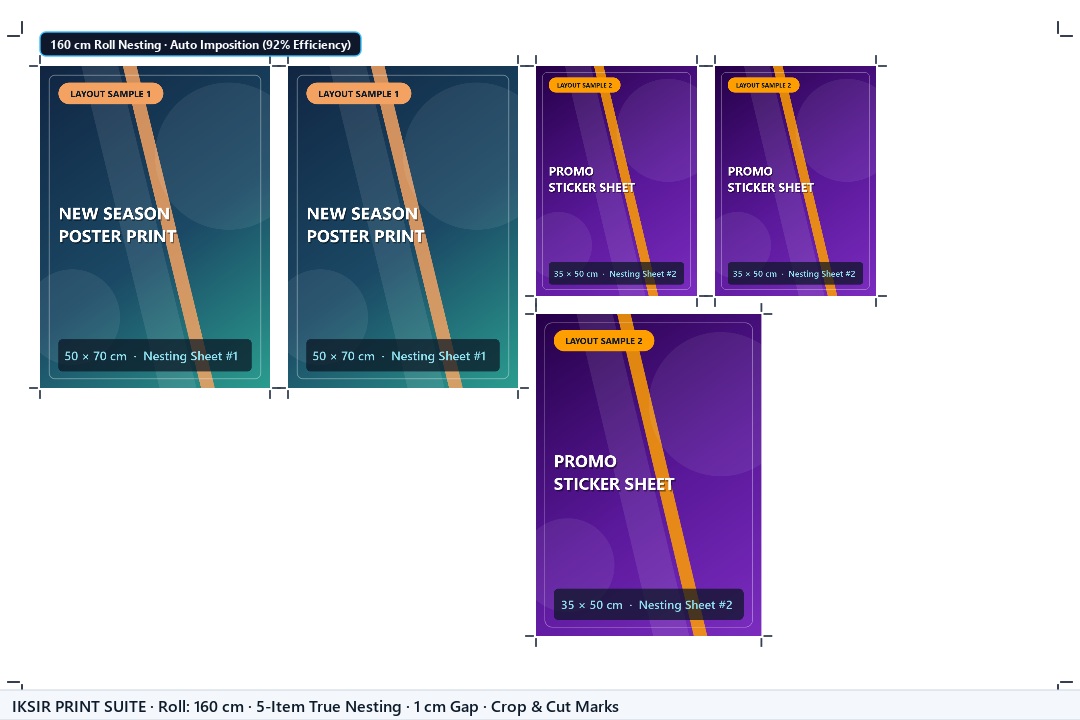
50 × 70 cm posters and 35 × 50 cm labels automatically nested on a 160 cm roll for minimum waste.

  • 50×70 + 35×50 cm
  • 160 cm Roll Nesting
  • 92% Sheet Utilization
Roll Layout (Nesting) — Raw Sample
Raw Sample
Roll Layout (Nesting) — IKSIR Output
IKSIR Output
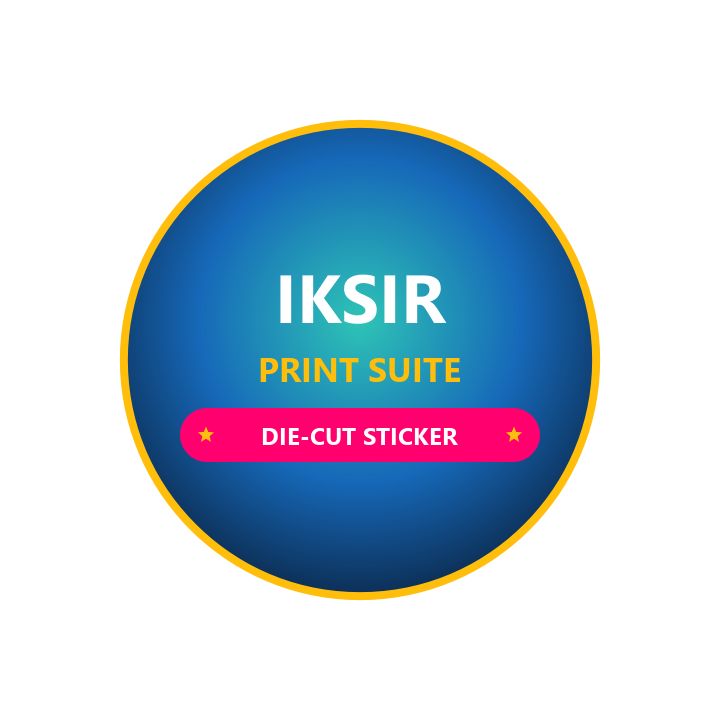
Try with Sample Artwork8 × 8 cm

Die-Cut Sticker (CutContour)

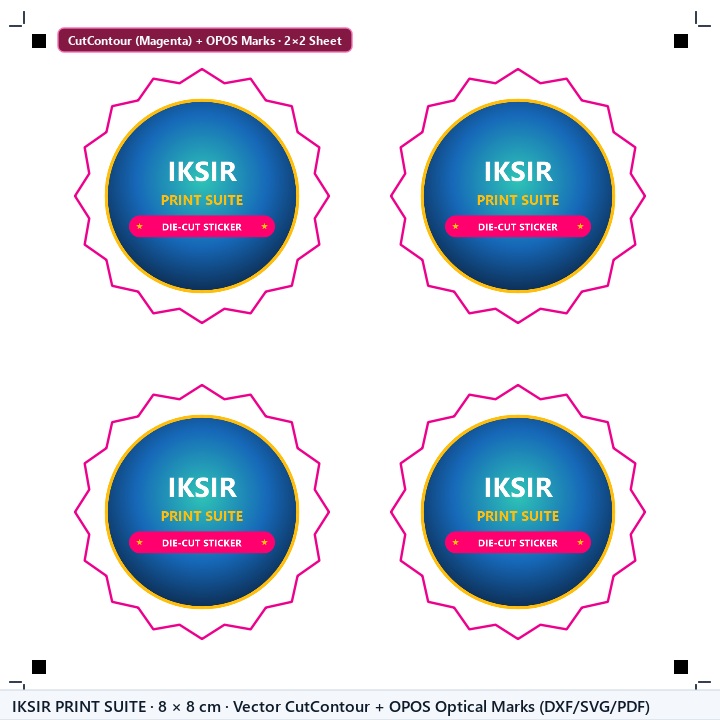
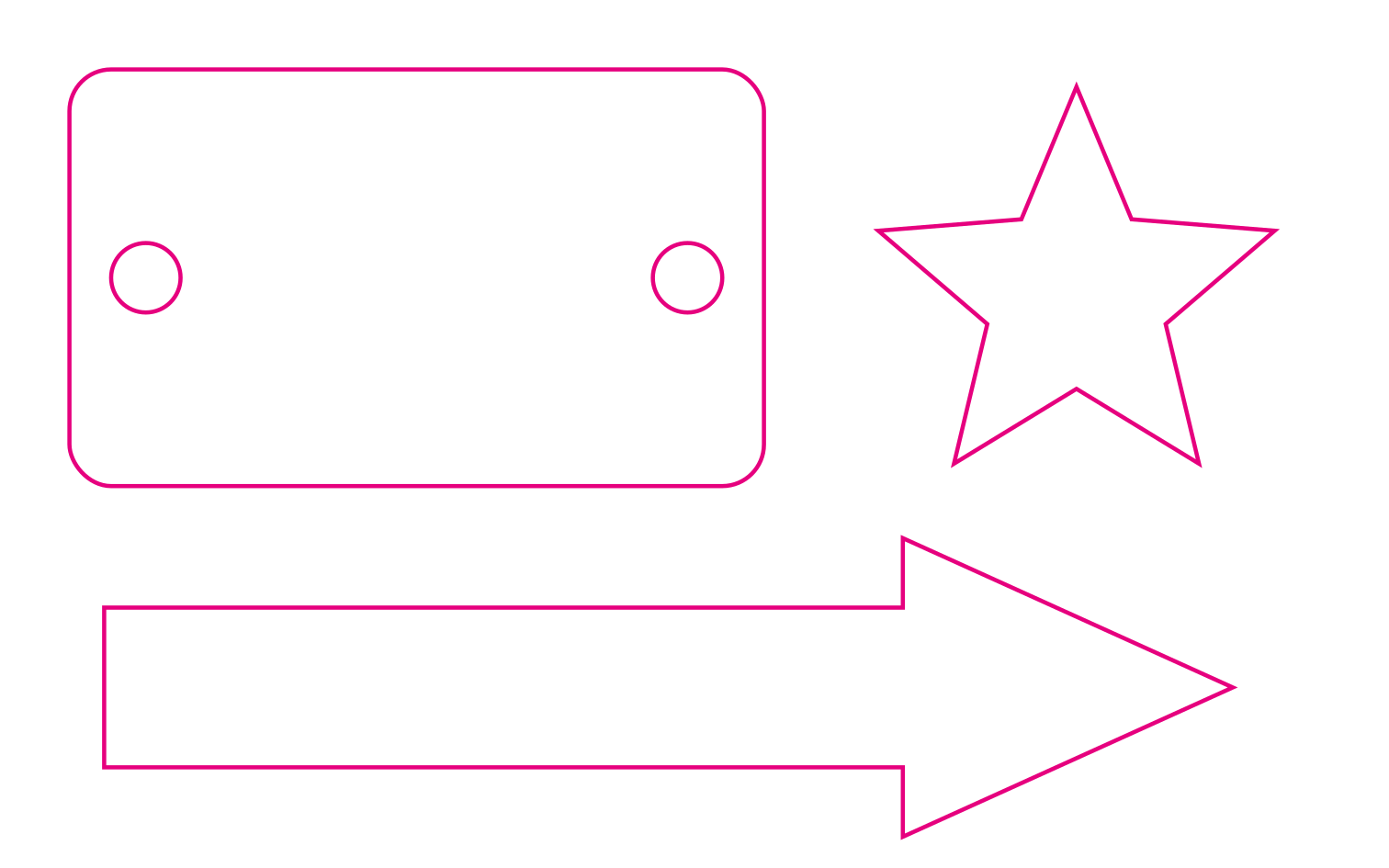
8 × 8 cm transparent PNG fitted with a magenta CutContour path, 2×2 sheet layout, and OPOS marks.

  • 8 × 8 cm Die-Cut
  • Vector CutContour Path
  • OPOS Optical Marks
Die-Cut Sticker (CutContour) — Raw Sample
Raw Sample
Die-Cut Sticker (CutContour) — IKSIR Output
IKSIR Output
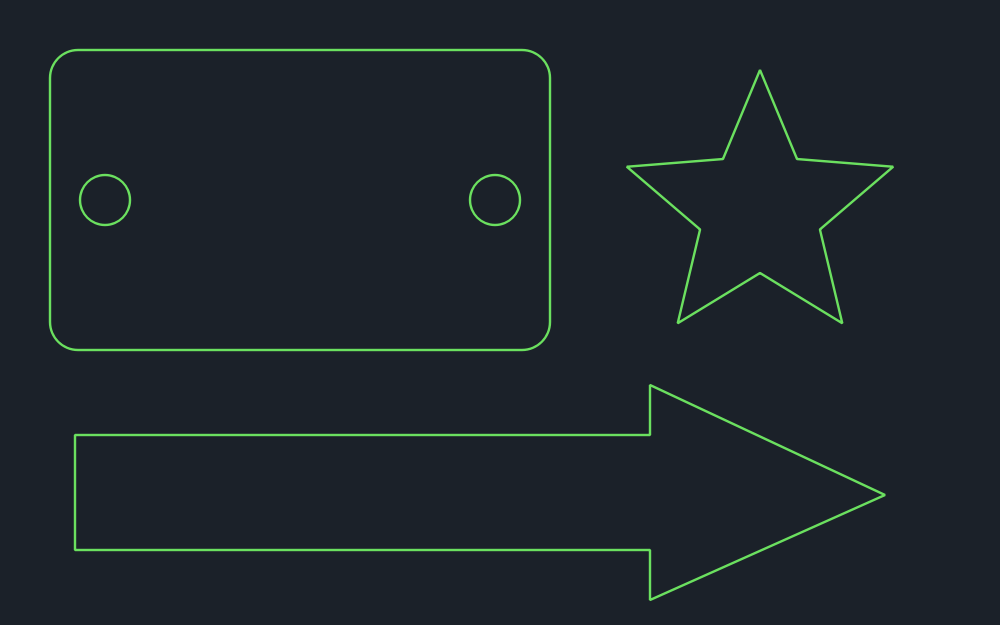
Try with Sample Artwork40 × 25 cm

CAD – DXF Plotter Nesting

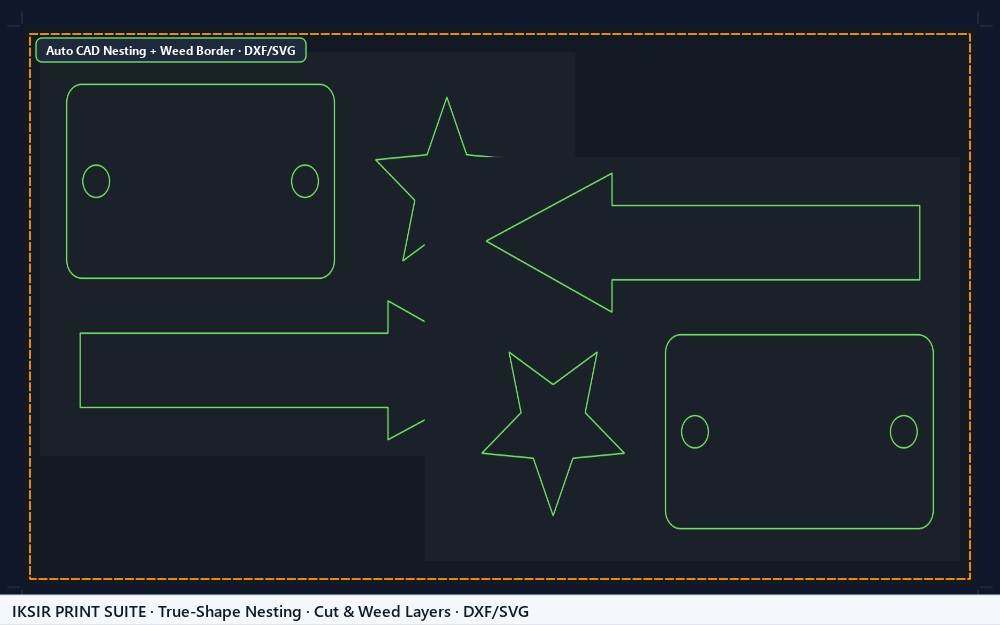
40 × 25 cm vector SVG contours true-shape nested with outer speed-weed cut lines ready for CNC/plotter.

  • 40 × 25 cm Vector SVG
  • True-Shape Nesting
  • Weed Cut Lines
CAD – DXF Plotter Nesting — Raw Sample
Raw Sample
CAD – DXF Plotter Nesting — IKSIR Output
IKSIR Output
Open workflow guide: Wide-Format Roll Layout & Excel Serial PrintOpen workflow guide: Die-Cut Sticker CutContour & CNC/Laser

07 · COLOR, UV SPOT, AI UPSCALE & AUTOMATION

Color Management, UV Spot Channels, Local/Cloud AI & Shop Automation

Dependable pre-RIP automation combining ICC color pipelines, automatic TrimBox cleanup, UV white & varnish channels, GPU or Cloud 4× upscaling, cost preflighting and 1-click Sample Artwork testing.

ICC Color Pipeline, Auto TrimBox & Local / Cloud AI

  • Convert between RGB and CMYK ICC profiles with rendering intent, Black Point Compensation (BPC) and TIFF, JPEG, EPS or PDF export.
  • Strip Illustrator crop marks and color bars automatically via PDF TrimBox detection, backed by smart ×10 scaling for large-format PDFs.
  • Upscale low-res client files 4× using local Vulkan Real-ESRGAN or GPU-free Cloud AI and compare Before/After at 100% zoom.

UV Spot Channels, Preflight Costing & 1-Click Sample Artwork

  • Auto-populate spot names for FlexiPRINT (Spot_White), Caldera (White), ONYX (Spot1) and ErgoSoft (Spot_White1), with choke, image-adaptive density, overprint and mirror reverse-print.
  • Review low-DPI warnings, total square meters (m²) and estimated material costs in the pre-export Preflight summary.
  • Brand every PDF job sheet with your company logo in Settings, re-run past batches from Job History, and test any empty mode instantly with 1-click Sample Artwork.
  • Macro-Free Ready Templates & Hot Folder: Execute Photoshop Action/macro-style steps—fold allowances, mirror wraps, panel splits, eyelets and labels—instantly, easily and error-free inside ready-made templates without recording separate macros.
Try with Sample Artwork60 × 40 cm

4× AI Image Enhancement

Low-resolution 60 × 40 cm artwork upscaled 4× with sharp typography and clean gradients ready for wide-format print.

  • 60 × 40 cm Print
  • 4× AI Upscaling
  • Pixelation Removed
4× AI Image Enhancement — Raw Sample
Raw Sample
4× AI Image Enhancement — IKSIR Output
IKSIR Output
Read the step-by-step UV White Ink & Varnish GuideOpen workflow guide: Photoshop Macro-Free Print Prep & Pre-RIP

Module Input, Production Output & Job Sheet Matrix

Supported source files, production exports and workshop PDF documentation across all workspaces.

Module / WorkspaceInput SourcesProduction OutputsPDF Sheets & Reports
Vehicle WrapPDF, AI, TIFF, JPG, PNG + Vehicle PhotoPanel Prints + Split One-Way Vision Window FilesCustomer Approval PDF, Before/After PNG, A4/A3 Install Map & Quote
Electric Pole BannersPDF (Multi-page), AI, TIFF, JPG, PNGSynchronized Front & Back Panel PrintsSeam Alignment Dialog + Coded Dual-Face Exports
Smart Design & Blank CanvasPrompts (20 Languages), Templates, Logos, .iksirPrint-Ready Files + 3 Vector SVG LogosFOGRA39 CMYK Proof, Day/Night Facade Mockup PDF
Storefront & Panel SplittingPDF, AI, TIFF, JPG, PNGNumbered Overlapping Wall/Glass PanelsA4 Storefront Assembly Diagram PDF
Frame / Canvas Wrap / SEGPDF, AI, TIFF, JPG, PNGMirrored Canvas or Single/Double-Sided SEG TextileA4 Canvas Wrap / Frame / SEG Sewing Sheet PDF
Billboard / Megalight / Flag / Roll-UpPDF, AI, TIFF, JPG, PNGTiled Sheets, Fotoba Crops & Cassette TemplatesFlag & Roll-Up Production Proof PDF
Roll Layout & Serial ProductionMixed Artwork + Excel (.xlsx) / CSV MatricesMulti-Sheet Nested Rolls (Fotoba + Slug Line)A4 Roll Layout Job Sheet PDF + Serial Summary CSV
Sticker Preparation & CNC / LaserPNG, TIFF, JPG, PDF, AI, SVG, DXFPrint.pdf, Cut.pdf/svg/plt/dxf, Combined PDFLive Cut Length (m), Efficiency % & Time Estimate

Try every workflow for 21 days with your own files.

All processing runs locally on your PC—executing Photoshop macro-style workflows instantly and error-free inside ready-made templates without recording macros.