İIKSIRPRINT PRODUCTION SUITE

06 · MACRO-FREE READY TEMPLATES

Prepare Print Jobs Faster Than Photoshop Actions — No Macros Needed

Replace brittle, single-size Photoshop Actions and repetitive manual layer math with ready-made pre-RIP production templates that calculate bleeds, seams, grommets, Hot Folders and UV channels locally.

Color Management, UV Spot Channels, Local/Cloud AI & Shop Automation

Dependable pre-RIP automation combining ICC color pipelines, automatic TrimBox cleanup, UV white & varnish channels, GPU or Cloud 4× upscaling, cost preflighting and 1-click Sample Artwork testing.

ICC Color Pipeline, Auto TrimBox & Local / Cloud AI

  • Convert between RGB and CMYK ICC profiles with rendering intent, Black Point Compensation (BPC) and TIFF, JPEG, EPS or PDF export.
  • Strip Illustrator crop marks and color bars automatically via PDF TrimBox detection, backed by smart ×10 scaling for large-format PDFs.
  • Upscale low-res client files 4× using local Vulkan Real-ESRGAN or GPU-free Cloud AI and compare Before/After at 100% zoom.
UV Spot Channels, Preflight Costing & 1-Click Sample Artwork

  • Auto-populate spot names for FlexiPRINT (Spot_White), Caldera (White), ONYX (Spot1) and ErgoSoft (Spot_White1), with choke, image-adaptive density, overprint and mirror reverse-print.
  • Review low-DPI warnings, total square meters (m²) and estimated material costs in the pre-export Preflight summary.
  • Brand every PDF job sheet with your company logo in Settings, re-run past batches from Job History, and test any empty mode instantly with 1-click Sample Artwork.
  • Macro-Free Ready Templates & Hot Folder: Execute Photoshop Action/macro-style steps—fold allowances, mirror wraps, panel splits, eyelets and labels—instantly, easily and error-free inside ready-made templates without recording separate macros.
See all 19 modules in Technical GuideLaunch calculator: How Many Meters of Vinyl or Banner Will This Job Use?

BEFORE AND AFTER

The repetitive work before the RIP, in one place.

IKSIR Print Suite does not replace your RIP; it shortens the preparation steps that come before it.

Preparing without it

  • Sizes and allowances are calculated by hand for every job.
  • Large jobs are split into panels in separate programs.
  • Labels, eyelets and cut marks are added one by one.
  • Installation and approval documents are prepared separately.
  • Photoshop Actions and macros must be recorded separately for each size and job type, risking errors whenever dimensions change.

With IKSIR Print Suite

  • Size, DPI and allowances come ready in the tab for the job.
  • Splitting, layout and facade work happen in the same workspace.
  • Labels, eyelets and cut marks are added with a live preview.
  • PDF production and installation sheets come from the same job.
  • Photoshop macro-like steps run instantly, easily and error-free inside ready-made templates—with no macro recording needed.

13 MODES · REAL-SCALE RIP TEST PACKS

Verify Directly in Your RIP Software or IKSIR

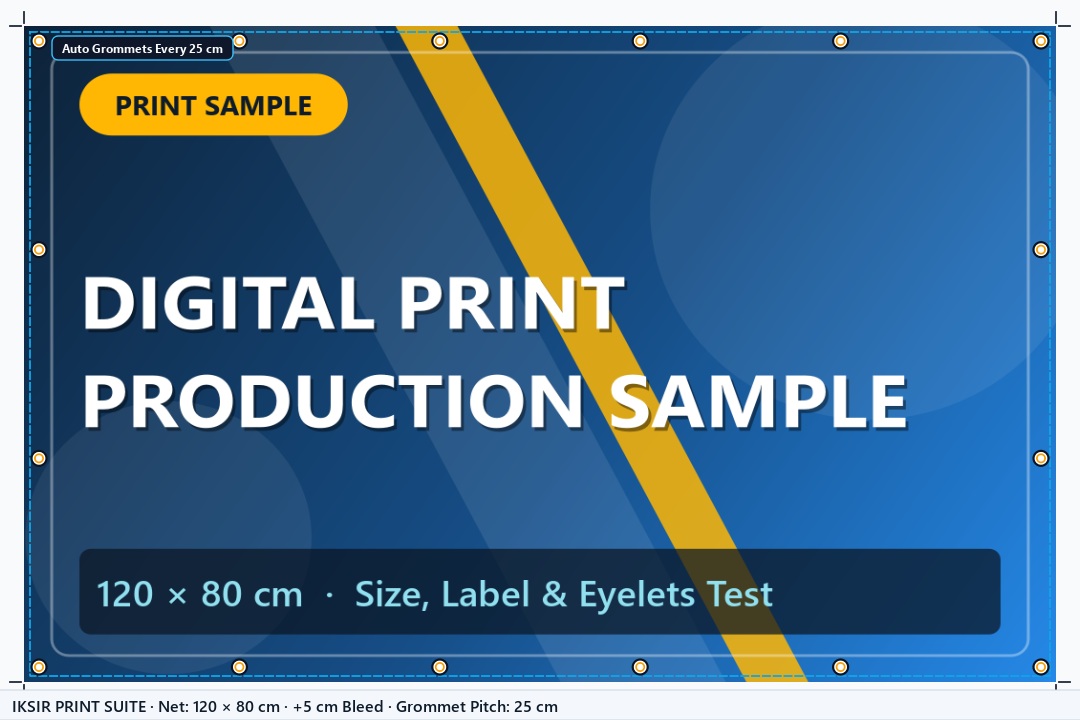
Download both the clean source artwork and IKSIR’s production output (with overlap seams, sleeve folds, grommets, and print labels) to verify physical dimensions in Onyx, Caldera, VersaWorks, PhotoPrint, or Maintop.

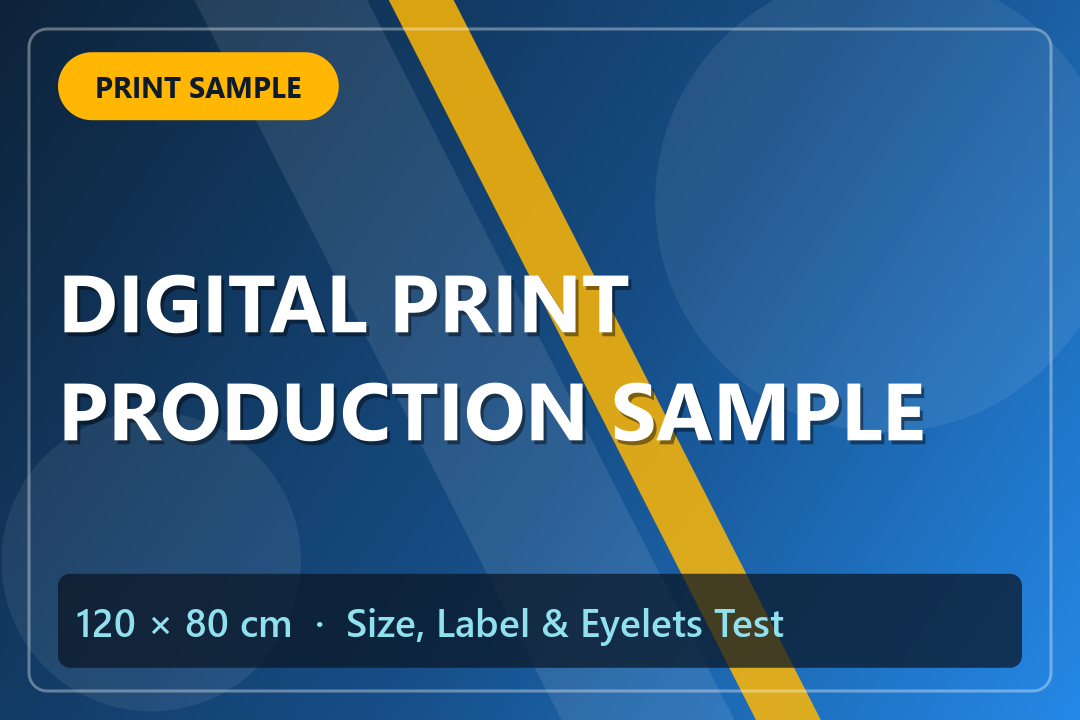
Try with Sample Artwork120 × 80 cm

Standard Print & Eyelets

120 × 80 cm print job with bleed margin, 25 cm eyelet markers around all edges, and a footer label.

  • 120 × 80 cm Net
  • 25 cm Grommet Spacing
  • Size & Job Margin Label
Standard Print & Eyelets — Raw Sample
Raw Sample
Standard Print & Eyelets — IKSIR Output
IKSIR Output
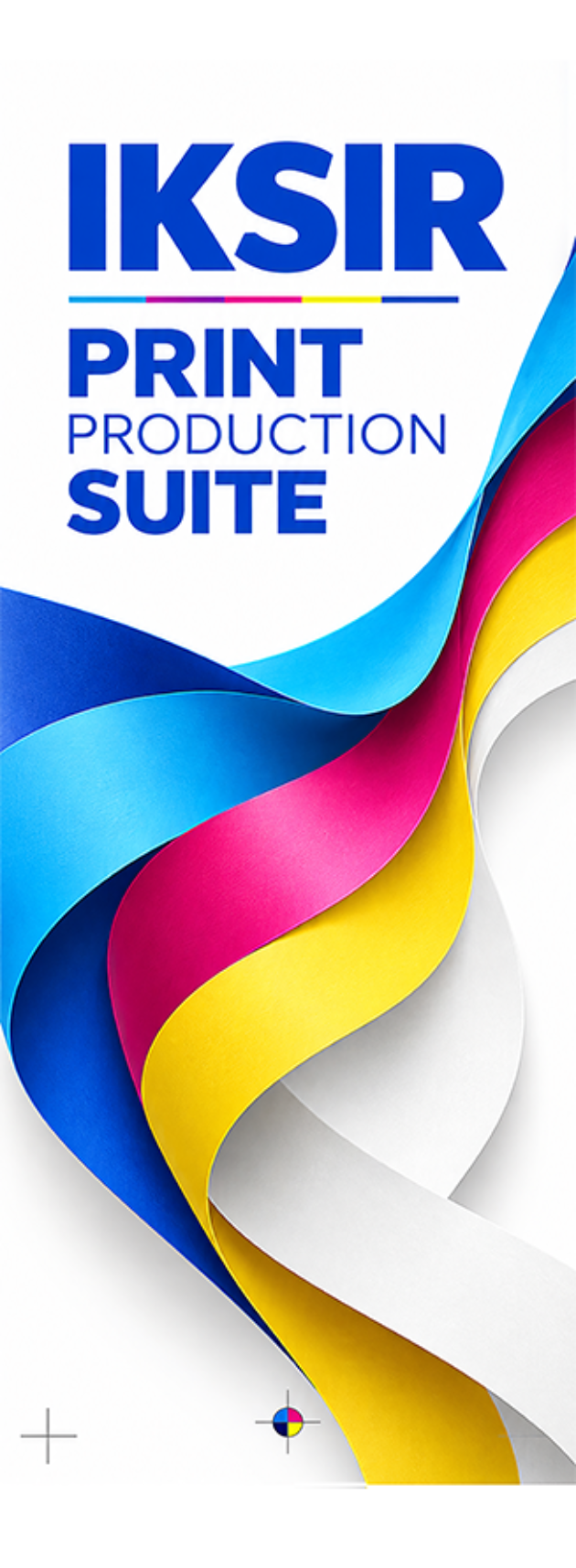
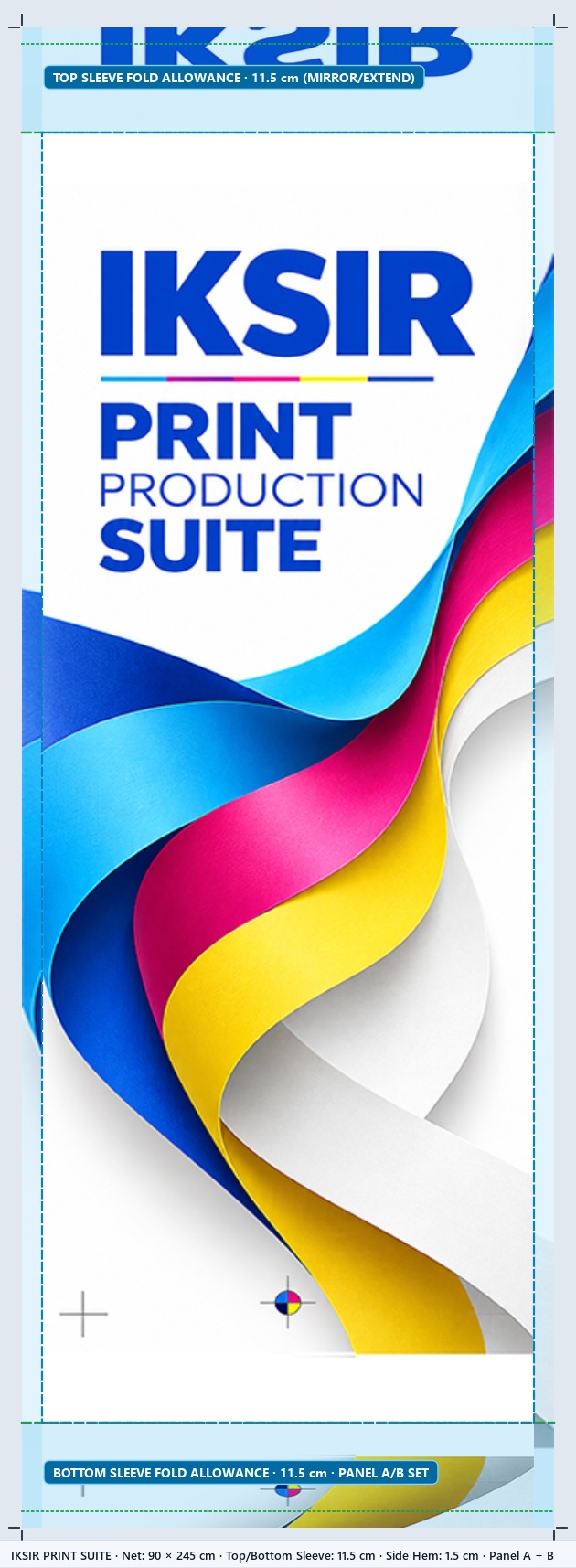
Try with Sample Artwork90 × 245 cm (A+B)

Pole Banners (Side A + B)

90 × 245 cm pole banner pair with 11.5 cm top/bottom sleeve folds and 1.5 cm side hems.

  • 90 × 245 cm (Side A+B)
  • 11.5 cm Sleeve Folds
  • 1.5 cm Side Allowance
Pole Banners (Side A + B) — Raw Sample
Raw Sample
Pole Banners (Side A + B) — IKSIR Output
IKSIR Output
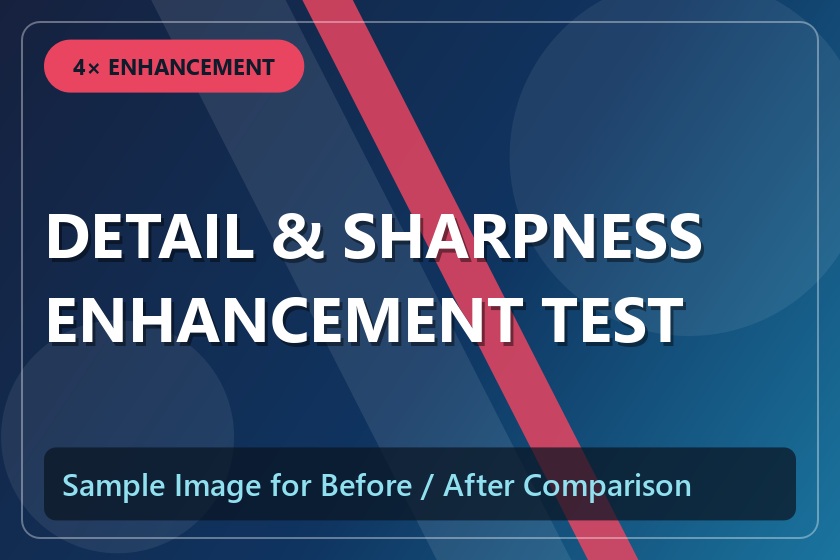
Try with Sample Artwork60 × 40 cm

4× AI Image Enhancement

Low-resolution 60 × 40 cm artwork upscaled 4× with sharp typography and clean gradients ready for wide-format print.

  • 60 × 40 cm Print
  • 4× AI Upscaling
  • Pixelation Removed
4× AI Image Enhancement — Raw Sample
Raw Sample
4× AI Image Enhancement — IKSIR Output
IKSIR Output

LIVE ROLL, PANEL & WASTE CALCULATOR

How Many Meters of Vinyl or Banner Will This Job Use?

Enter job dimensions, quantity, and roll width to calculate automatic panel splits or multi-up nesting, exact roll meters, waste percentage, and grommet count.

Quick Job Presets:
Roll Split / Imposition3 per row · 1 rowsAuto Roll Nesting
Required Roll Length4.74 m320 cm × 4.74 m
Net / Gross Area & WasteNet 7.36 m² / Gross 15.17 m²49% yield · 51.5% waste
Total Grommets4020 / copy
Live Roll Layout Schematic320 cm Roll
#1#2#3

Frequently Asked Questions

Why move pre-RIP preparation out of Photoshop Actions into ready templates?

Photoshop Actions break when canvas proportions, bleed rules, or panel counts change—or stall loading gigabyte multi-page PDFs. In IKSIR, templates adapt dynamically to any millimeter input size immediately.

Do my design files ever get uploaded to cloud servers for pre-press prep?

No. Core paneling, color profile conversions, nesting, contour cutting and UV spot channel generation run 100% locally on your Windows or macOS workstation before going to your RIP.

Related Print Solutions

Try every workflow for 21 days with your own files.

All processing runs locally on your PC—executing Photoshop macro-style workflows instantly and error-free inside ready-made templates without recording macros.