1. Drop Transparent PNGs, SVG Logos, or PDF Stickers
Load single or mixed sticker designs, set exact finished sticker width/height (e.g. 5 × 5 cm, 8 × 4 cm) and order quantities.
PRINT & CUT · AUTO CUTCONTOUR & OPTICAL MARKS
Drawing manual Bezier cut paths around 15 customer PNG logos in Illustrator—and remembering `CutContour` spot-color naming plus 2 mm bleed—turns small sticker orders into unprofitable prep work. Sticker Mode traces smooth offset contours, adds bleed, nests sheets, and places optical camera marks automatically.
WORKSHOP TIME & ERROR COMPARISON
STEP-BY-STEP WORKSPACE GUIDE
Load single or mixed sticker designs, set exact finished sticker width/height (e.g. 5 × 5 cm, 8 × 4 cm) and order quantities.
Generate an offset die-cut contour (e.g. +2 mm white border or -1.5 mm inner bleed) with smoothed corners that prevent blade snagging.
Pack hundreds of stickers with 3–5 mm weeding matrix clearance and segment long vinyl runs into ~80–100 cm optical-mark blocks.
Output spot-color CutContour PDFs for integrated Print&Cut RIPs, or paired Print + Cut files with optical registration marks.
OPERATOR REFERENCE TABLE & TECHNICAL SPECS
Recommended workshop settings for clean kiss-cutting, die-cutting, and fast weeding
| Sticker / Plotter Parameter | Recommended Workshop Value | Why It Matters on the Shop Floor |
|---|---|---|
| Bleed / White Offset Margin | 1.5 – 2.5 mm bleed or white border | Absorbs ±0.3 mm optical drift without exposing raw white slivers |
| Minimum Corner Fillet Radius | ≥ 1.5 – 2.0 mm rounded corners | Prevents swivel drag knives from lifting vinyl points & tearing weeding waste |
| Inter-Sticker Weeding Gap | 3.0 – 5.0 mm matrix spacing | Lets operators strip waste vinyl in one pull without lifting stickers |
| Max Optical Block Length (Roll) | 80 – 120 cm per registration block | Prevents long-roll vinyl feed skew by re-registering camera marks every meter |
UV White Ink and Varnish Guide: A step-by-step guide to adding white ink and varnish layers to UV print files with IKSIR Print Suite: RIP setup, choke, density, reverse printing and output files.
Read the white and varnish guideSAMPLE OUTPUTS & CALCULATORS
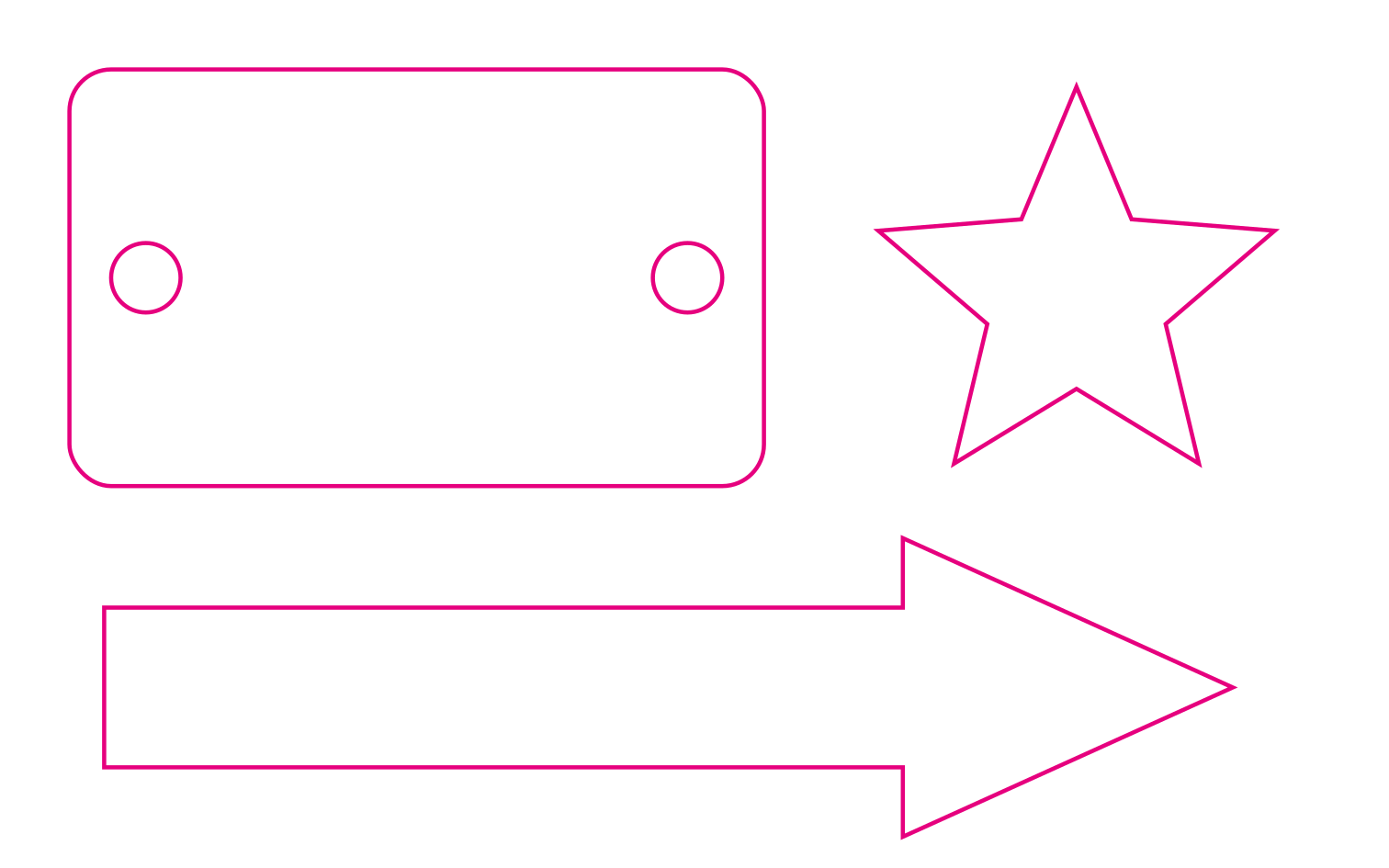
Download both the clean source artwork and IKSIR’s production output (with overlap seams, sleeve folds, grommets, and print labels) to verify physical dimensions in Onyx, Caldera, VersaWorks, PhotoPrint, or Maintop.
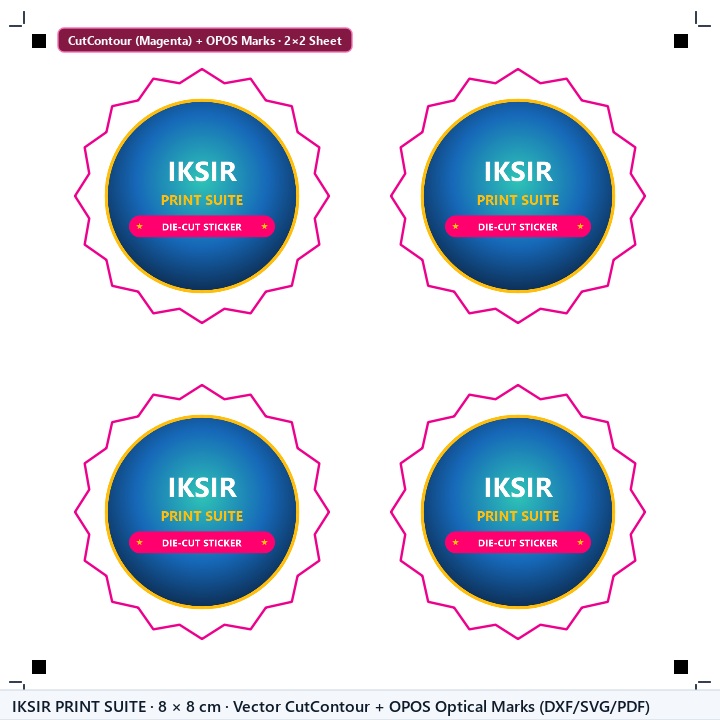
8 × 8 cm transparent PNG fitted with a magenta CutContour path, 2×2 sheet layout, and OPOS marks.
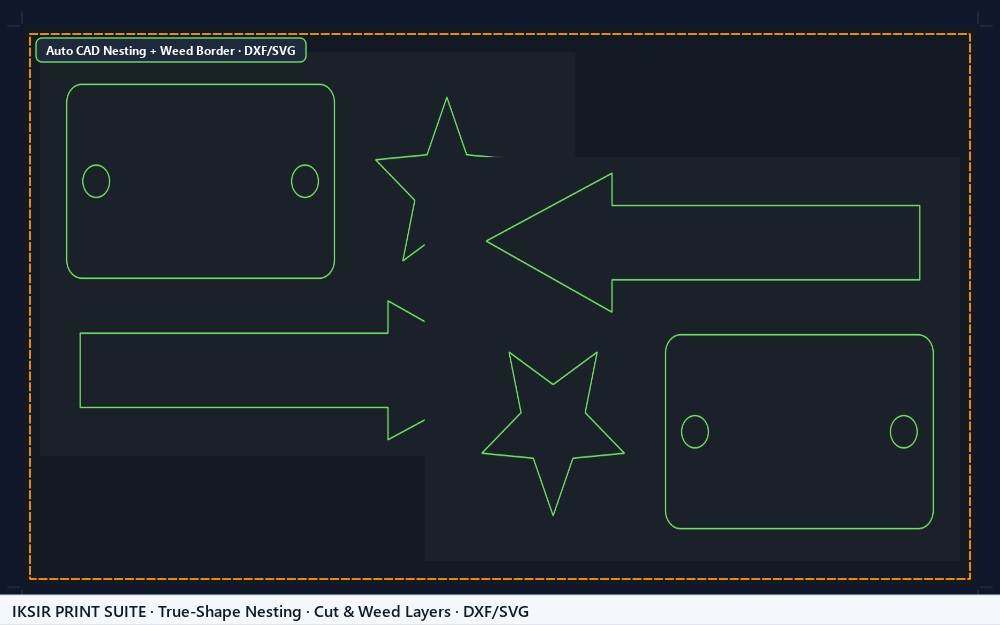
40 × 25 cm vector SVG contours true-shape nested with outer speed-weed cut lines ready for CNC/plotter.

MODE-SPECIFIC FREQUENTLY ASKED QUESTIONS
Yes. IKSIR traces the alpha silhouette automatically, smooths jagged pixel steps into clean curves, and applies your chosen offset and corner radius.
Yes. Export embedded CutContour spot-color PDFs for integrated Print&Cut RIPs, or paired Print + Registration Cut files (PDF/DXF/SVG) for standalone optical cutters.
Yes. Configure weeding gaps, sheet block margins, or per-sheet grouping to match kiss-cut sticker sheets or individual handouts.
COMPLEMENTARY WORKSPACES
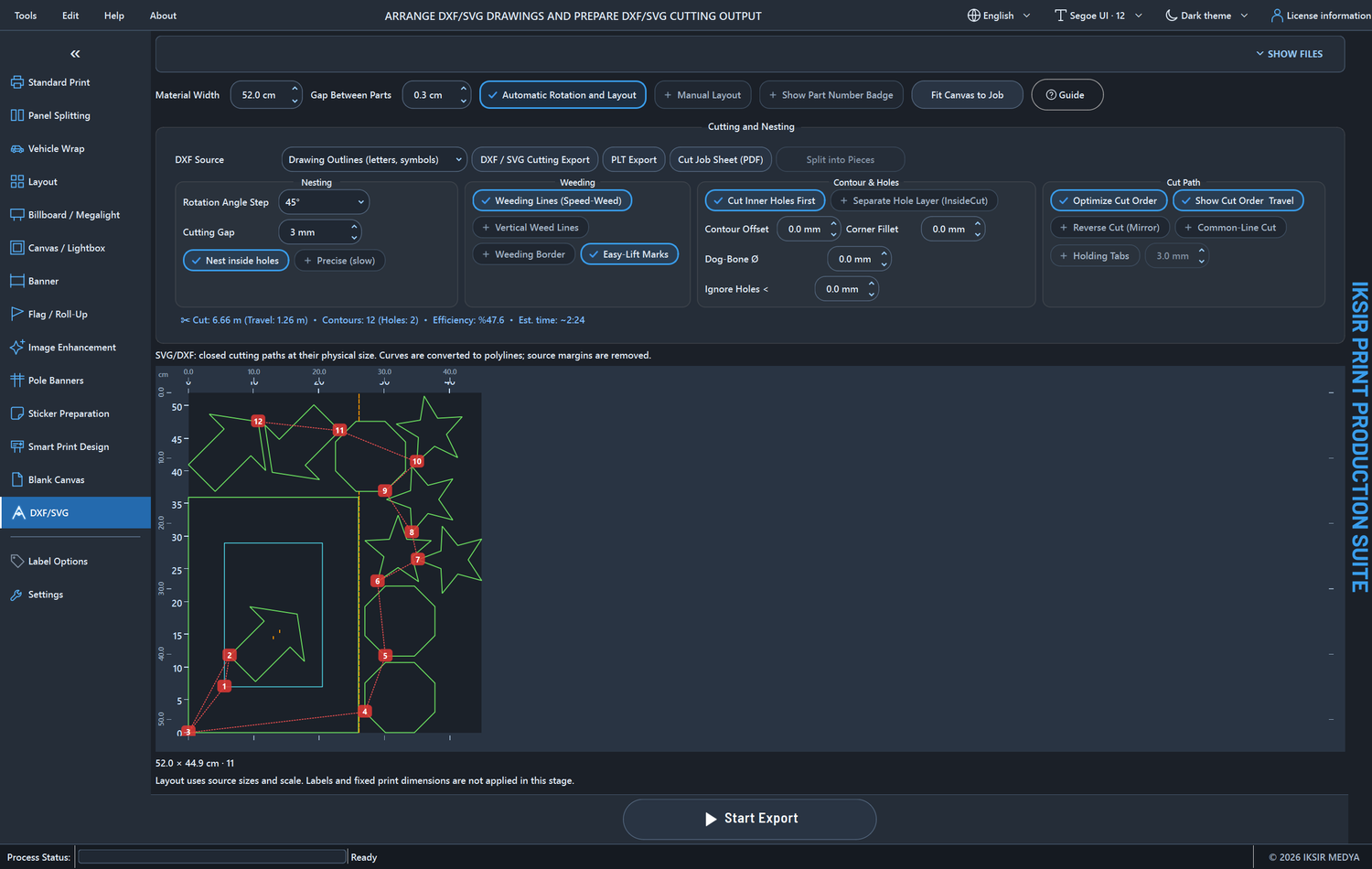
Clean up open contours, compensate tool kerf, nest vector shapes onto acrylic/composite sheets, and export clean R12/2000 DXF or SVG cut files.
Detailed Mode Guide & Specs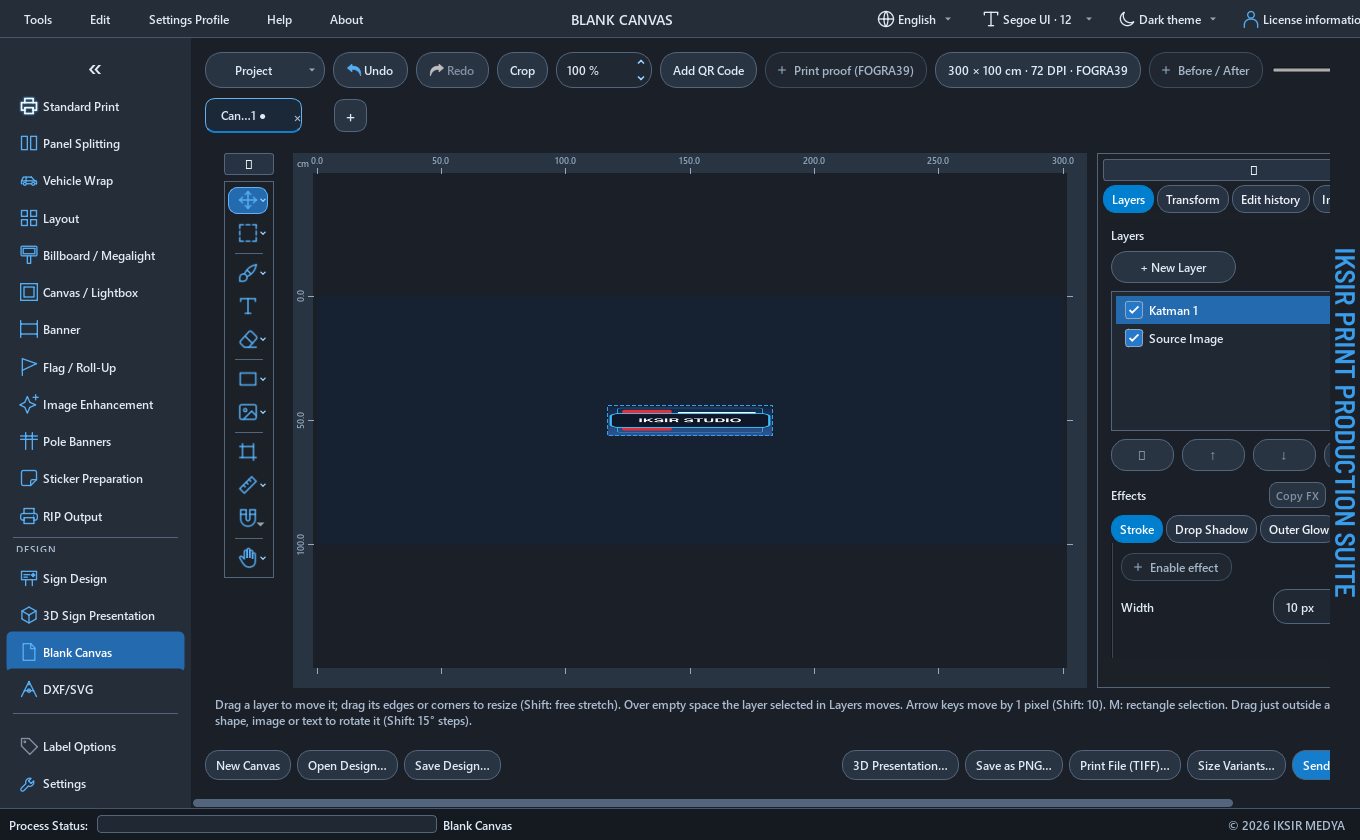
Open multi-tab canvases at exact cm/mm and DPI sizes; compose from scratch with layers, Brush, Clone Stamp, Heal, Magic Wand, Lasso, Vector Shapes, and magnetic ruler guides.
Detailed Mode Guide & Specs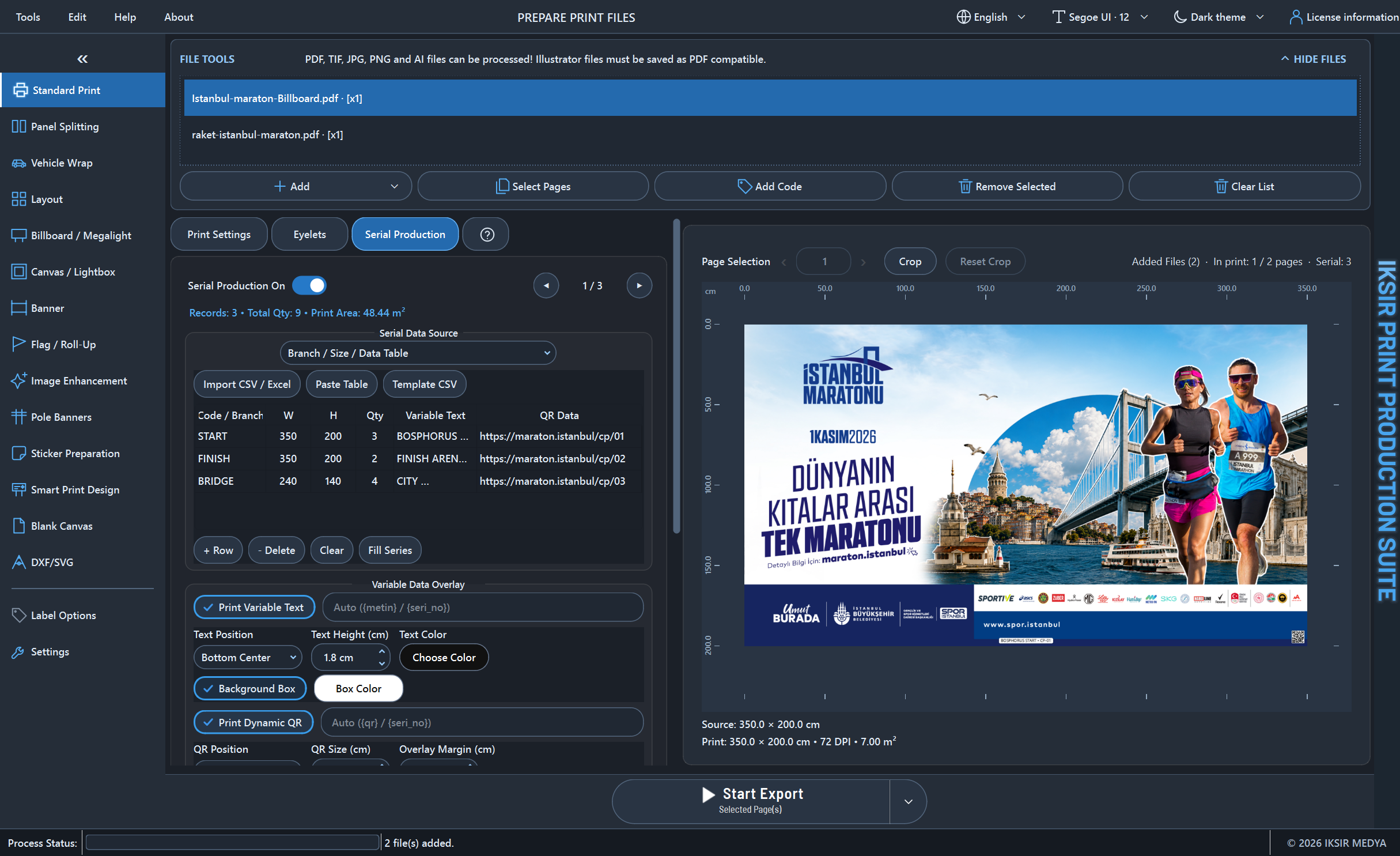
Import an Excel/CSV branch-size-quantity sheet or run a sequential counter to generate hundreds of custom-sized signs, variable prices/texts, and dynamic QR codes—then nest onto rolls in one click.
Detailed Mode Guide & SpecsNo need to hunt for test PDFs after installing; click "Try with Sample Artwork" inside any mode to load a real-scale job and inspect the output immediately.