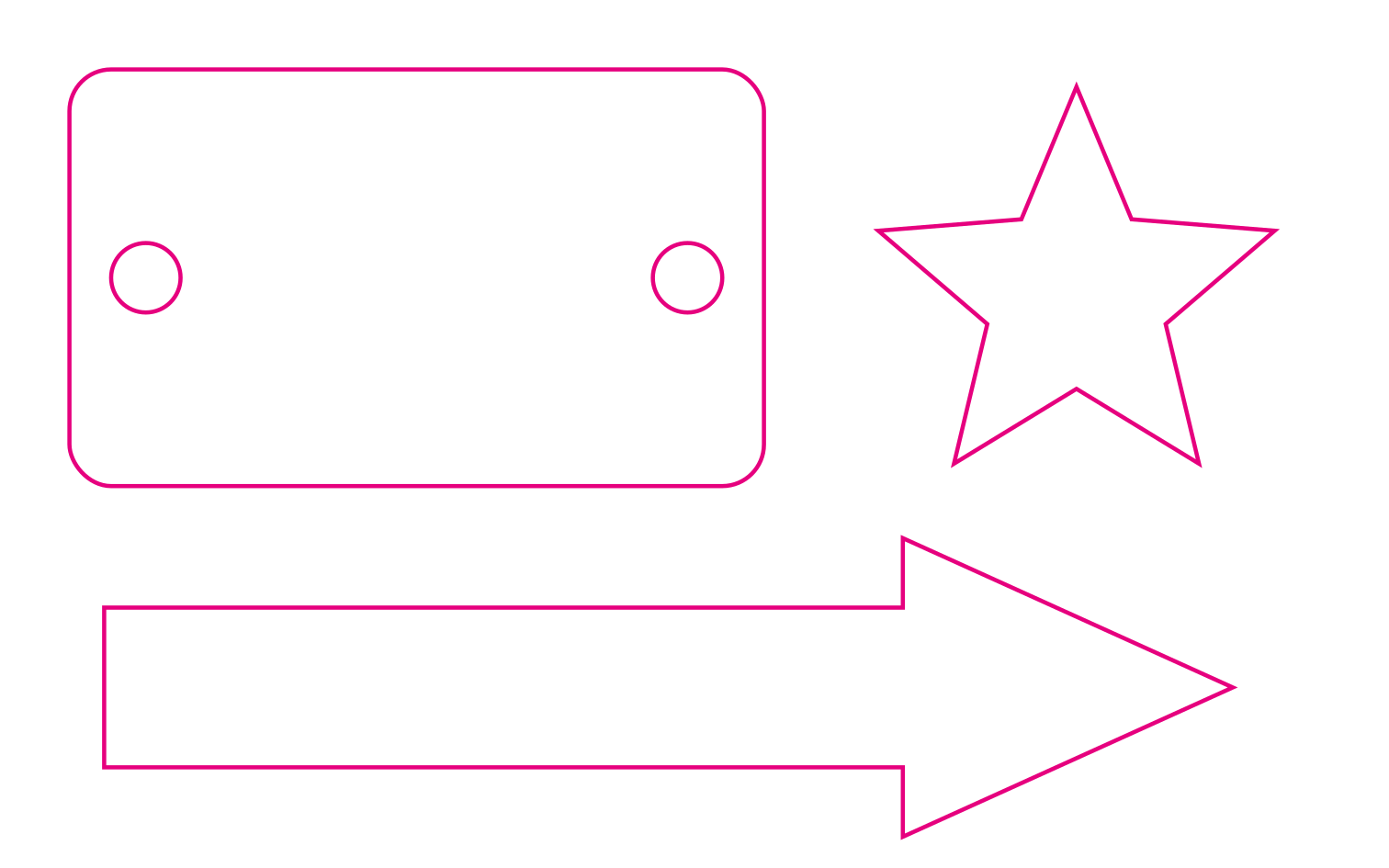
1. Import DXF, SVG, AI, or Vector PDF Paths
Load channel-letter outlines, sign trays, or custom display shapes; inspect part dimensions and inner/outer cut loops.
CNC ROUTER & LASER · VECTOR DXF / SVG NESTING
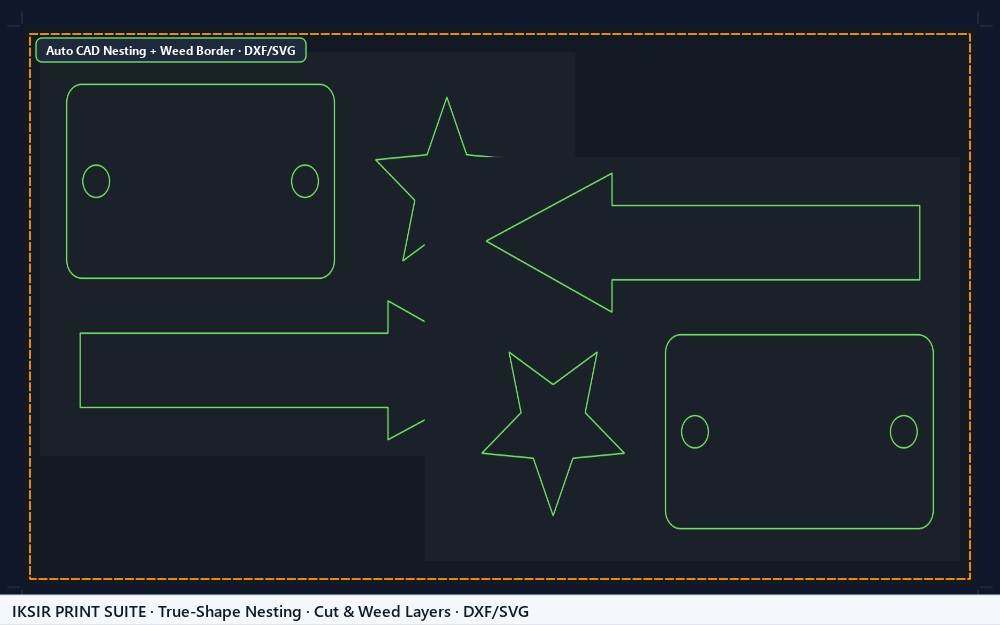
Exporting raw Bezier curves straight from design software into Mach3, ArtCAM, Type3, or CypCut often triggers duplicate-line double cuts or jagged splines. IKSIR cleans vector geometry, nests channel-letter backs and parts onto standard boards, and outputs machine-safe DXF/SVG.
WORKSHOP TIME & ERROR COMPARISON
STEP-BY-STEP WORKSPACE GUIDE
Load channel-letter outlines, sign trays, or custom display shapes; inspect part dimensions and inner/outer cut loops.
Merge micro-gaps, strip duplicate strokes, and set minimum part-to-part clearance matching your router bit (3–6 mm) or laser beam.
Select your stock board size and copy counts; auto-nest parts with rotation steps to maximize sheet yield.
Save clean polyline DXF files ready for router/laser controllers alongside a visual operator sheet map.
OPERATOR REFERENCE TABLE & TECHNICAL SPECS
Standard Turkish & European sign-shop rigid board formats and safe part spacing
| Rigid Material | Standard Board Size | Tool Type & Minimum Part Gap |
|---|---|---|
| Cast Acrylic (Plexiglass) | 135 × 200 cm / 205 × 305 cm | CO2 Laser: 2–3 mm · 3–4 mm Single-Flute End Mill: 6–8 mm |
| Aluminum Composite (ACP) | 125 × 320 cm / 150 × 320 cm | V-Groove 90° Folding Bit + 4 mm Cut Bit · 10 mm gap |
| PVC Foam Board (Forex / Dekota) | 122 × 244 cm / 156 × 305 cm | 3–4 mm Router Bit or Oscillating Knife · 6 mm gap |
| MDF / Plywood Display Parts | 183 × 244 cm / 210 × 280 cm | 6 mm Compression Spiral Bit · 12 mm part clearance |
SAMPLE OUTPUTS & CALCULATORS
Download both the clean source artwork and IKSIR’s production output (with overlap seams, sleeve folds, grommets, and print labels) to verify physical dimensions in Onyx, Caldera, VersaWorks, PhotoPrint, or Maintop.
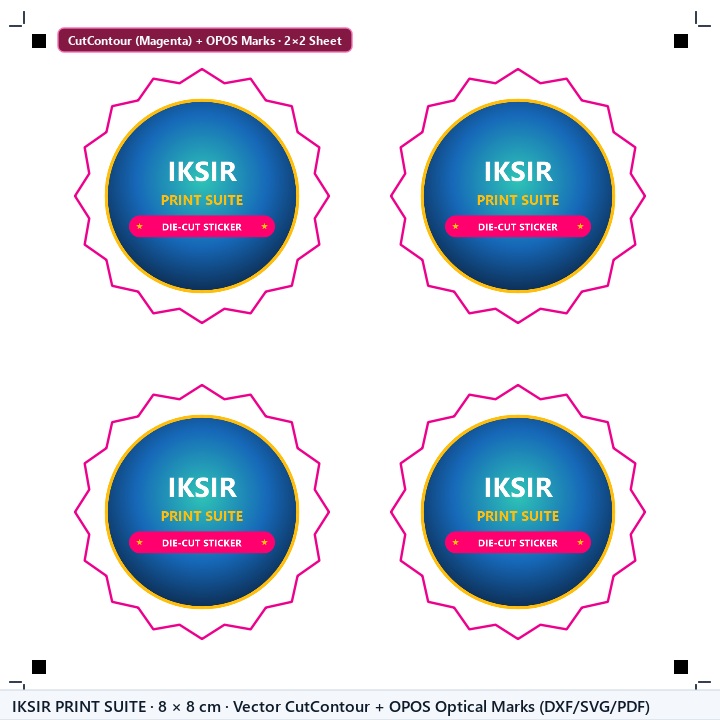
8 × 8 cm transparent PNG fitted with a magenta CutContour path, 2×2 sheet layout, and OPOS marks.
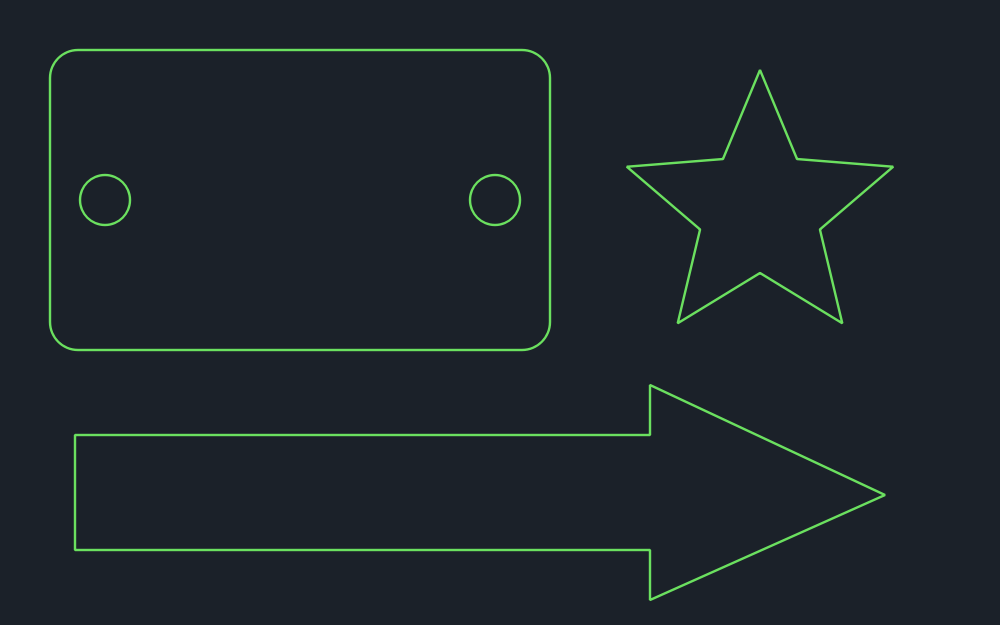
40 × 25 cm vector SVG contours true-shape nested with outer speed-weed cut lines ready for CNC/plotter.
MODE-SPECIFIC FREQUENTLY ASKED QUESTIONS
Clean polyline DXF files open smoothly in ArtCAM, Aspire/VCarve, Type3, Mach3, Syntec, Ruida RDWorks, and CypCut.
Yes. Inner islands stay grouped inside their parent outer contour during rotation and sheet nesting.
Yes. Combine UV print layers with aligned camera registration marks (CCD marks) for flatbed cutter/router alignment.
COMPLEMENTARY WORKSPACES
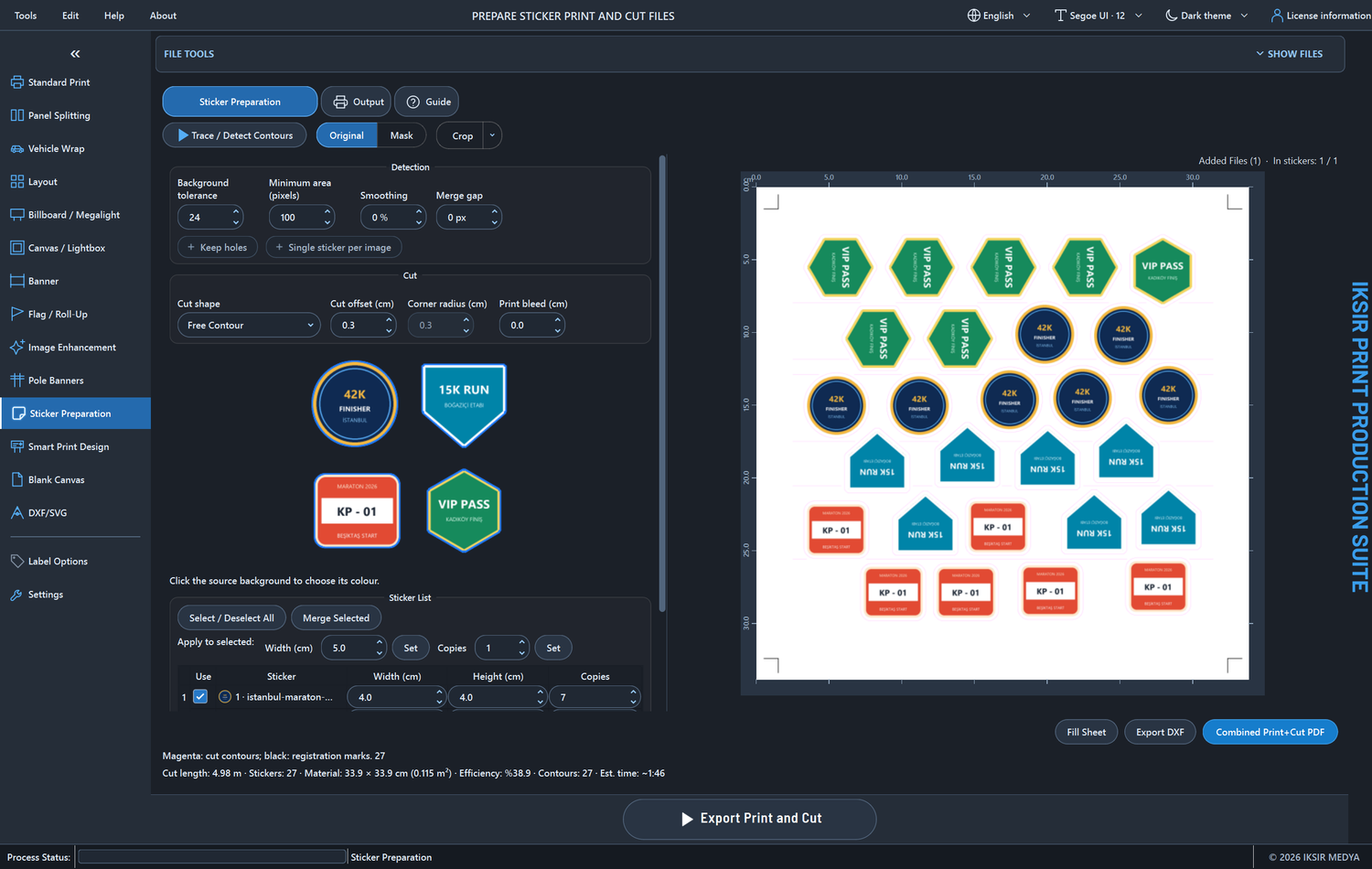
Generate smooth offset CutContour paths around transparent PNGs/PDFs automatically, nest stickers onto rolls or A3+/SRA3 sheets, and add optical plotter registration marks.
Detailed Mode Guide & Specs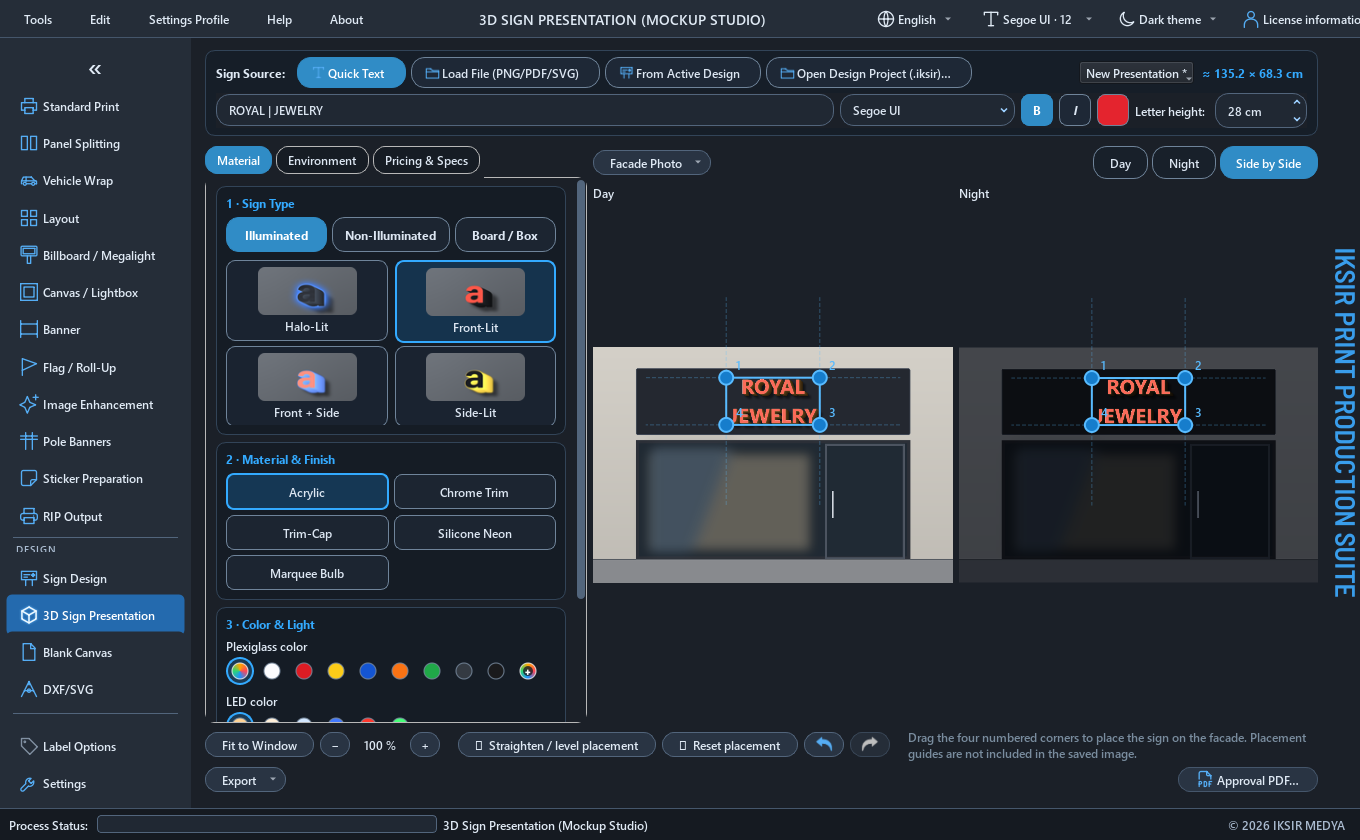
Type quick sign text or drop Corel/Illustrator PDF-SVG-PNG logos to render realistic day/night 3D channel letters, chrome-trimmed acrylic, and neon on client facades—complete with instant pricing and A4 Approval PDFs.
Detailed Mode Guide & Specs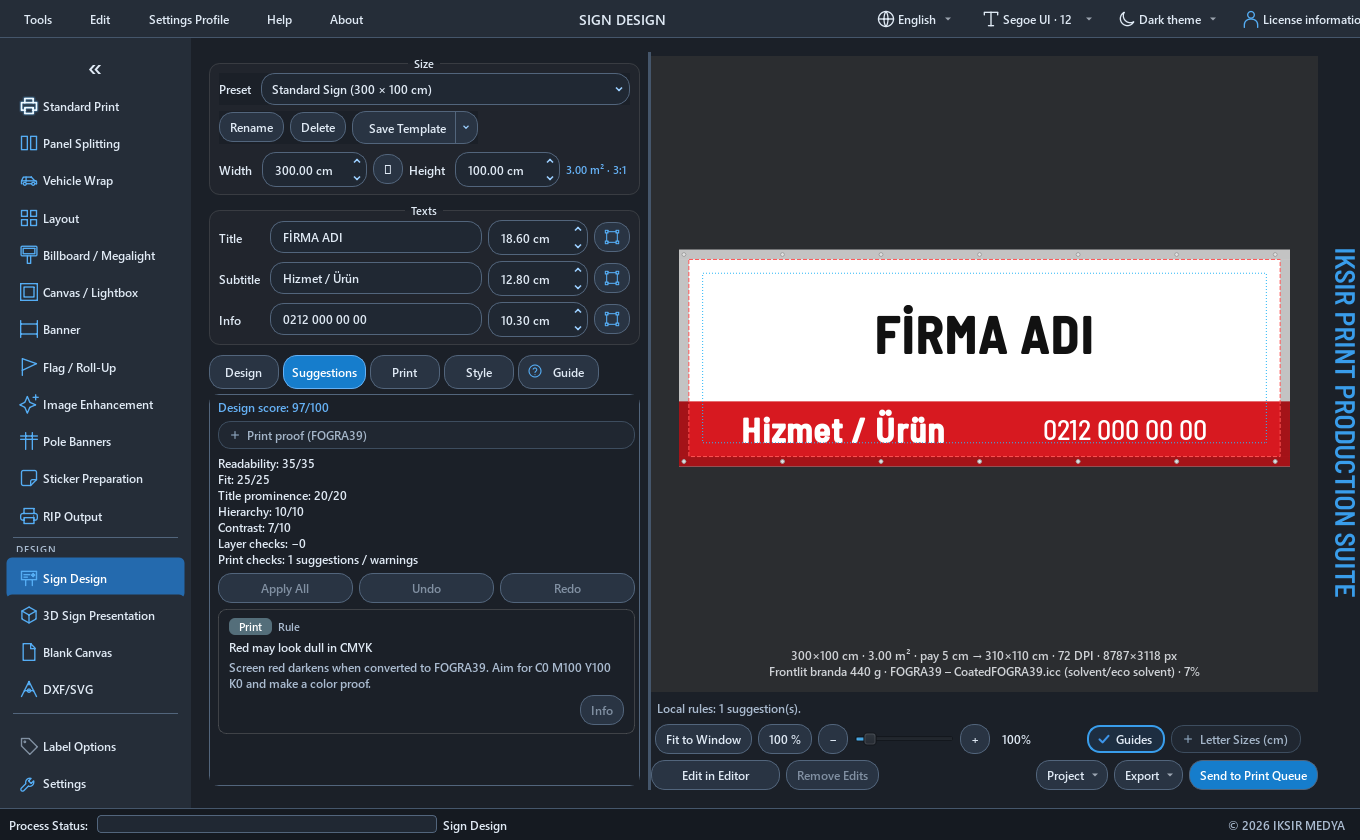
Enter dimensions and describe the sign in plain language or apply industry templates; verify 0–100 viewing-distance readability, live CMYK FOGRA39 soft-proof, vector PDF, and CNC cut output.
Detailed Mode Guide & SpecsNo need to hunt for test PDFs after installing; click "Try with Sample Artwork" inside any mode to load a real-scale job and inspect the output immediately.