1. Select Roll Width or Rigid Sheet Dimensions
Pick a standard roll width (105, 127, 137, 152, 160, 250, 320 cm) or define a flatbed UV board format with left/right pinch-roller safety margins.
ROLL & SHEET NESTING · AUTO-90° ROTATION
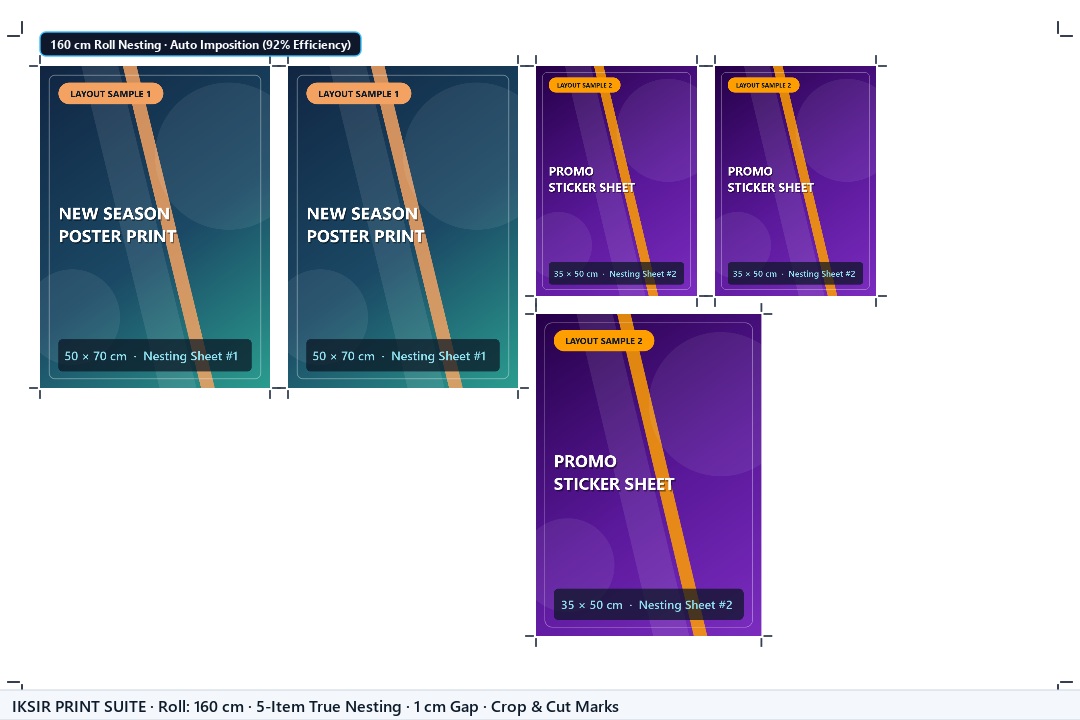
Manually arranging dozens of mixed-dimension posters, stickers, or forex panels onto a roll eats up operator time and wastes vinyl. Roll Tiling & Nesting evaluates every piece with optional 90° auto-rotation to minimize linear meters while keeping cut gaps and margin labels intact.
WORKSHOP TIME & ERROR COMPARISON
STEP-BY-STEP WORKSPACE GUIDE
Pick a standard roll width (105, 127, 137, 152, 160, 250, 320 cm) or define a flatbed UV board format with left/right pinch-roller safety margins.
Drop PDF, TIFF, PNG, or JPG files of varying sizes; adjust per-file copy counts or multi-page selections right in the queue.
Set inter-item trim spacing (e.g. 10 mm), enable 90° rotation for tighter packing, and add Fotoba or corner trim marks if using an XY cutter.
Inspect the live nested preview and waste % indicator, then export full-roll sheets or hand off directly via "Send to RIP".
OPERATOR REFERENCE TABLE & TECHNICAL SPECS
Recommended usable print widths and gap tolerances for roll-to-roll and flatbed workflows
| Media / Machine Class | Nominal Width / Size | Recommended Pinch Margin & Gap |
|---|---|---|
| Eco-Solvent / Latex Vinyl Roll | 137 cm / 152 cm | 1.5 cm side pinch margin · 8–12 mm inter-item gap |
| Grand-Format Solvent / UV Banner | 250 cm / 320 cm | 2.0 cm side margin · 15–20 mm trim allowance |
| XY Auto-Cutter (Fotoba) Roll | 152 cm / 160 cm | 4–6 mm Fotoba black mark bar · strict row alignment |
| Flatbed UV Forex / Dibond Sheet | 122 × 244 / 205 × 305 cm | 10 mm outer sheet safety · 6–8 mm router bit kerf gap |
SAMPLE OUTPUTS & CALCULATORS
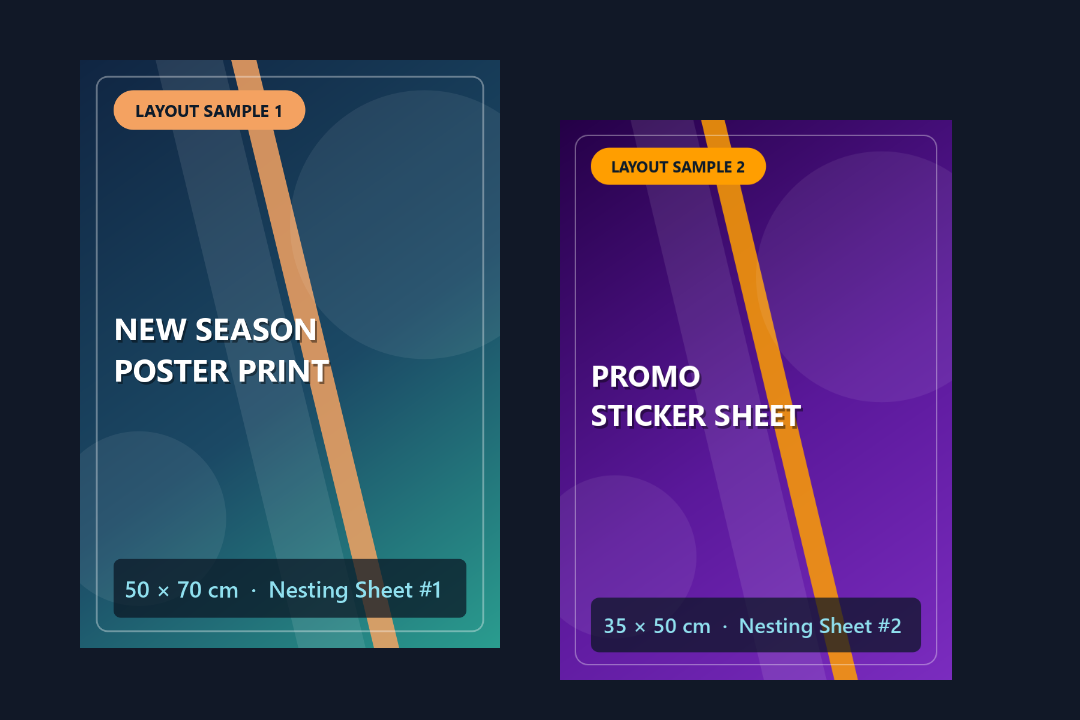
Download both the clean source artwork and IKSIR’s production output (with overlap seams, sleeve folds, grommets, and print labels) to verify physical dimensions in Onyx, Caldera, VersaWorks, PhotoPrint, or Maintop.
50 × 70 cm posters and 35 × 50 cm labels automatically nested on a 160 cm roll for minimum waste.
MODE-SPECIFIC FREQUENTLY ASKED QUESTIONS
Yes. Toggle 90° rotation off whenever media grain, perforation direction, or backlit diffusion must stay oriented one way.
Yes. When a sheet height limit (such as 205 × 305 cm) is active, IKSIR automatically paginates overflow items onto Sheet 2, Sheet 3, and so on.
Yes. Each nested item keeps its own crisp margin info strip and optional Mini QR code right inside its trim boundary.
COMPLEMENTARY WORKSPACES
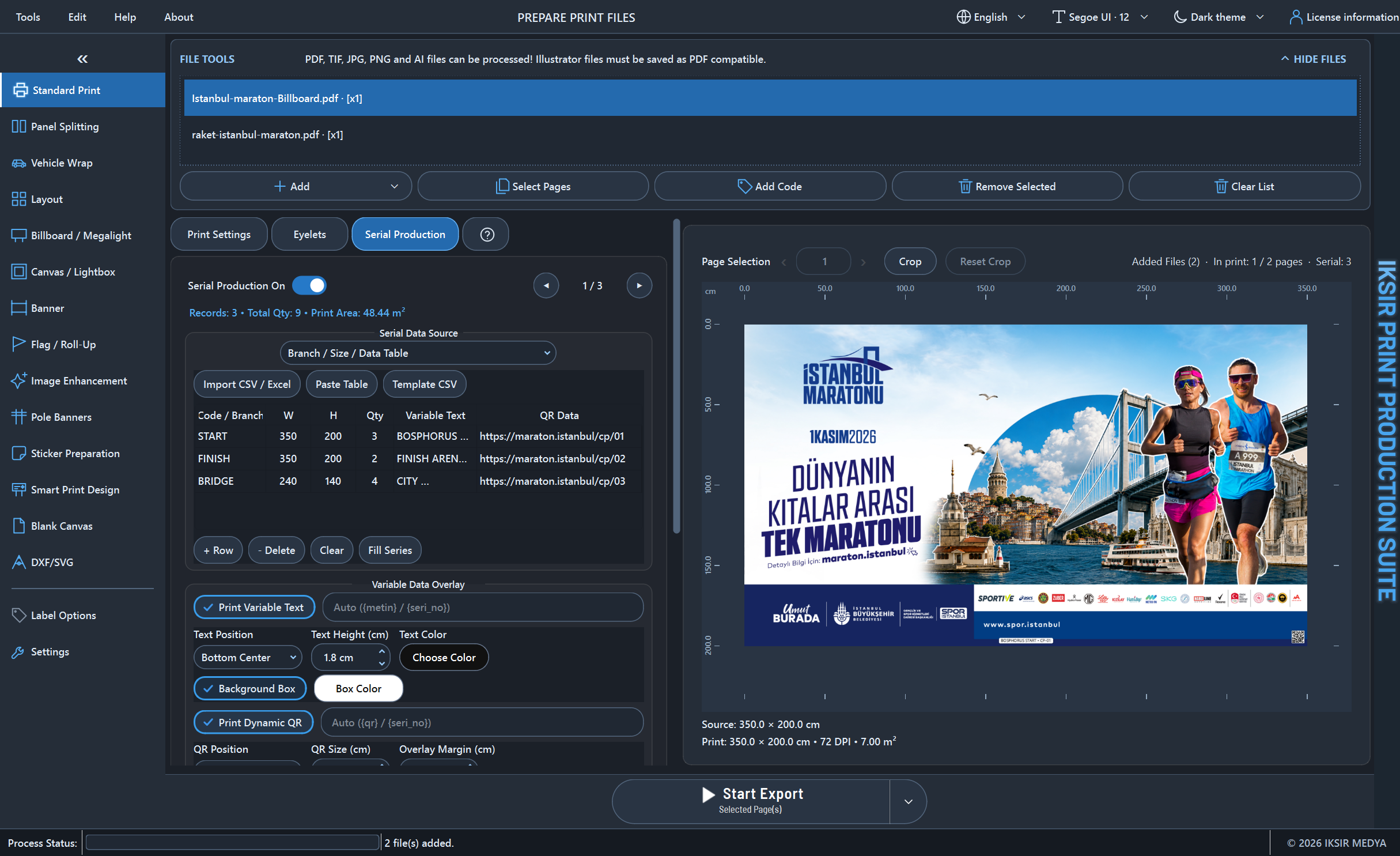
Import an Excel/CSV branch-size-quantity sheet or run a sequential counter to generate hundreds of custom-sized signs, variable prices/texts, and dynamic QR codes—then nest onto rolls in one click.
Detailed Mode Guide & Specs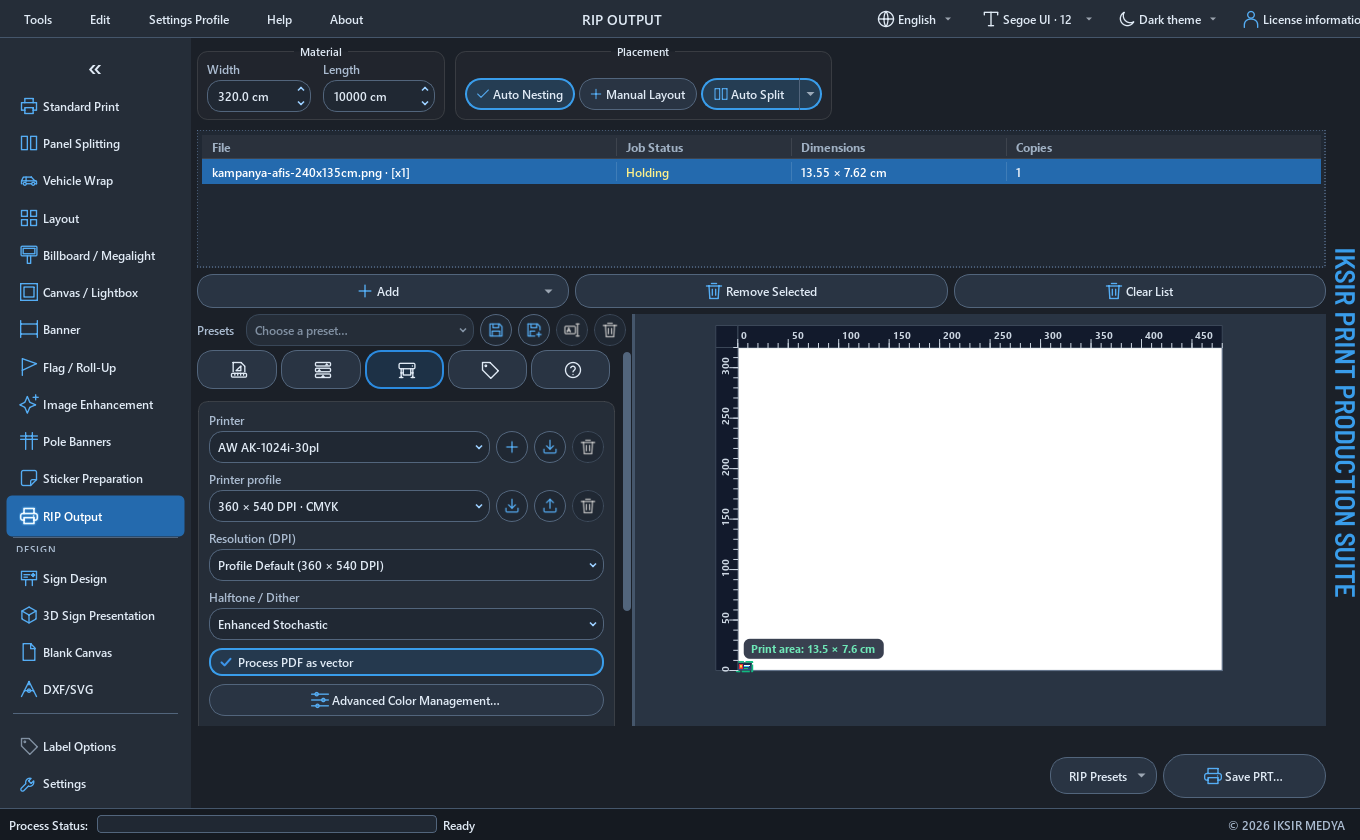
Generate machine-ready .prt files directly with 7 halftone/dither engines, CMYK + Lc/Lm + White + Varnish spot control, per-channel tone curves, live TAC ink inspection, and Eye-One calibration.
Detailed Mode Guide & Specs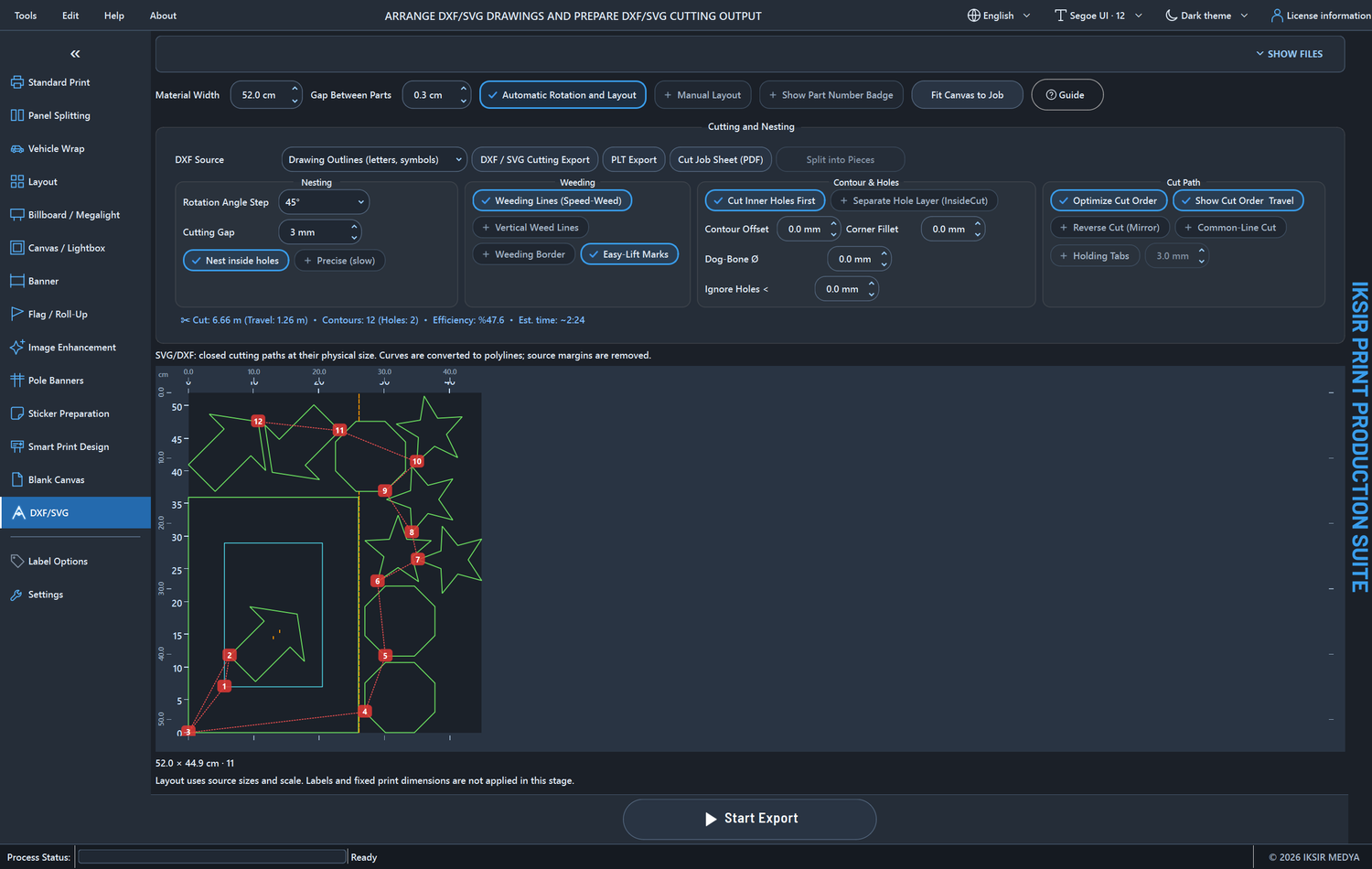
Clean up open contours, compensate tool kerf, nest vector shapes onto acrylic/composite sheets, and export clean R12/2000 DXF or SVG cut files.
Detailed Mode Guide & SpecsNo need to hunt for test PDFs after installing; click "Try with Sample Artwork" inside any mode to load a real-scale job and inspect the output immediately.