1. Load Master Artwork & Position Variable Text / QR Zones
Open your base template and position live variable text boxes and dynamic QR regions with custom fonts, colors, and alignment.
RETAIL ROLLOUTS · EXCEL / CSV VDP & DYNAMIC QR
Producing 200 store graphics where every branch has a different window size, localized price, or unique QR/serial number takes days by hand. Serial Production reads your Excel (.xlsx) or CSV sheet, renders every custom-sized piece, and sends the entire batch straight into Roll Layout nesting.
WORKSHOP TIME & ERROR COMPARISON
STEP-BY-STEP WORKSPACE GUIDE
Open your base template and position live variable text boxes and dynamic QR regions with custom fonts, colors, and alignment.
Map columns for branch code, width, height, quantity, text, and QR URL—or set start/end numbers in Counter mode.
Click through generated rows to verify text fit, QR crispness, and branch code margin labels.
Export individual branch-named TIFF/PDF files or click "Send to Layout" to auto-nest the entire campaign onto roll sheets.
OPERATOR REFERENCE TABLE & TECHNICAL SPECS
Combine dimensional scaling and variable content in a single spreadsheet:
| Spreadsheet Column | Example Value | Production Behavior |
|---|---|---|
| Branch / Job Code | LON-OXFORD-04 | Prints on variable text, margin info band, Mini QR, and output filename |
| Custom Width × Height (cm) | 135 × 210 | Scales that specific store’s output to its exact window dimensions |
| Quantity (Copies) | 4 | Multiplies copies automatically when sending to Roll Nesting |
| Variable Text / Price | 30% OFF · £49 | Renders crisp localized copy or pricing onto the master design |
| Dynamic QR Payload | https://store.com/loc/04 | Generates a unique vector-sharp QR code per record |
SAMPLE OUTPUTS & CALCULATORS
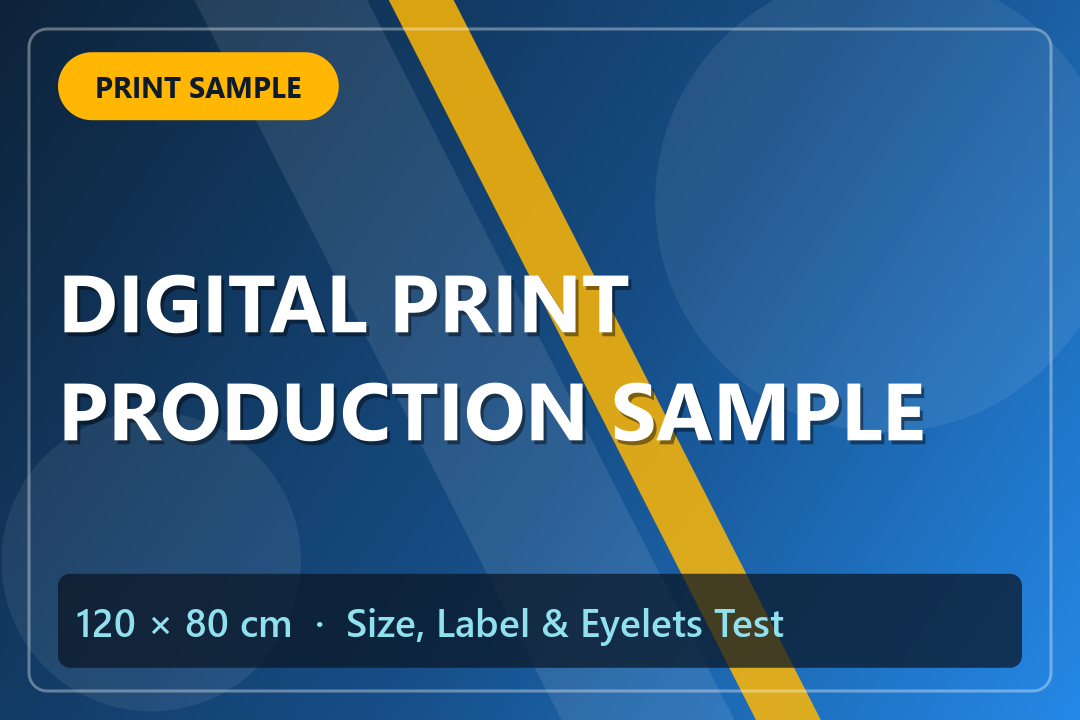
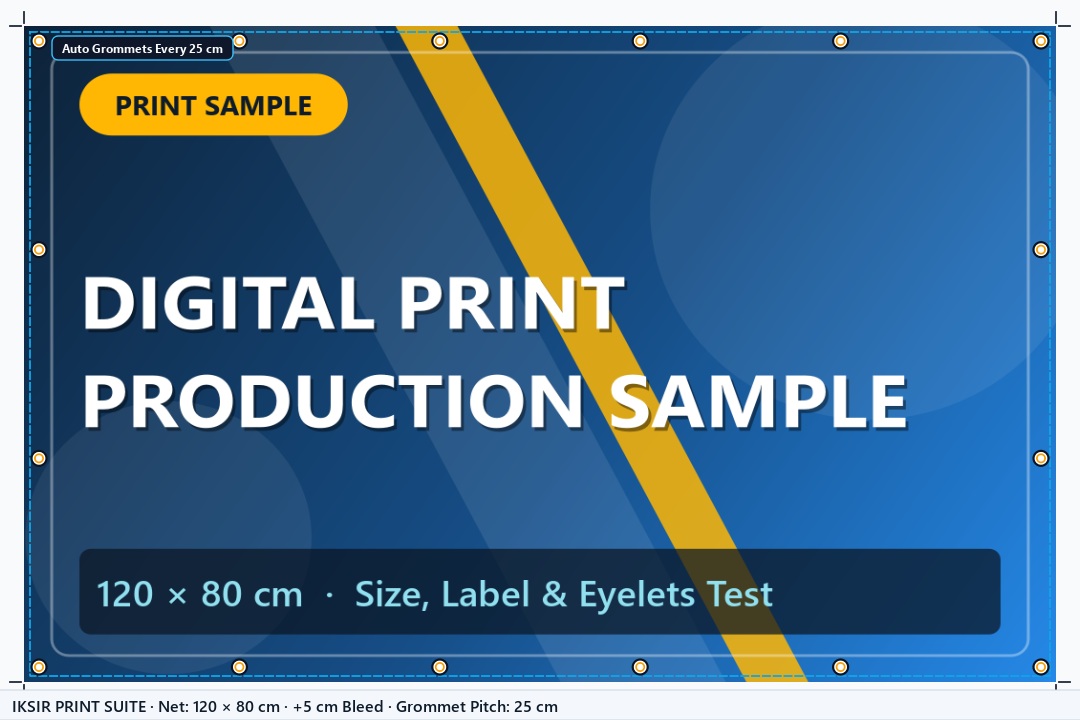
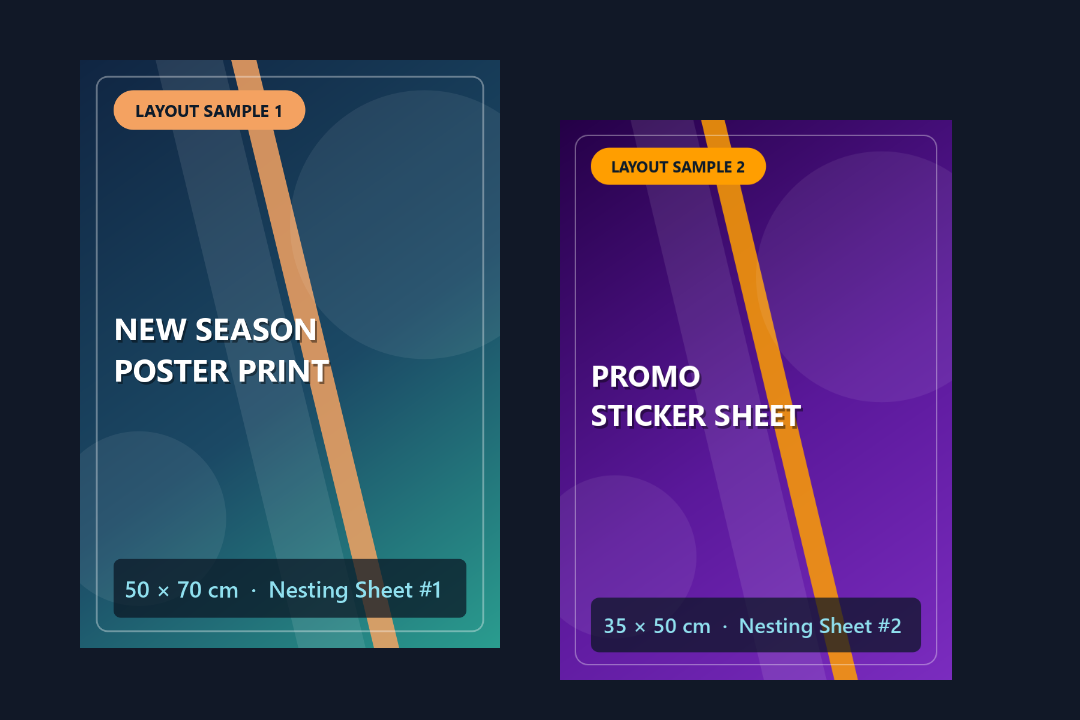
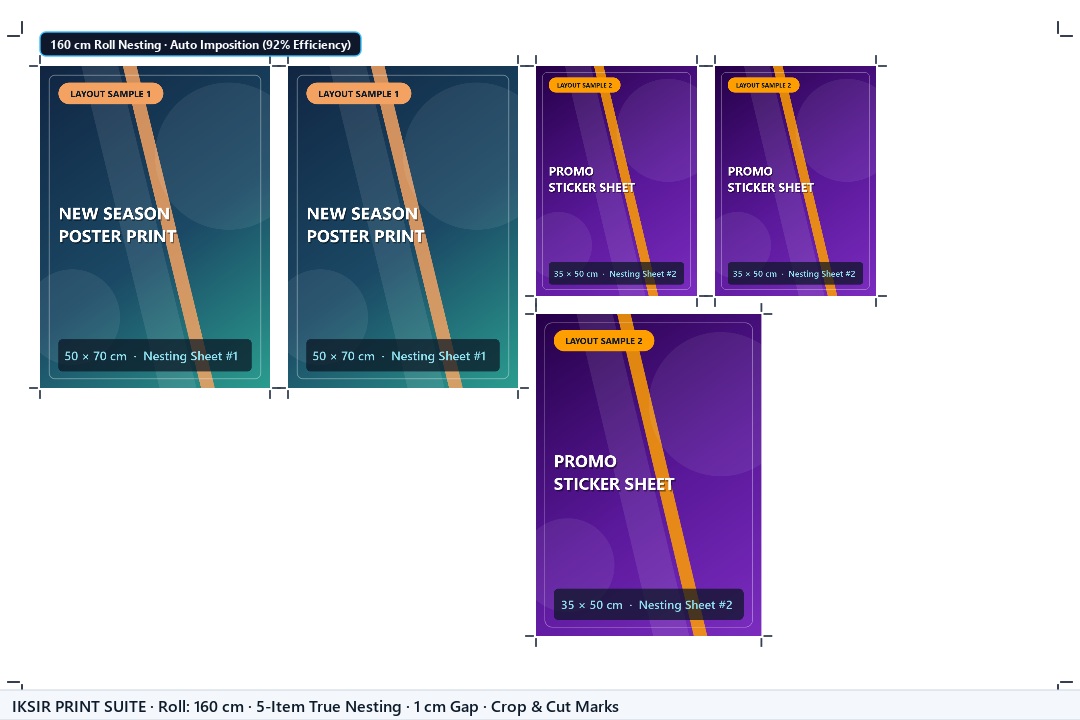
Download both the clean source artwork and IKSIR’s production output (with overlap seams, sleeve folds, grommets, and print labels) to verify physical dimensions in Onyx, Caldera, VersaWorks, PhotoPrint, or Maintop.
120 × 80 cm print job with bleed margin, 25 cm eyelet markers around all edges, and a footer label.
50 × 70 cm posters and 35 × 50 cm labels automatically nested on a 160 cm roll for minimum waste.
MODE-SPECIFIC FREQUENTLY ASKED QUESTIONS
Yes. Unlike fixed-canvas VDP tools, IKSIR scales each row to its own Width × Height column values.
Native Microsoft Excel (.xlsx) and UTF-8 CSV files with full international Unicode support.
No. One click transfers all generated pieces and copy counts directly into automatic Roll Nesting.
Yes. Every QR code is synthesized cleanly at output resolution with configurable quiet zones.
COMPLEMENTARY WORKSPACES
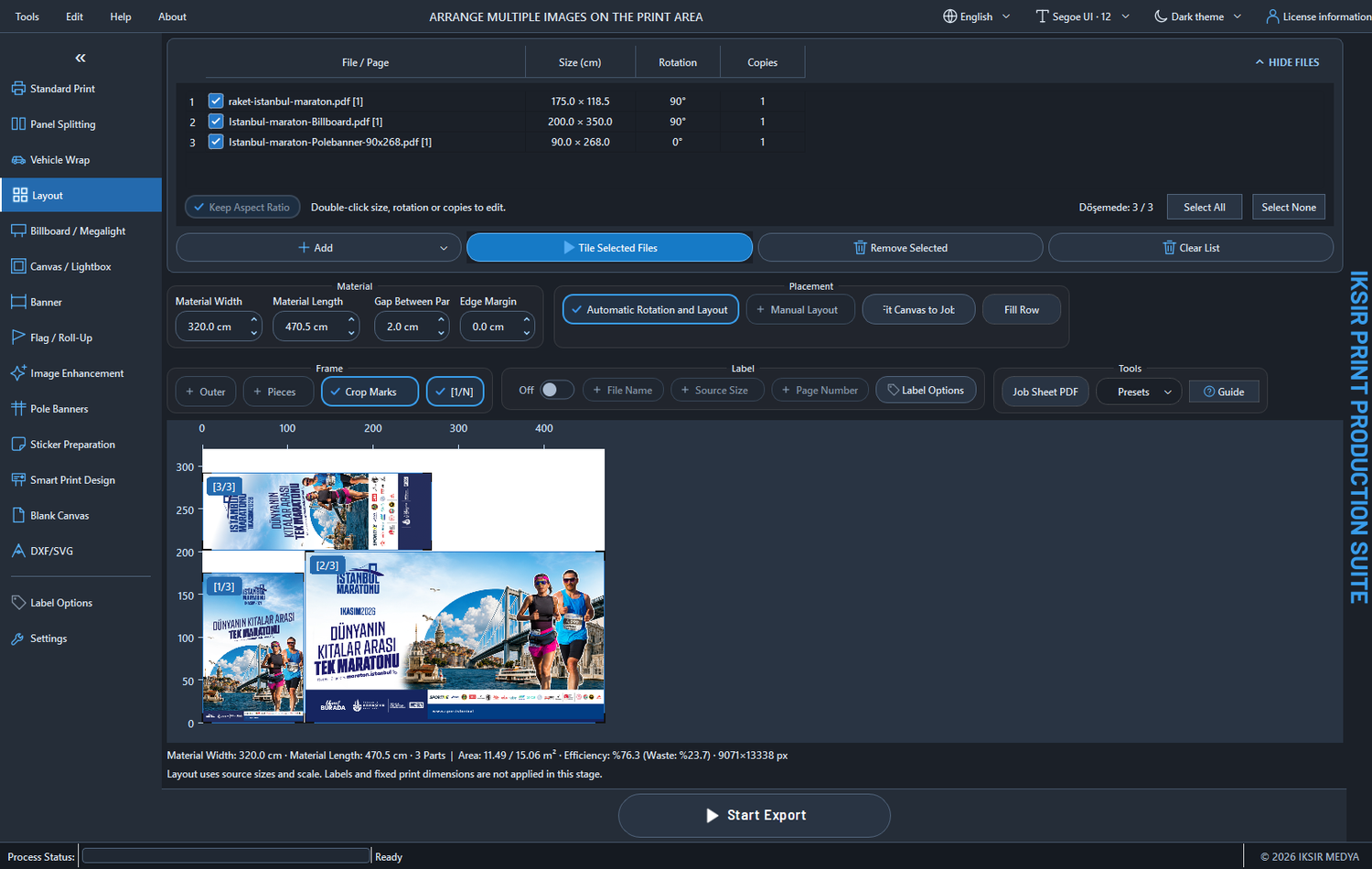
Pack mixed-size campaign jobs onto rolls or rigid sheets with automatic 90° rotation, bleed/cut gaps, Fotoba marks, and real-time waste % reporting.
Detailed Mode Guide & Specs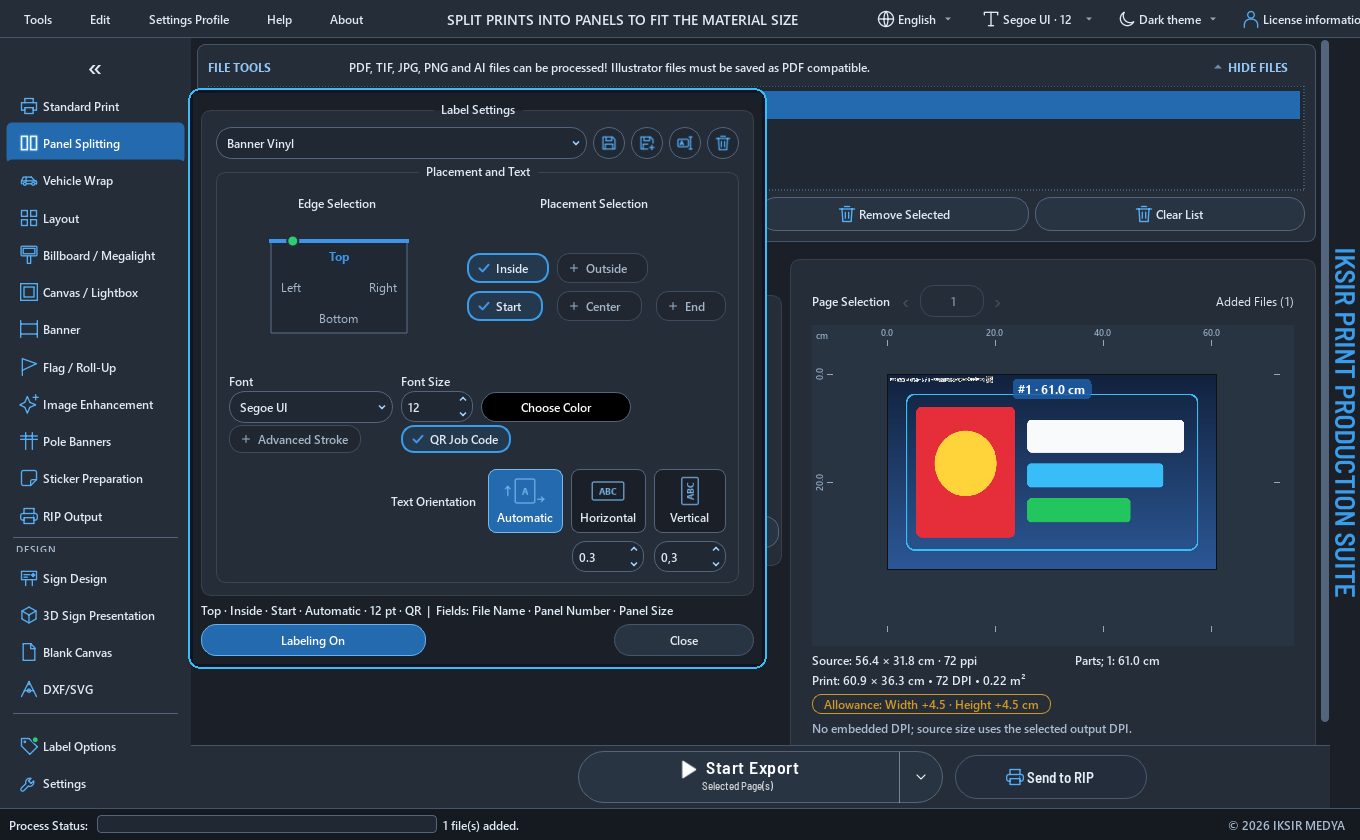
Print filename, job code, panel index (2/5), net/gross dimensions, and a crisp pixel-aligned Mini QR code on any margin edge so cutting and installation crews verify panels by phone scan.
Detailed Mode Guide & Specs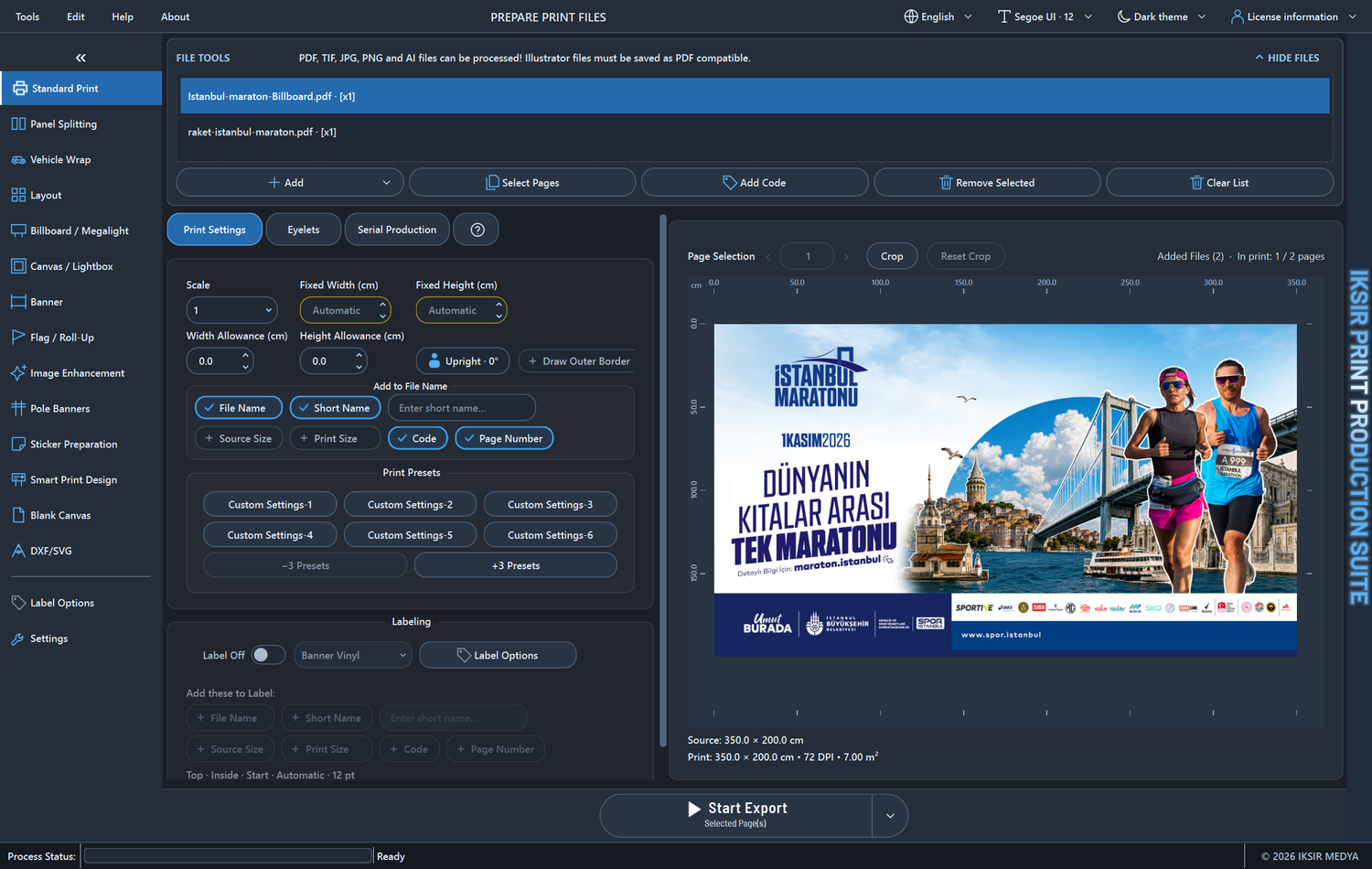
Prepare single or multi-page PDF, AI, TIFF, and raster jobs to exact dimensions, DPI, hem/fold margins, symmetrical grommet marks, and embedded CMYK ICC profiles in parallel.
Detailed Mode Guide & SpecsNo need to hunt for test PDFs after installing; click "Try with Sample Artwork" inside any mode to load a real-scale job and inspect the output immediately.