1. Confirm Total Wall/Facade Size & Usable Roll Width
Verify total installed width × height and enter your media’s safe printable width (e.g., 135 cm on a 137 cm vinyl roll).
OVERSIZED WALLS & FACADES · OVERLAP SEAMS & PANEL INDEXING
Tiling a 6-meter wall mural or 18-meter facade across 137 cm or 152 cm rolls manually risks missing overlap allowances, reversing overlap direction, or leaving an unusable 8 cm tail strip on the last panel. Panel Splitting automates clean, installer-ready panels in seconds.
WORKSHOP TIME & ERROR COMPARISON
STEP-BY-STEP WORKSPACE GUIDE
Verify total installed width × height and enter your media’s safe printable width (e.g., 135 cm on a 137 cm vinyl roll).
Keep panels balanced automatically or type custom widths per panel to dodge portraits, text, or wall corners.
Add 1–1.5 cm overlap for vinyl/wallpaper or 3–5 cm weld overlap for PVC banners, previewing dashed seam lines live.
Export sequentially numbered files with margin labels and print the A4 Panel Assembly Guide (Ctrl+Shift+M) for the install crew.
OPERATOR REFERENCE TABLE & TECHNICAL SPECS
Workshop standards preventing seam shrinkage and visible edge lift:
| Print Substrate | Typical Roll / Net Panel Width | Recommended Overlap Allowance |
|---|---|---|
| Adhesive Vinyl / Wall Graphics | 127 / 137 / 152 cm roll → 123–148 cm net | 1.0 – 1.5 cm overlap (or 2.0 cm for double-cut butt seams) |
| Textured Commercial Wallpaper | 105 / 130 cm roll → 100–125 cm equal panels | 2.0 cm overlap for clean splice-knife double cutting |
| Outdoor PVC Banner (Heat Weld) | 320 cm roll → 310–314 cm net panels | 3.0 – 5.0 cm hot-air / wedge weld overlap |
| Perforated Window Film (OWV) | 137 / 152 cm roll → aligned to glass mullions | 0 cm butt seam aligned along window dividers |
SAMPLE OUTPUTS & CALCULATORS
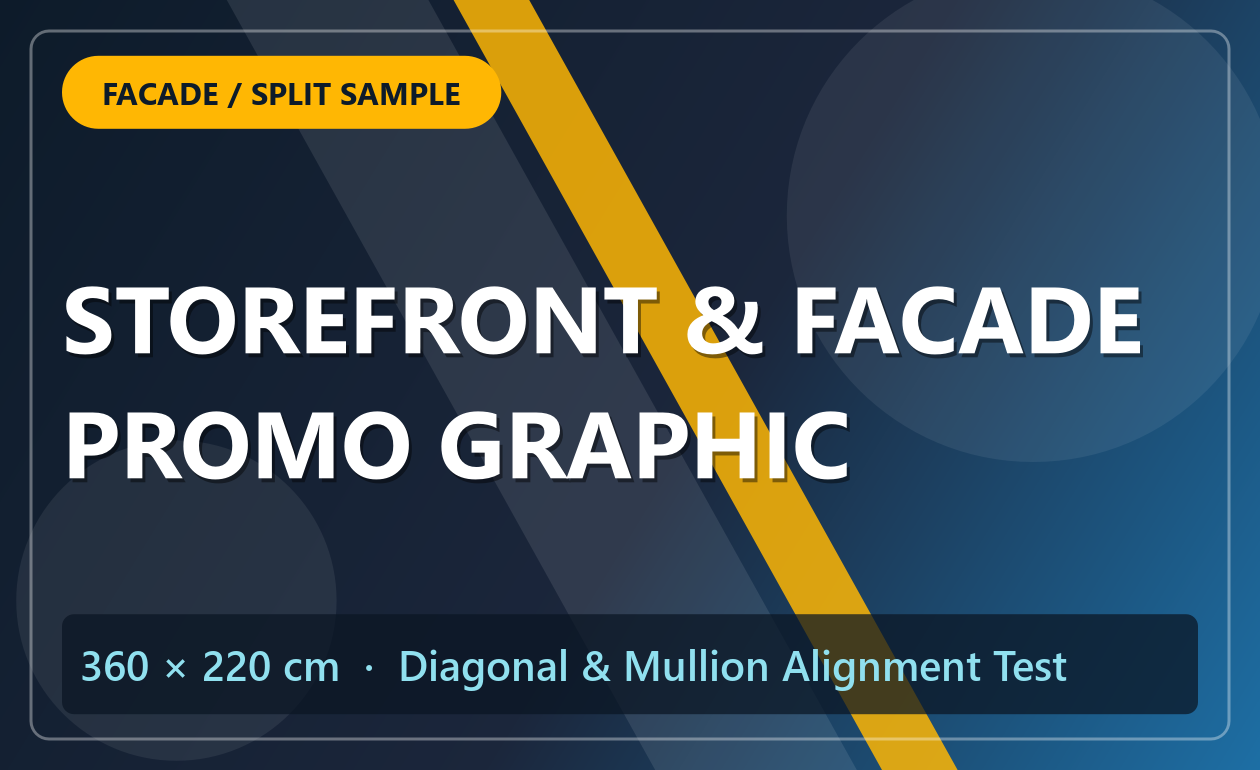
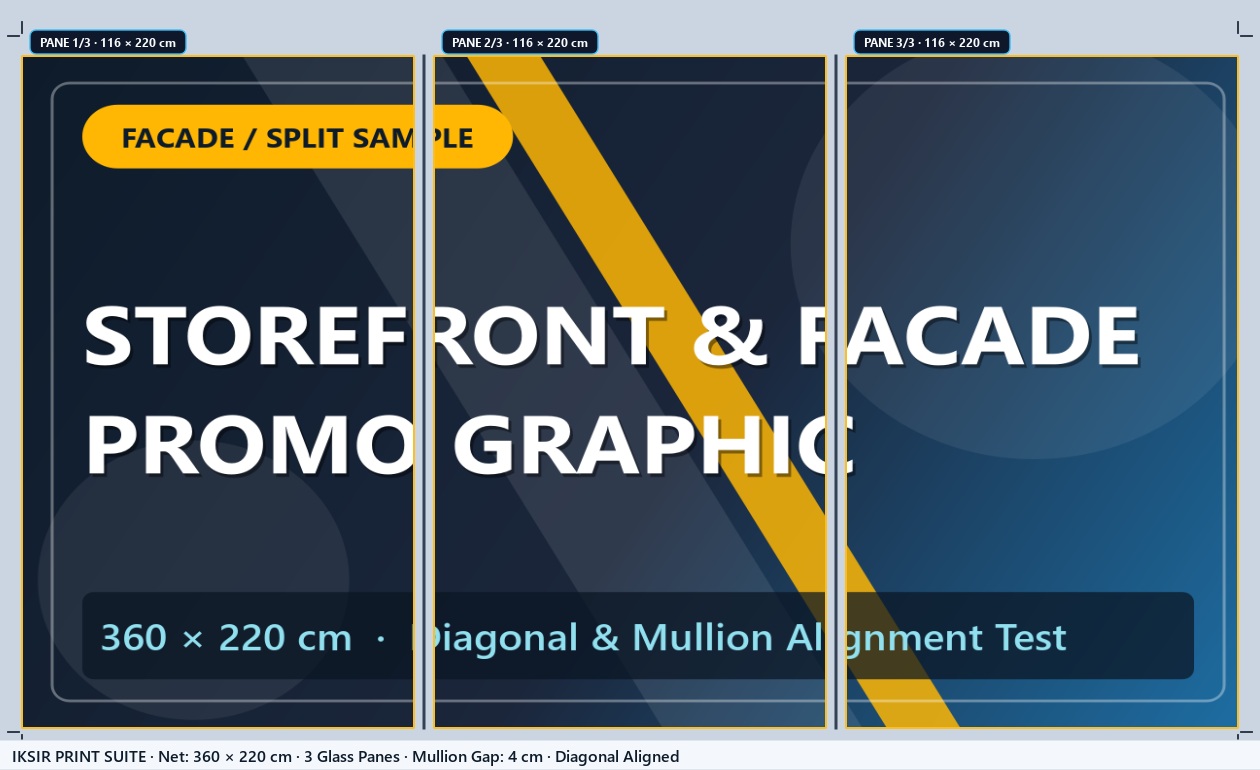
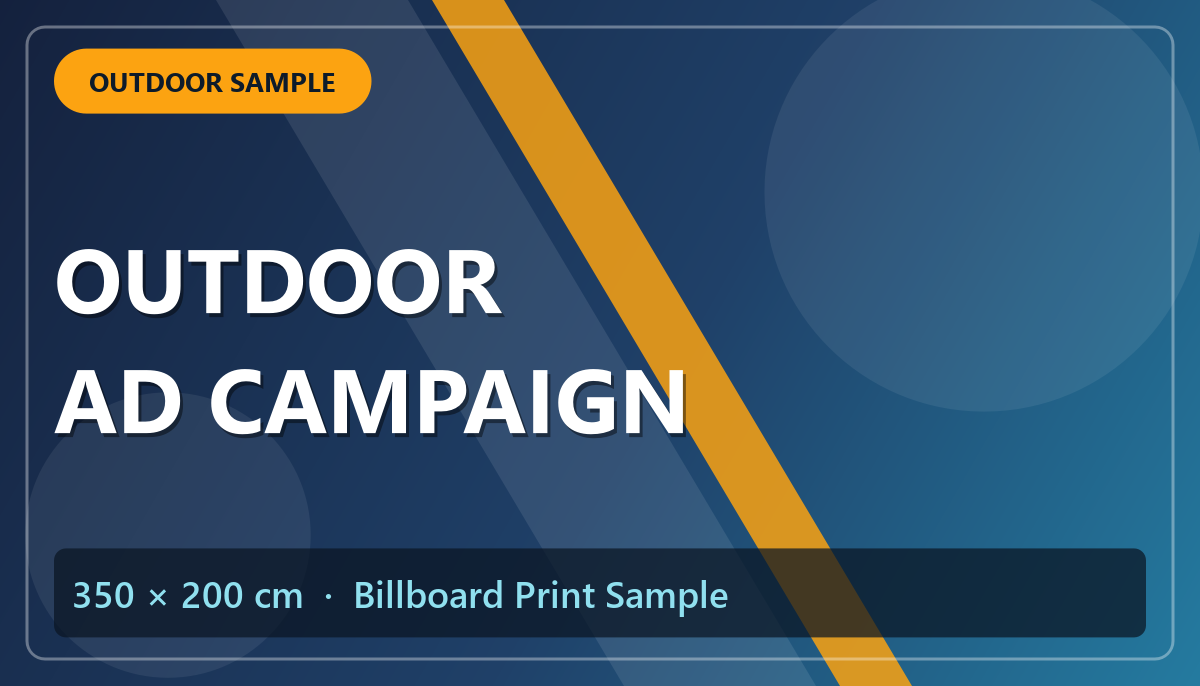
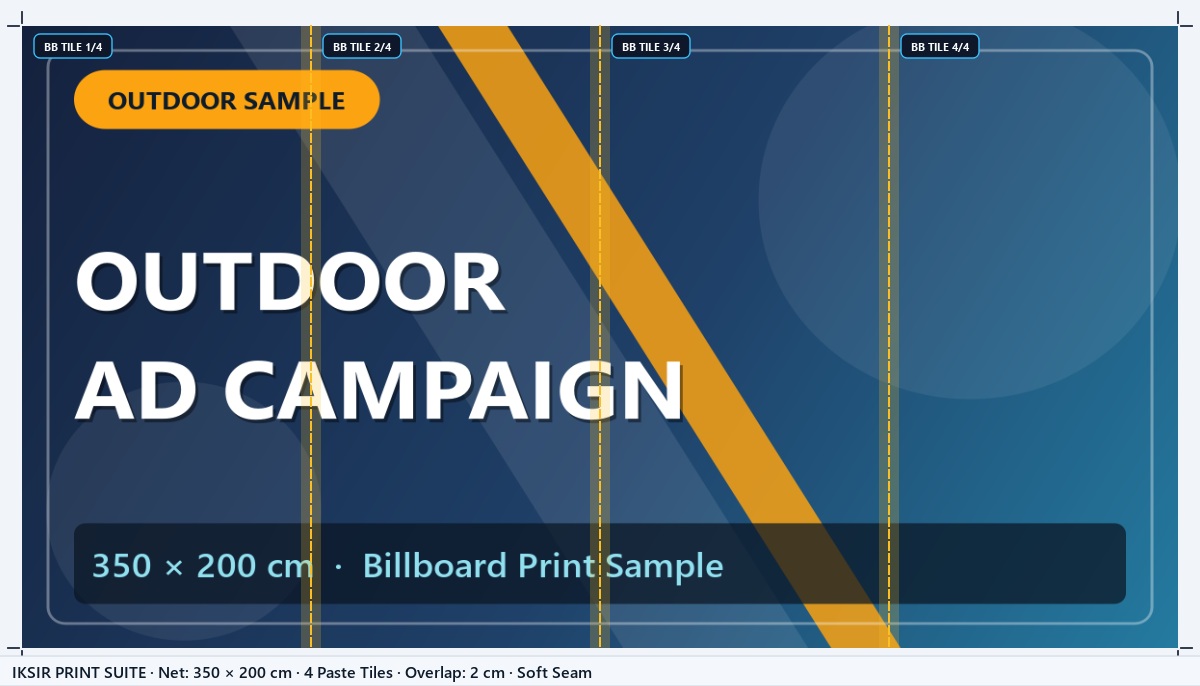
Download both the clean source artwork and IKSIR’s production output (with overlap seams, sleeve folds, grommets, and print labels) to verify physical dimensions in Onyx, Caldera, VersaWorks, PhotoPrint, or Maintop.
360 × 220 cm shopfront graphic split across 3 glass panes with 4 cm aluminum mullion gap compensation.
350 × 200 cm billboard artwork split into 4 pasting sheets with 2 cm overlap allowance.
MODE-SPECIFIC FREQUENTLY ASKED QUESTIONS
Enable "Equal Panel Widths"—IKSIR divides 460 cm into 4 × 115 cm balanced panels instead of 150+150+150+10 cm.
It never stretches artwork; overlap zones contain true neighboring image pixels so graphics align seamlessly when overlapped.
Yes. Both vertical and horizontal panel splitting and overlap directions are supported.
Each file receives sequential numbering and prints "Panel X / N" plus exact cut dimensions (and optional Mini QR) on the margin strip.
COMPLEMENTARY WORKSPACES
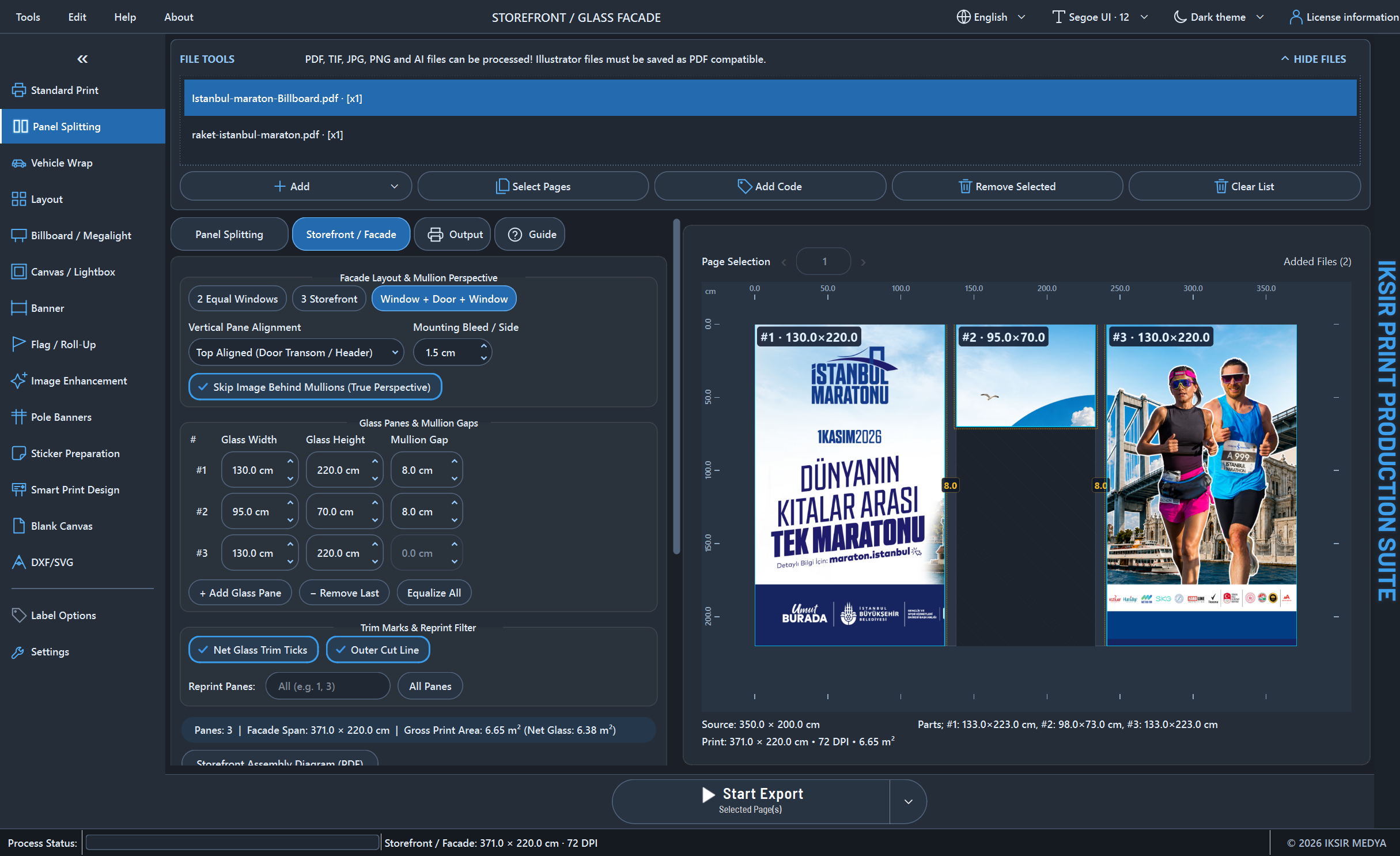
Model asymmetric shopfront glass panes and aluminum mullion bar gaps so graphics flow continuously across dividers—exporting pane-numbered prints and an A4 installation map.
Detailed Mode Guide & Specs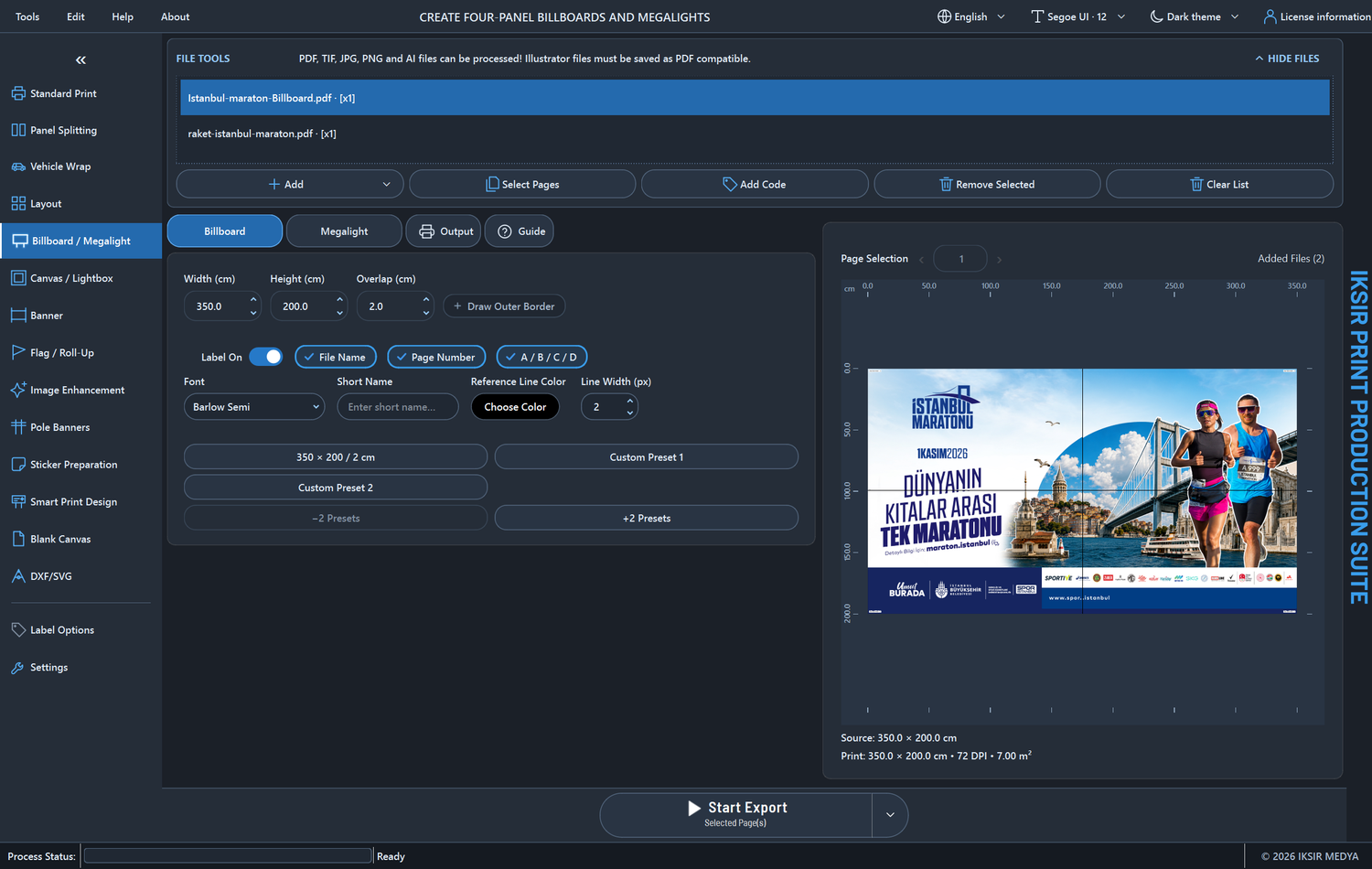
Prepare 4-, 6-, or 8-piece blueback/vinyl billboard posters and backlit Megalight/Raket CLP prints with 1:10 scale auto-detection and paste overlaps.
Detailed Mode Guide & Specs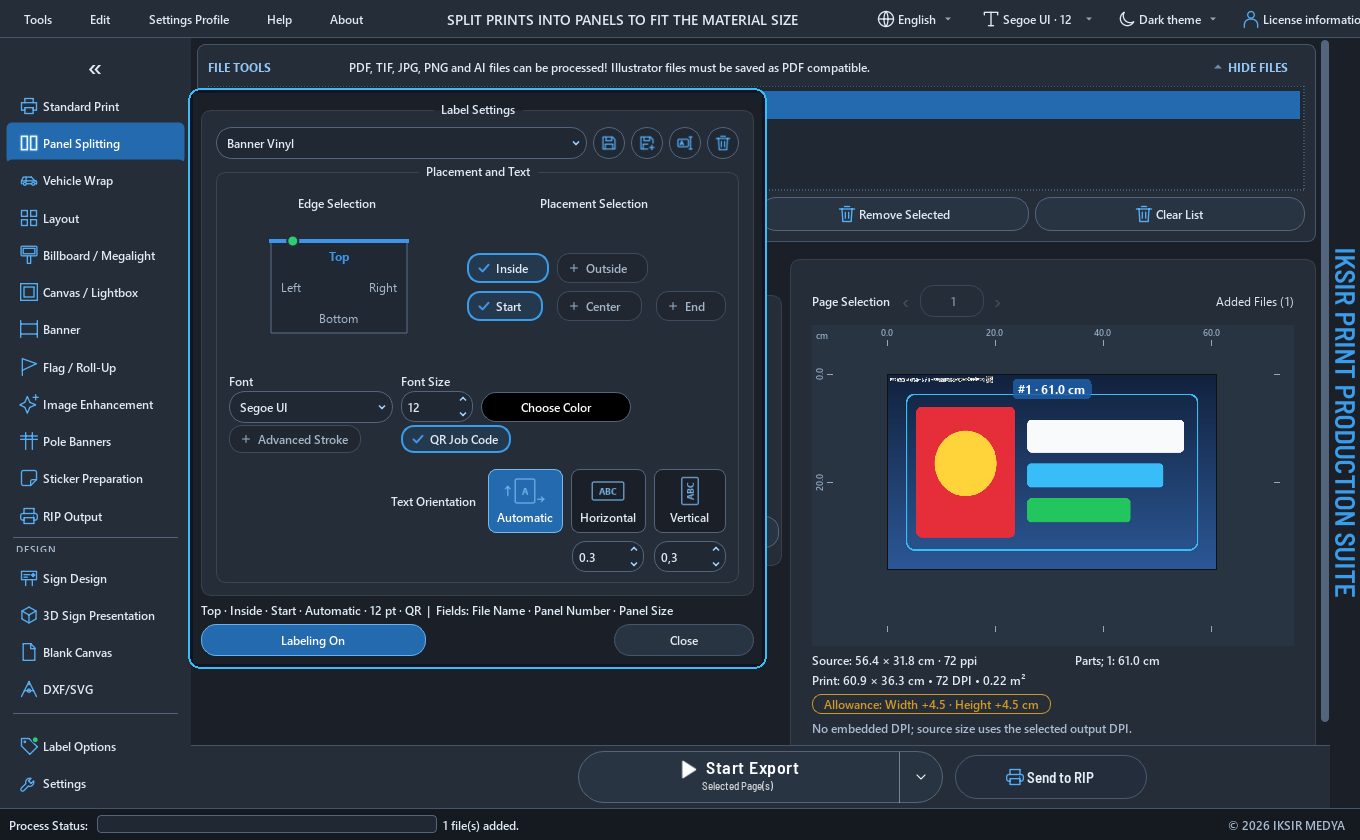
Print filename, job code, panel index (2/5), net/gross dimensions, and a crisp pixel-aligned Mini QR code on any margin edge so cutting and installation crews verify panels by phone scan.
Detailed Mode Guide & SpecsNo need to hunt for test PDFs after installing; click "Try with Sample Artwork" inside any mode to load a real-scale job and inspect the output immediately.