1. Choose Outdoor Format (Billboard, Megalight, CLP Raket)
Pick a standard network frame size or enter custom municipal visible/total dimensions.
OUTDOOR · BILLBOARD (350×200) & MEGALIGHT (340×240)
Media agencies almost always deliver outdoor campaigns as 1:10 scale PDFs, while billposters need numbered blueback sheets with exact paste overlaps and sequence bars. This mode handles scale math, standard outdoor presets, and panel numbering in seconds.
WORKSHOP TIME & ERROR COMPARISON
STEP-BY-STEP WORKSPACE GUIDE
Pick a standard network frame size or enter custom municipal visible/total dimensions.
Drop single or multi-page campaign PDFs; use "Select Pages · Add Code" if assigning 50 overpass or network board IDs.
Configure wet-paste overlap (2–3 cm) for blueback paper, or perimeter white gripper margin for scrolling Megalight backlit film.
Generate RIP-ready TIFFs with top/bottom panel numbers and QR codes so billposting crews hang every board in sequence.
OPERATOR REFERENCE TABLE & TECHNICAL SPECS
Industry-standard visible/print sizes, substrates, and optimal RIP resolution
| Outdoor Unit | Standard Print Size | Substrate & Target Production DPI |
|---|---|---|
| Standard Roadside Billboard | 350 × 200 cm | 115g Blueback Paper (4–6 panels, 2 cm overlap) or Vinyl · 50–72 DPI |
| Megalight (Scrolling / Static) | 340 × 240 cm (varies by city) | 150–180 mic Backlit PET / Megalight Paper · 72–100 DPI |
| CLP / Bus-Shelter Raket | 118.5 × 175 cm | 150g Citylight Backlit Paper (single piece) · 120–150 DPI |
| Giantboard / Parapet | 600 × 300 cm / Overpass | 440g Frontlit Banner or Mesh · 36–60 DPI |
SAMPLE OUTPUTS & CALCULATORS
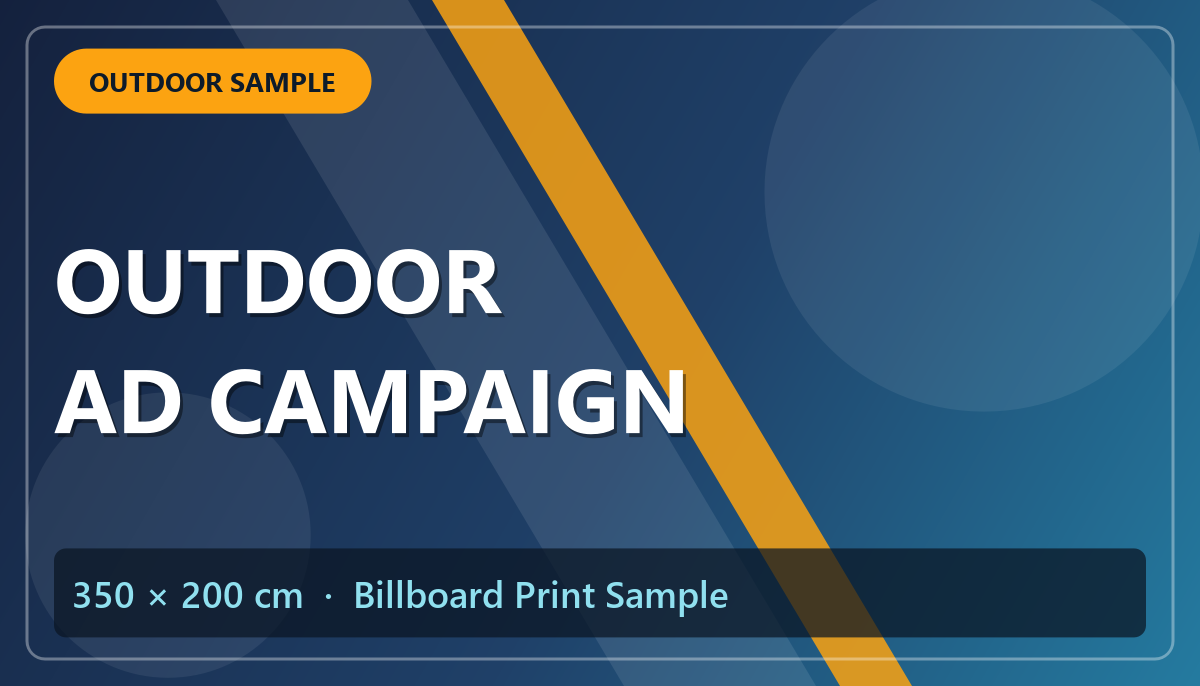
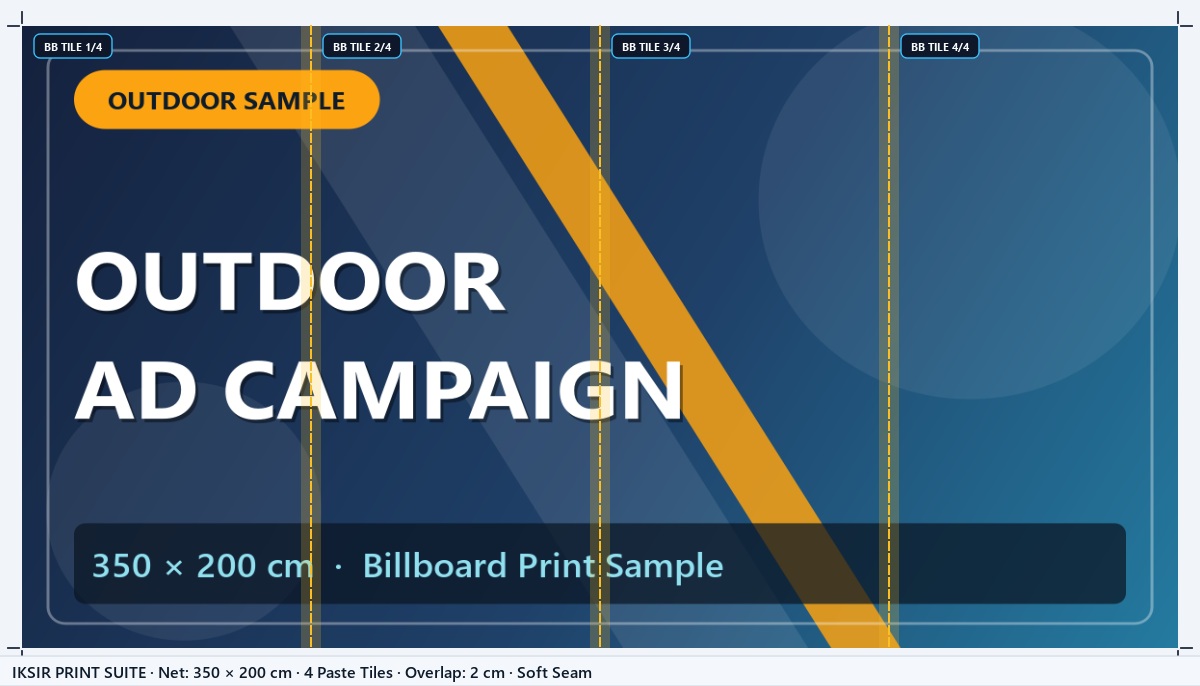
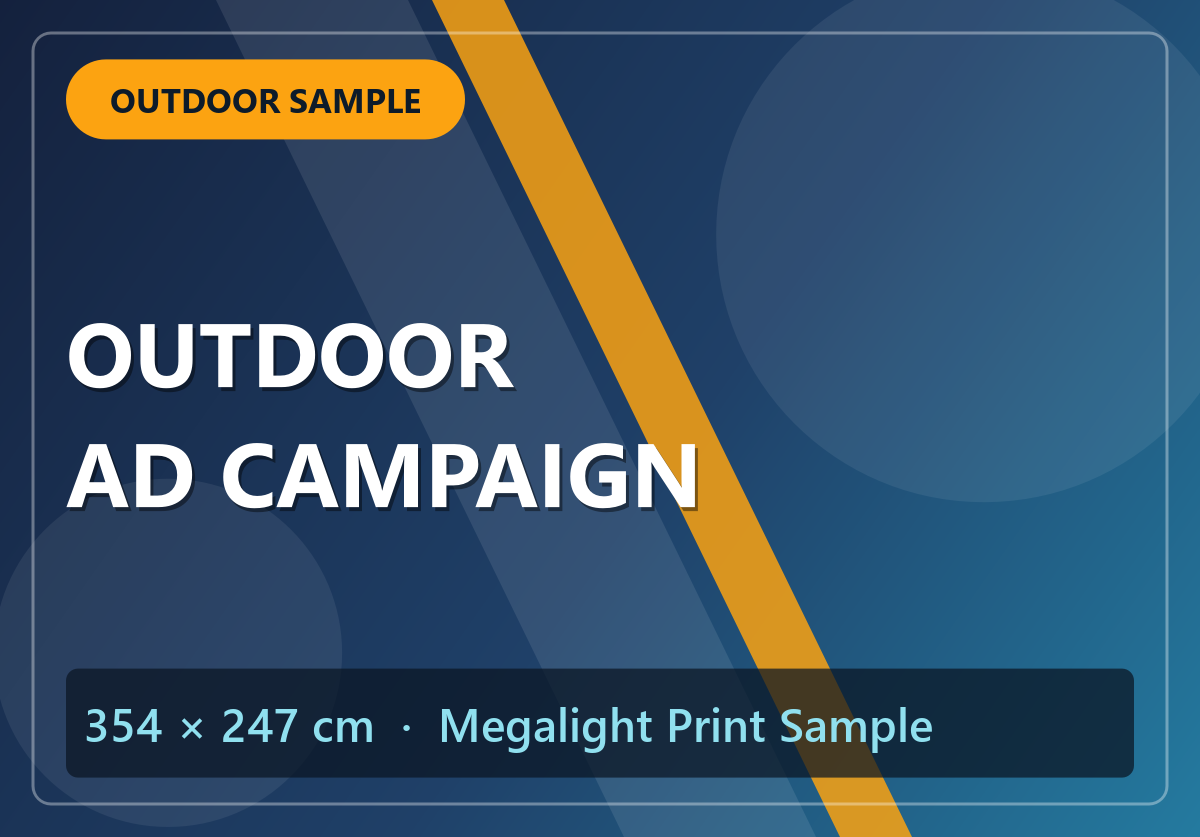
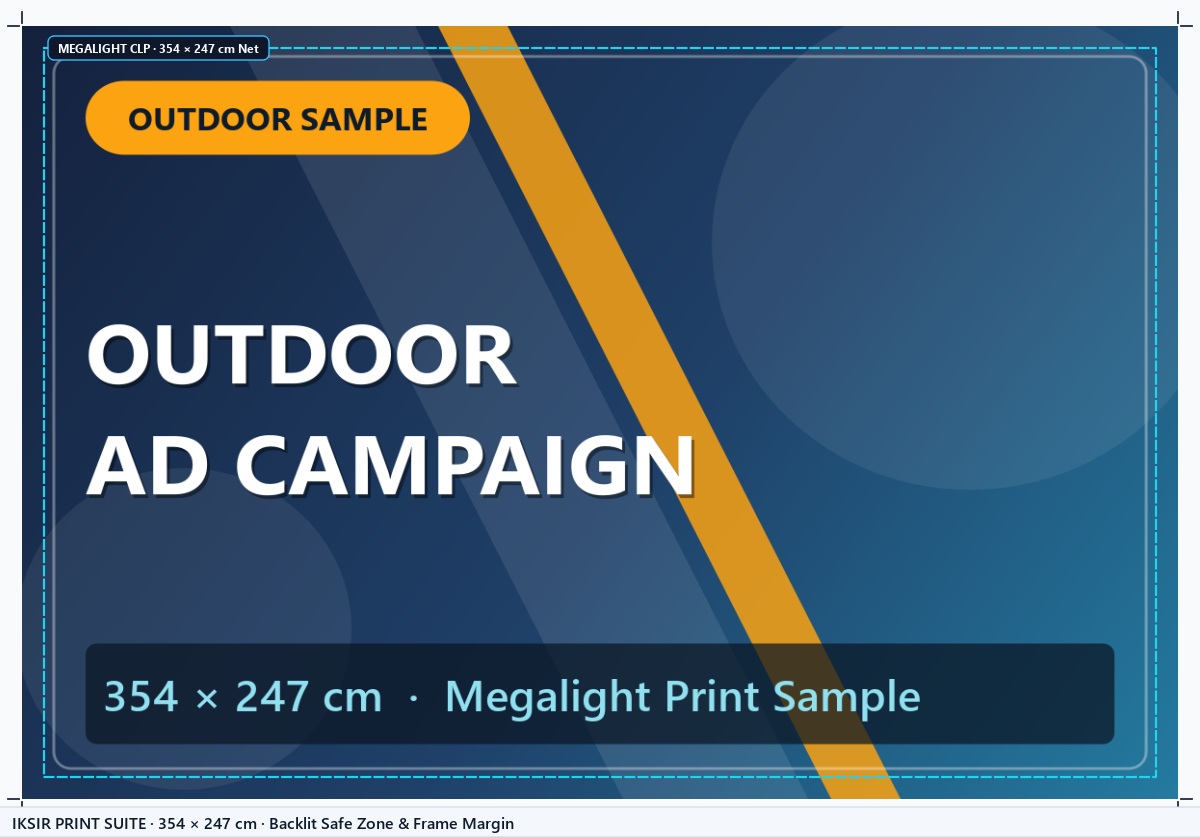
Download both the clean source artwork and IKSIR’s production output (with overlap seams, sleeve folds, grommets, and print labels) to verify physical dimensions in Onyx, Caldera, VersaWorks, PhotoPrint, or Maintop.
350 × 200 cm billboard artwork split into 4 pasting sheets with 2 cm overlap allowance.
354 × 247 cm backlit poster framed with safe-zone guides and fixture margin allowances.
MODE-SPECIFIC FREQUENTLY ASKED QUESTIONS
Yes. Enable ×10 scale or select the 350 × 200 cm preset and vector PDF content rasterizes cleanly directly at full outdoor size.
Yes. Choose panel count or roll width (e.g. 105 / 127 / 152 cm) and orientation to match your local billposting crew standard.
Set independent top/bottom white leader margins so clamping bars grip unprinted margin without hiding campaign copy.
COMPLEMENTARY WORKSPACES
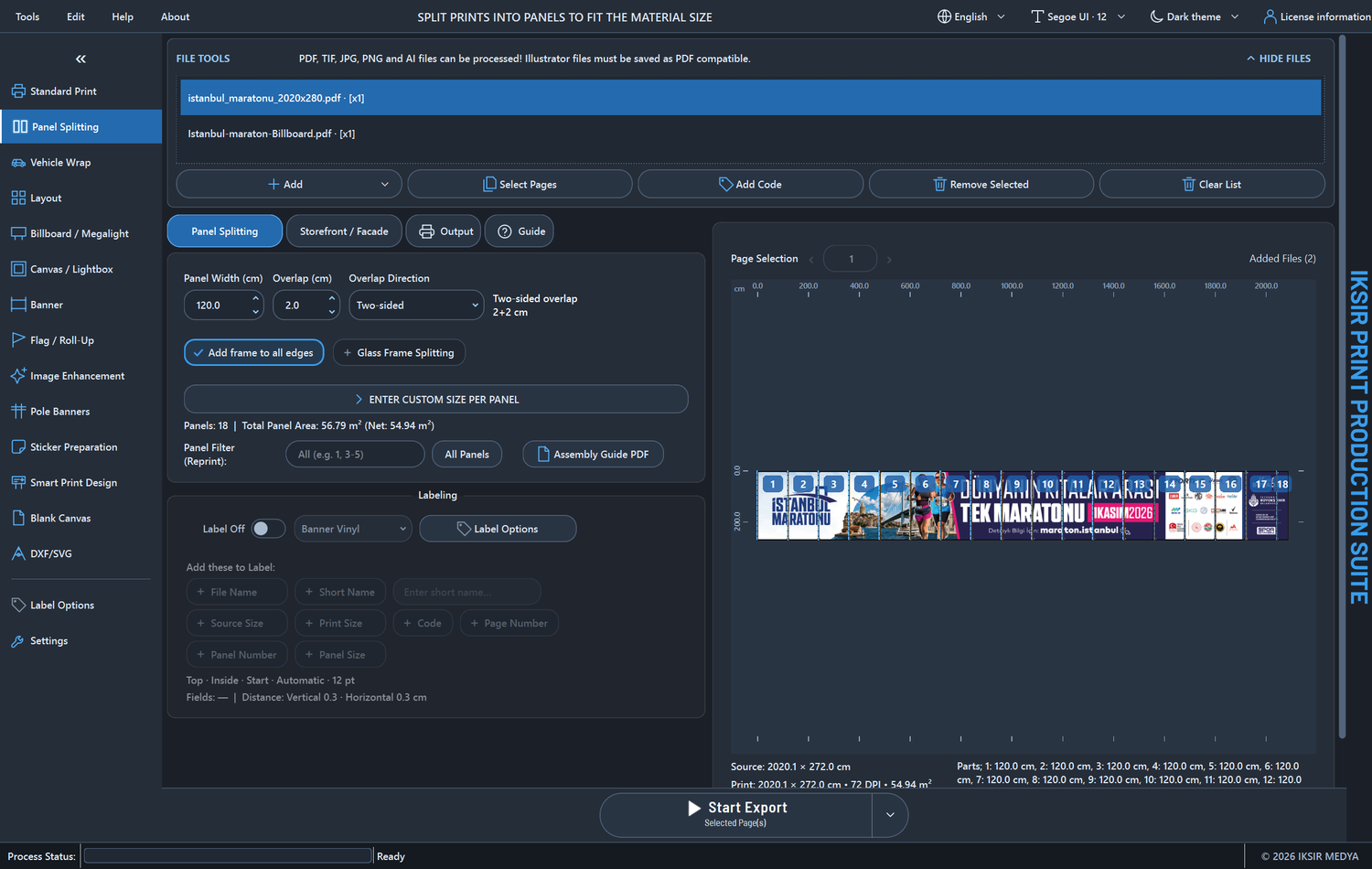
Tile oversized wall murals, building wraps, and backdrops into equal or custom-width panels with precise overlap seams and automatic "Panel 1/N" margin numbering.
Detailed Mode Guide & Specs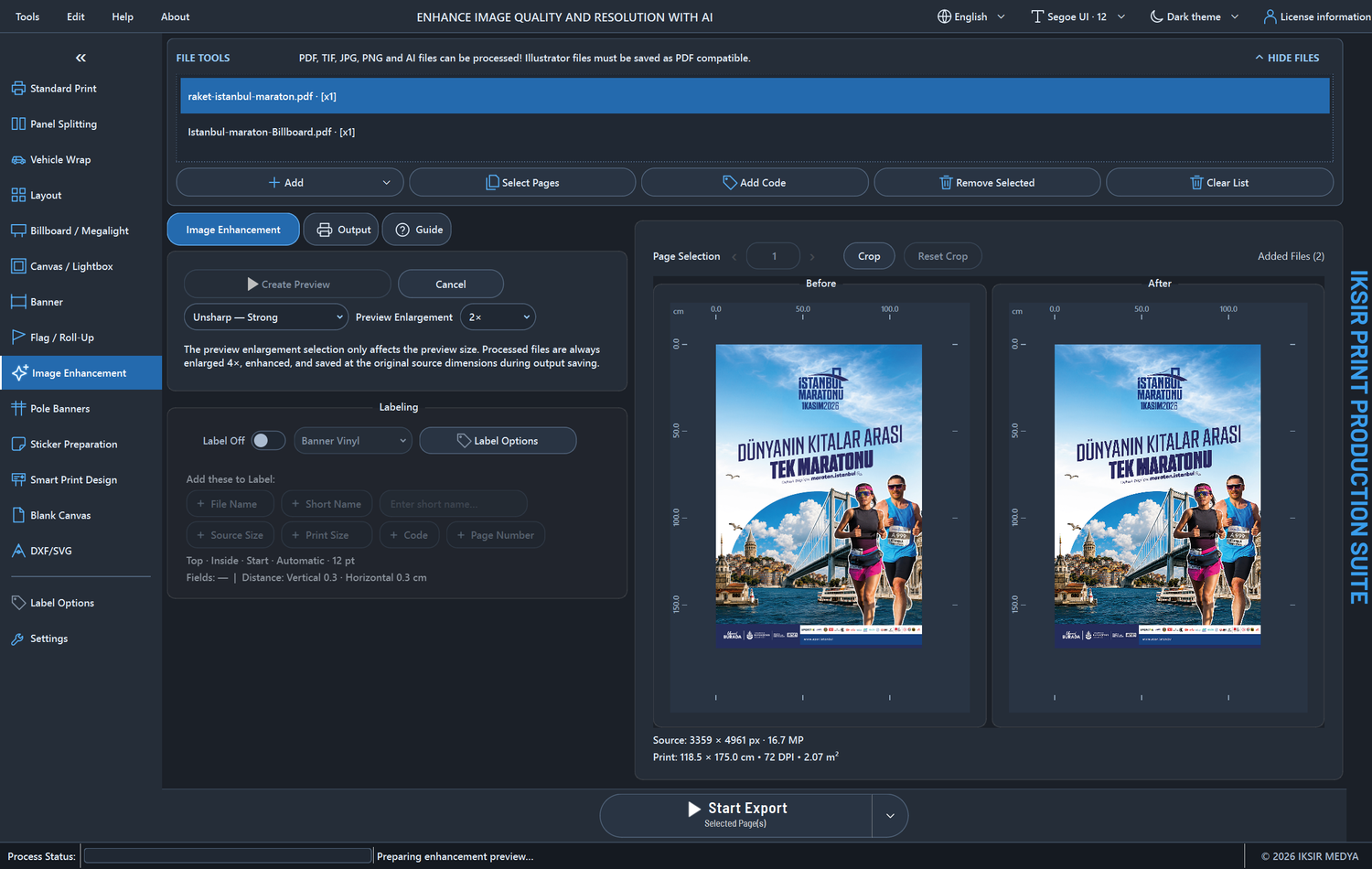
Turn pixelated WhatsApp photos, old logos, and low-DPI product crops into crisp large-format prints with 100% offline 2×/4× AI super-resolution and JPEG artifact removal.
Detailed Mode Guide & Specs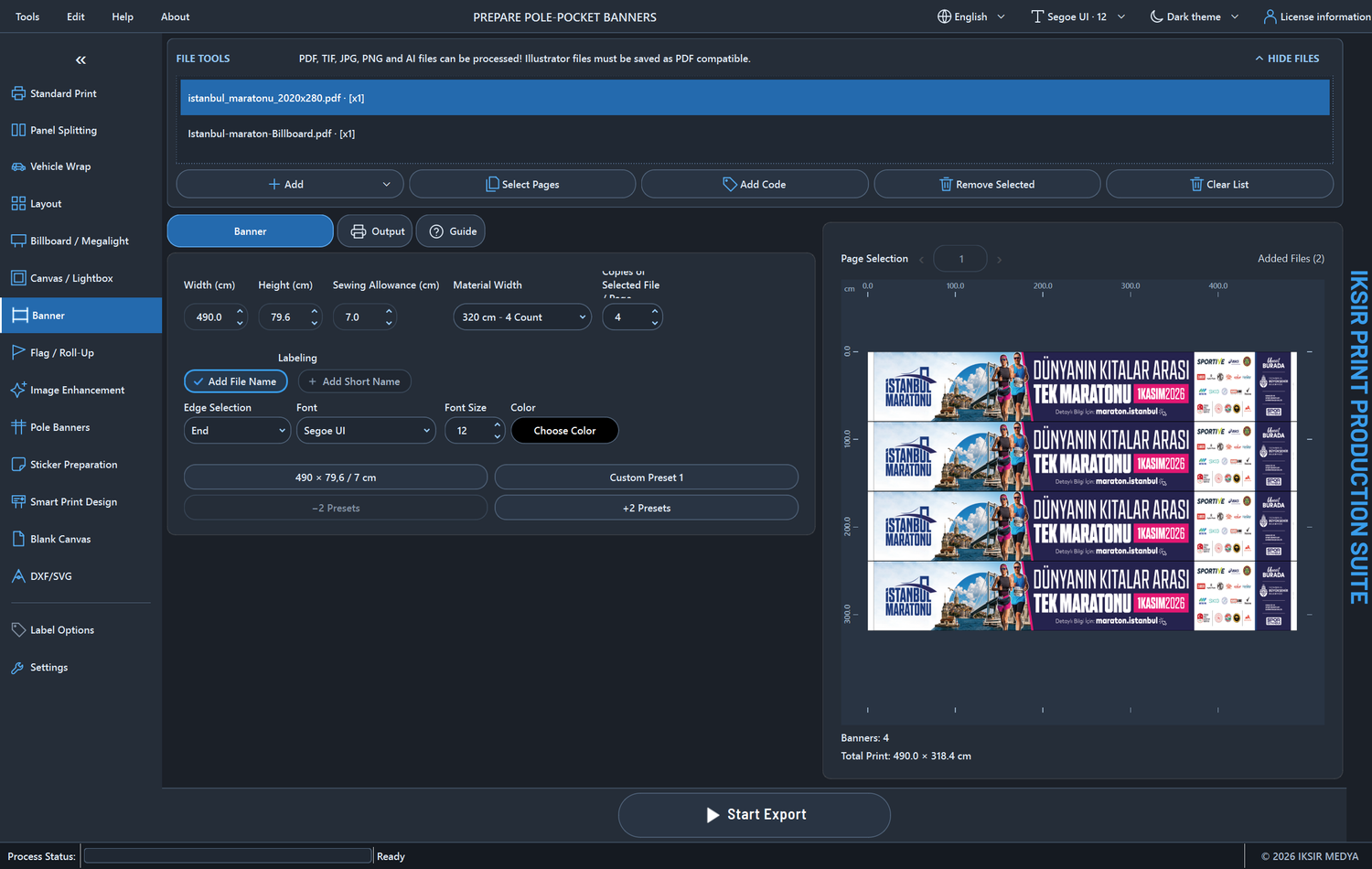
Prepare frontlit/mesh vinyl banners with 3–5 cm hem-welding folds, live visual eyelet (grommet) markers, wind-load spacing, and pole/rope pockets.
Detailed Mode Guide & SpecsNo need to hunt for test PDFs after installing; click "Try with Sample Artwork" inside any mode to load a real-scale job and inspect the output immediately.