1. Drop Low-Resolution JPG, PNG, or WebP Client Images
Inspect source pixel dimensions and see the real-world print DPI warning at your target sign or canvas size.
OFFLINE AI ENGINE · 2× / 4× SUPER-RESOLUTION UPSCALE
Every print shop hears it daily: "That WhatsApp photo is the only copy we have—can you print it 2 meters wide?" Standard bicubic enlargement only blurs jagged JPEG blocks. IKSIR’s built-in offline AI engine strips compression noise, reconstructs crisp edges, and upscales 2× or 4× without uploading client files to the cloud.
WORKSHOP TIME & ERROR COMPARISON
STEP-BY-STEP WORKSPACE GUIDE
Inspect source pixel dimensions and see the real-world print DPI warning at your target sign or canvas size.
Pick Photo / Portrait natural detail reconstruction or Graphic / Logo sharp-edge cleanup with JPEG deblocking.
Zoom to 100%–200% print scale and drag the split divider across eyes, fabric textures, and small lettering.
Pass the 4× enhanced visual directly into Canvas Wrap, Storefront, Tiling, or Built-In RIP Output.
OPERATOR REFERENCE TABLE & TECHNICAL SPECS
Practical maximum print dimensions achieved after 4× super-resolution enhancement
| Typical Client Source File | After 4× AI Upscale | Clean Print Size Achieved |
|---|---|---|
| WhatsApp Compressed Photo (1200 × 900 px) | 4800 × 3600 px (17.2 MP) | 80 × 60 cm @ 150 DPI · 160 × 120 cm @ 75 DPI |
| E-Commerce Product Shot (1500 × 1500 px) | 6000 × 6000 px (36 MP) | 100 × 100 cm Roll-Up/Lightbox @ 150 DPI |
| Old Corporate Logo PNG (600 × 300 px) | 2400 × 1200 px crisp edges | Clean header logo for 300 × 100 cm shop sign |
| DSLR Crop for Facade Wrap (2500 × 1400 px) | 10000 × 5600 px (56 MP) | 350 × 200 cm Billboard / Wall Wrap @ 72 DPI |
SAMPLE OUTPUTS & CALCULATORS
Download both the clean source artwork and IKSIR’s production output (with overlap seams, sleeve folds, grommets, and print labels) to verify physical dimensions in Onyx, Caldera, VersaWorks, PhotoPrint, or Maintop.
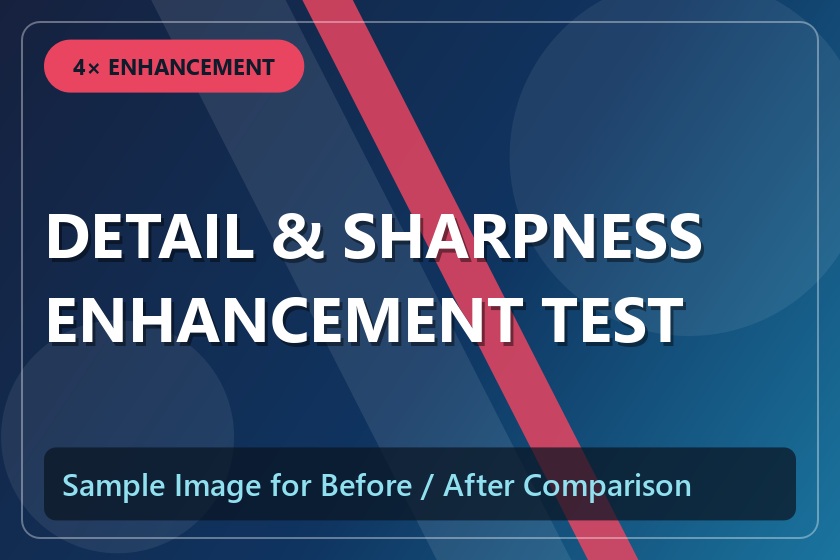
Low-resolution 60 × 40 cm artwork upscaled 4× with sharp typography and clean gradients ready for wide-format print.
MODE-SPECIFIC FREQUENTLY ASKED QUESTIONS
No. The neural upscaling engine runs 100% locally on your computer with zero cloud uploads and unlimited usage.
Yes. Pre-upscale JPEG deblocking smooths compression mosquito noise around letters and skin tones without plastic blurring.
Yes. Queue multiple low-res images, process them sequentially offline, and send them straight to Canvas Frame or Roll Nesting.
COMPLEMENTARY WORKSPACES
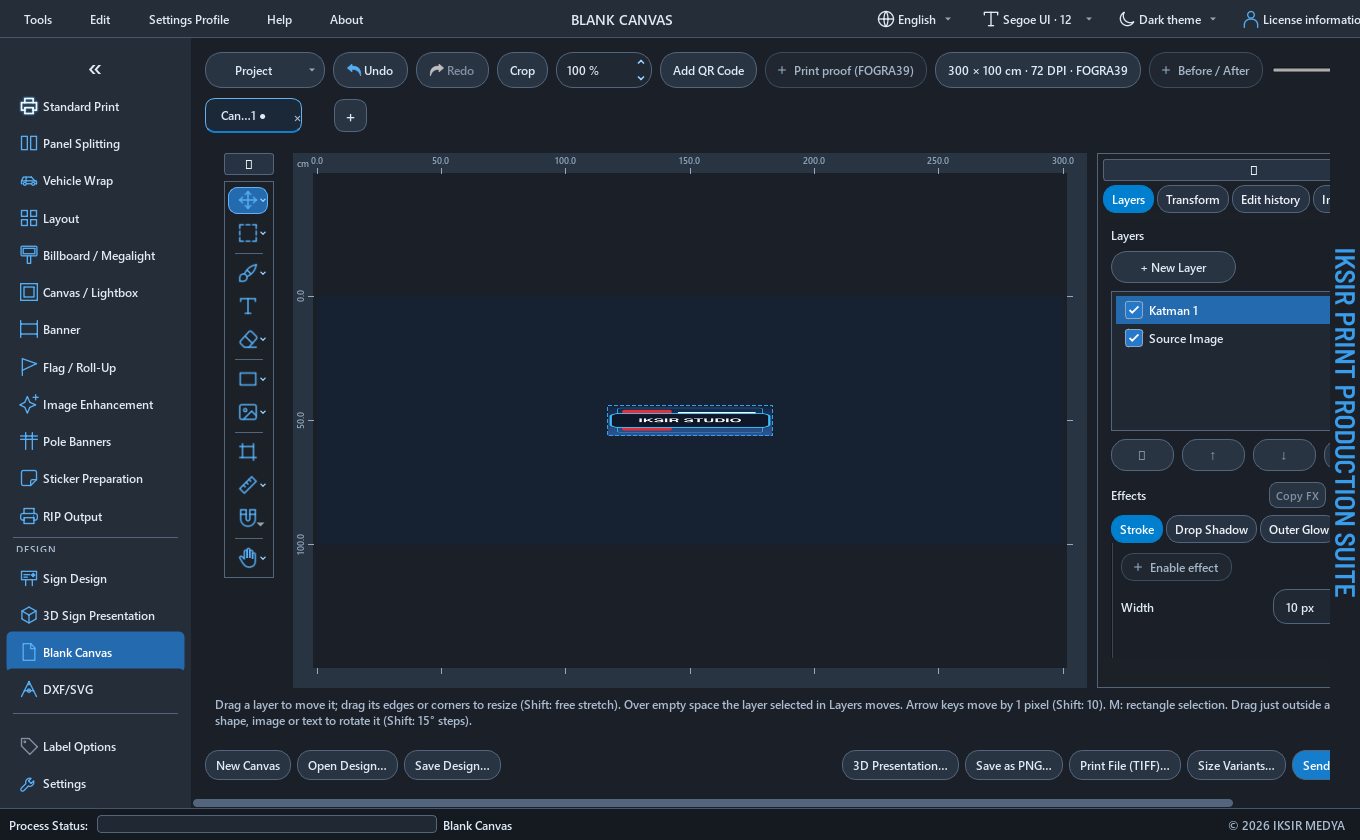
Open multi-tab canvases at exact cm/mm and DPI sizes; compose from scratch with layers, Brush, Clone Stamp, Heal, Magic Wand, Lasso, Vector Shapes, and magnetic ruler guides.
Detailed Mode Guide & Specs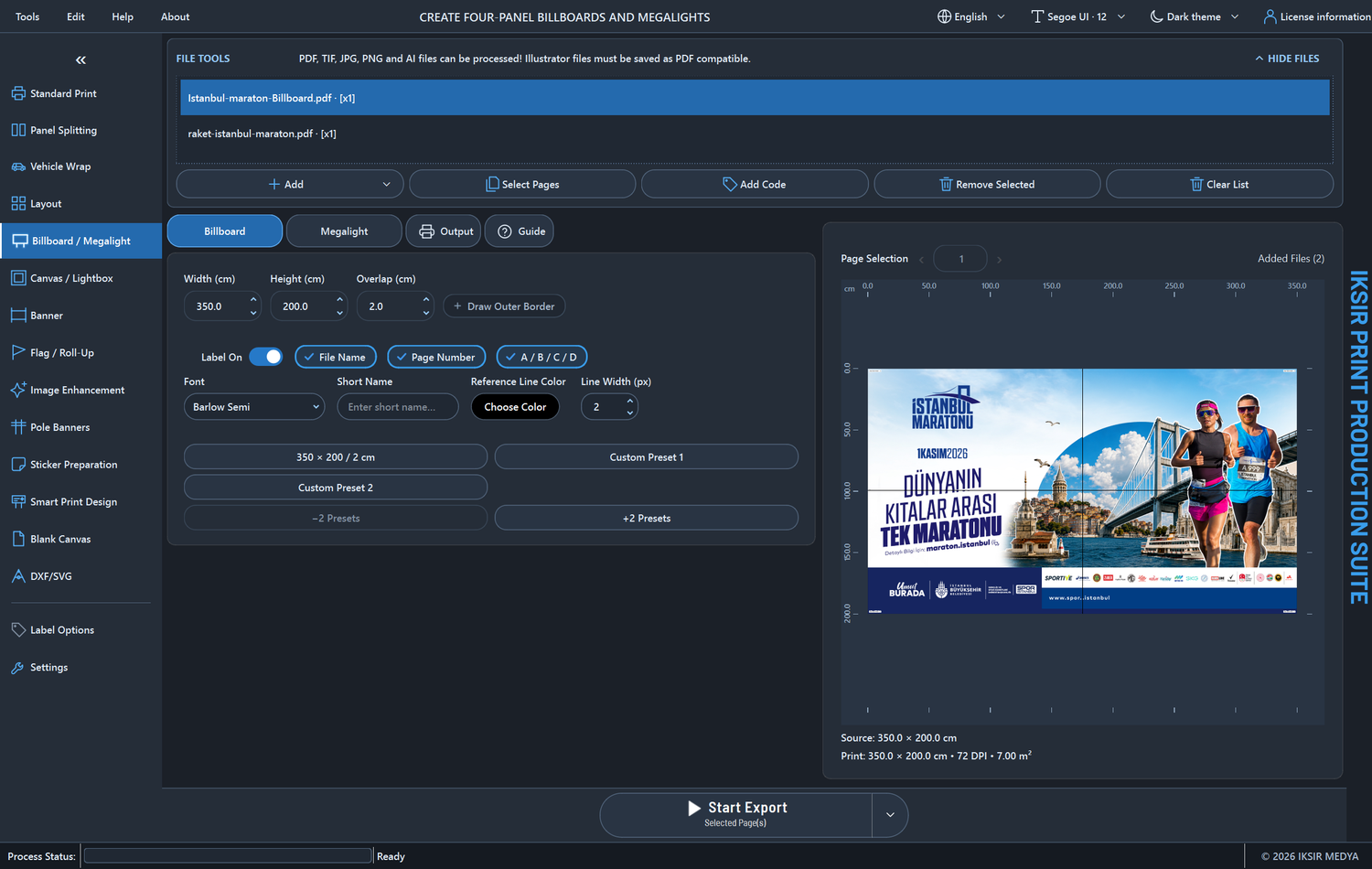
Prepare 4-, 6-, or 8-piece blueback/vinyl billboard posters and backlit Megalight/Raket CLP prints with 1:10 scale auto-detection and paste overlaps.
Detailed Mode Guide & Specs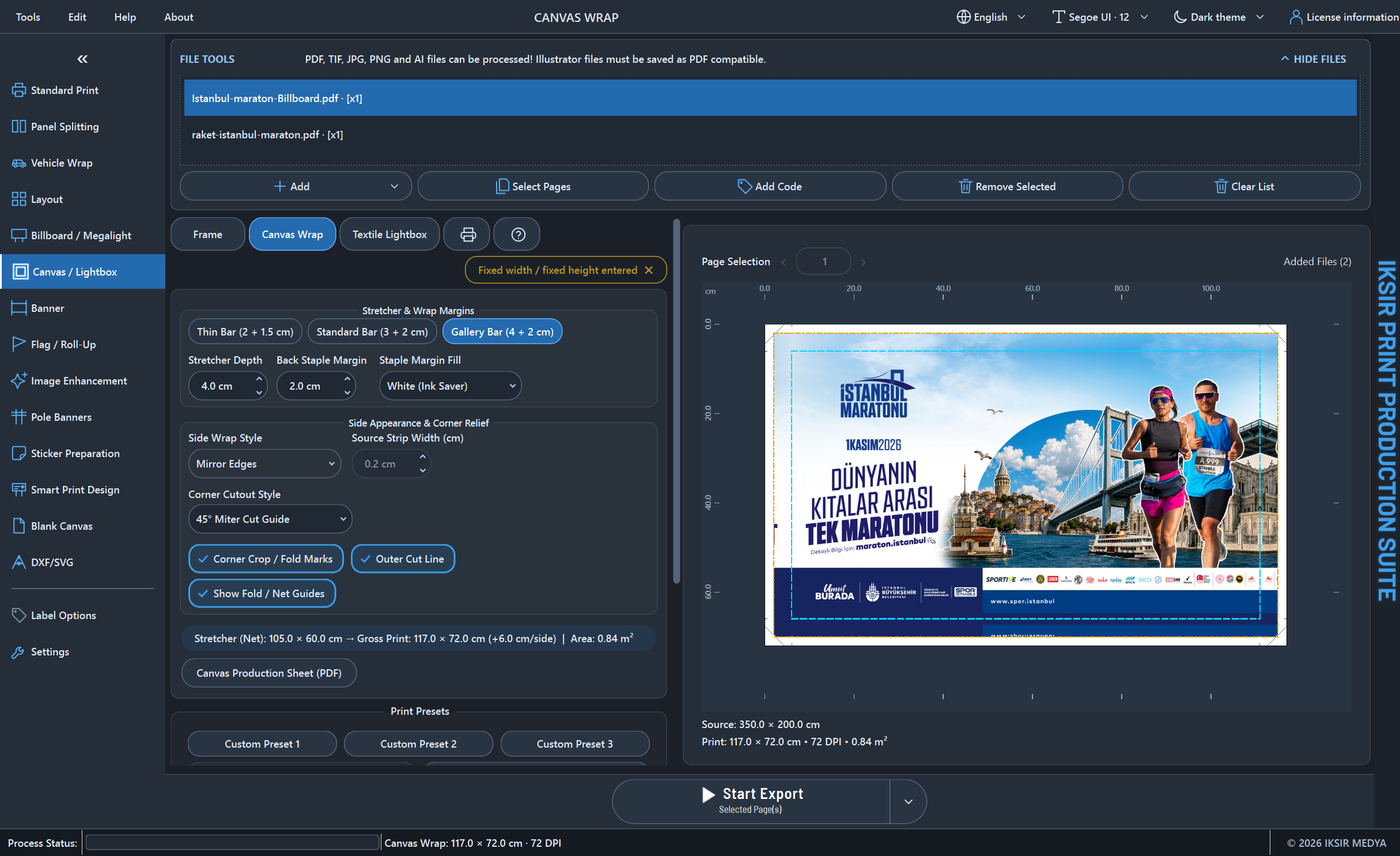
Generate mirrored, stretched, or solid-color side wraps for 2 cm, 3 cm, and 4 cm wooden stretcher bars with corner fold cutouts and ink-free back staple flaps.
Detailed Mode Guide & SpecsNo need to hunt for test PDFs after installing; click "Try with Sample Artwork" inside any mode to load a real-scale job and inspect the output immediately.