1. Enter Wooden Stretcher Face Size & Bar Depth
Specify the finished front frame dimensions (e.g. 50×70, 60×90, 70×100 cm) and wooden profile thickness (1.8 cm, 2.8 cm, 3.8 cm).
DECOR & GALLERY · CANVAS STRETCHER WRAP
Stretching canvas over wooden stretcher bars fails when vital subject details wrap around the side—or when shops waste expensive pigment/UV ink flooding the hidden back staple margin. Canvas Mode builds exact side-depth wraps, corner fold guides, and ink-free staple borders automatically.
WORKSHOP TIME & ERROR COMPARISON
STEP-BY-STEP WORKSPACE GUIDE
Specify the finished front frame dimensions (e.g. 50×70, 60×90, 70×100 cm) and wooden profile thickness (1.8 cm, 2.8 cm, 3.8 cm).
Choose Mirrored Edge so tight portraits never lose edge detail, or pick a solid museum-black/white side wrap.
Add a 2.0–2.5 cm unprinted white back return flap with subtle fold lines and corner relief cut guides.
Export ready-to-trim canvas TIFFs or nest mixed customer orders onto 107 / 127 / 152 cm canvas rolls.
OPERATOR REFERENCE TABLE & TECHNICAL SPECS
Exact total print/cut dimensions per side = Bar Depth + Back Staple Return
| Stretcher Profile Class | Bar Depth + Staple Flap | Total Cut Size for 70 × 100 cm Frame |
|---|---|---|
| Standard Slim Stretcher | 2.0 cm side + 2.0 cm back (+4 cm/side) | 78.0 × 108.0 cm total cut canvas |
| Gallery Medium Stretcher | 3.0 cm side + 2.5 cm back (+5.5 cm/side) | 81.0 × 111.0 cm total cut canvas |
| Museum Deep Stretcher | 4.0 cm side + 2.5 cm back (+6.5 cm/side) | 83.0 × 113.0 cm total cut canvas |
| Floating L-Frame Canvas | 1.8 cm solid black side + 2.0 cm back | 77.6 × 107.6 cm total cut canvas |
SAMPLE OUTPUTS & CALCULATORS
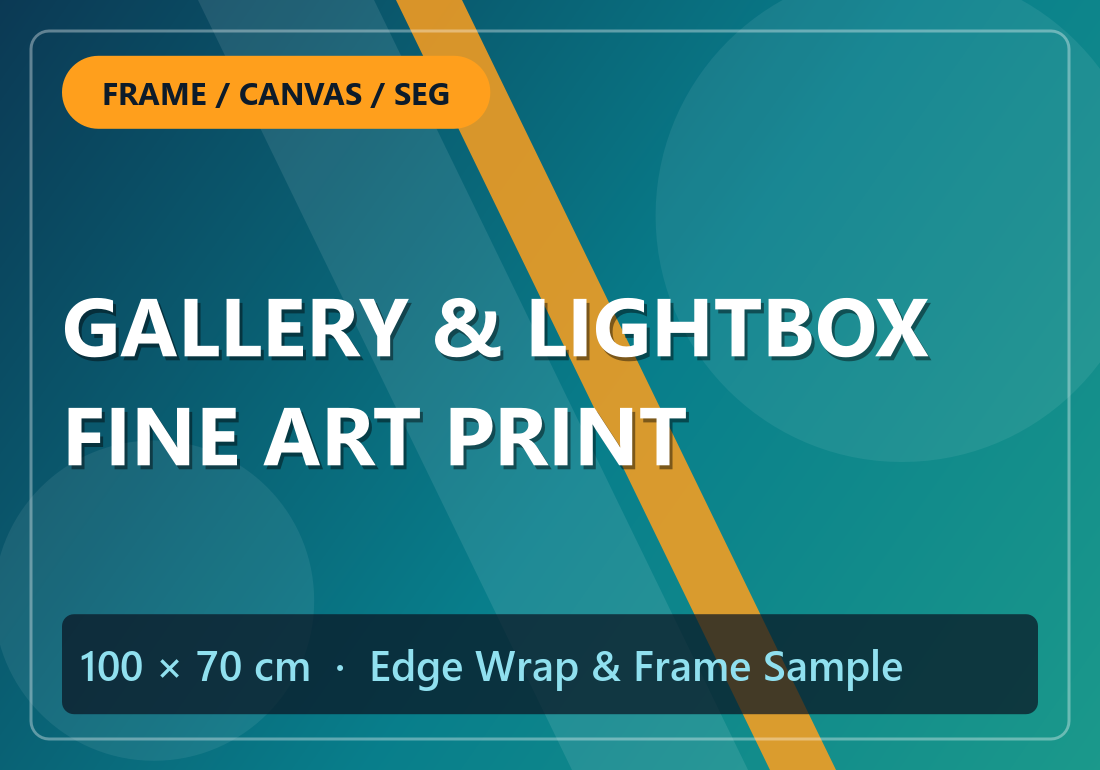
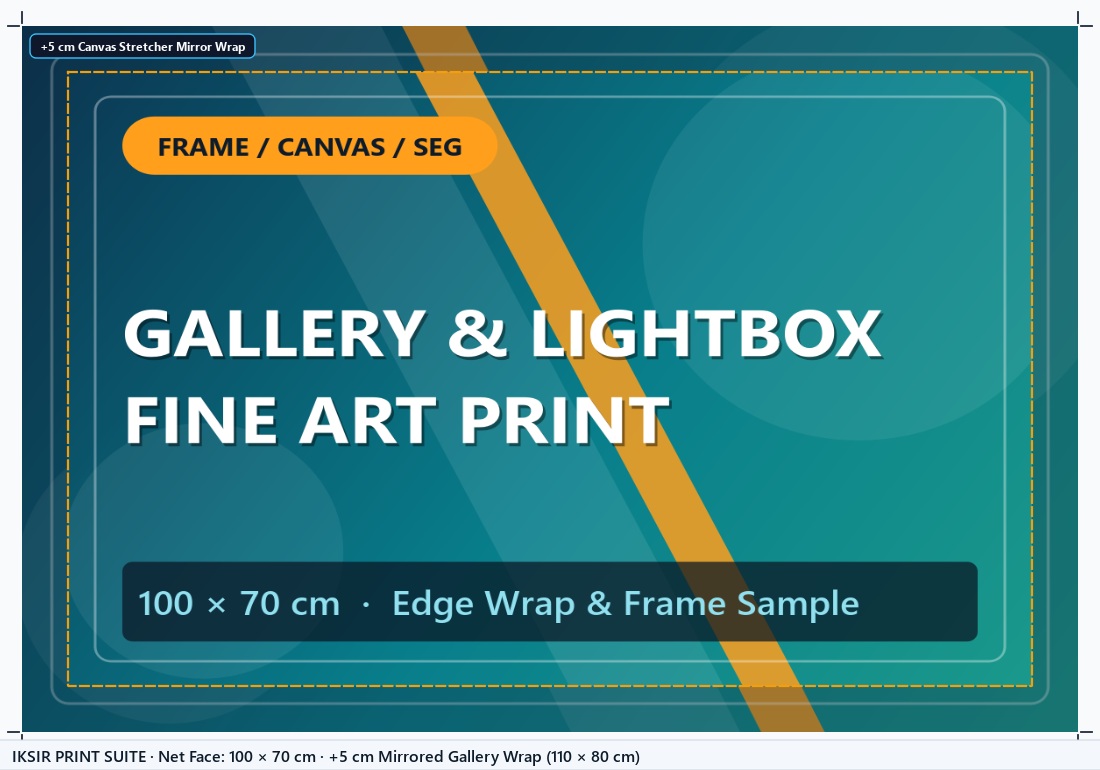
Download both the clean source artwork and IKSIR’s production output (with overlap seams, sleeve folds, grommets, and print labels) to verify physical dimensions in Onyx, Caldera, VersaWorks, PhotoPrint, or Maintop.
100 × 70 cm fine-art print extended with a +5 cm mirrored gallery wrap border for wooden stretchers.
MODE-SPECIFIC FREQUENTLY ASKED QUESTIONS
No. The front face stays 100% at your exact frame dimension; mirrored strips are generated outward onto the side bar depth.
Yes. Subtle corner cut/fold guides mark the exact intersection of side depth and back flap so framing tables fold hospital-neat corners.
Yes. Combine Split/Tiling wall gaps with mirrored canvas side wraps for multi-frame panoramic wall sets.
COMPLEMENTARY WORKSPACES
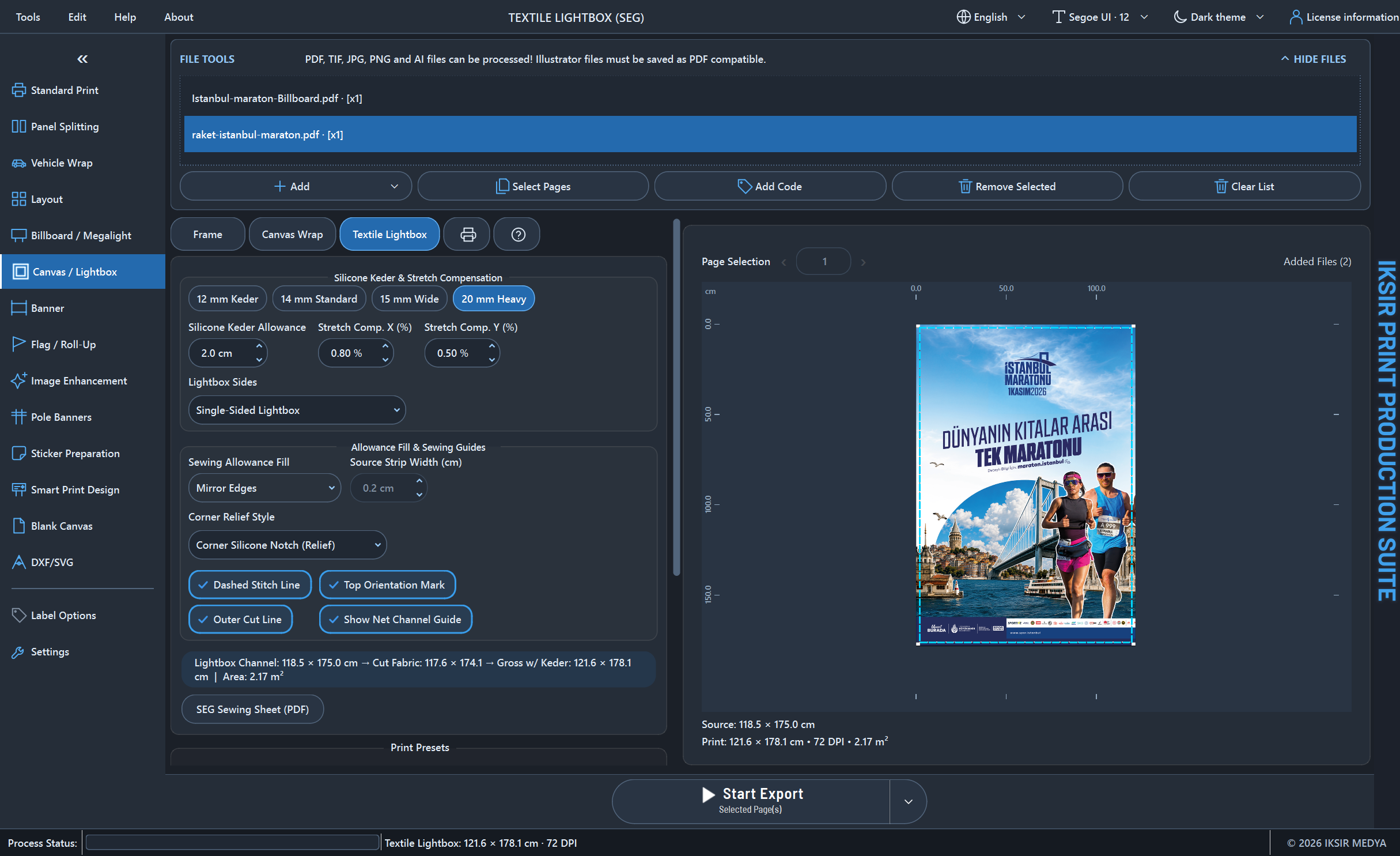
Compensate fabric stretch %, add 12–14 mm silicone keder sewing allowances with sewing-guide lines, and verify backlit color density for aluminum SEG frames.
Detailed Mode Guide & Specs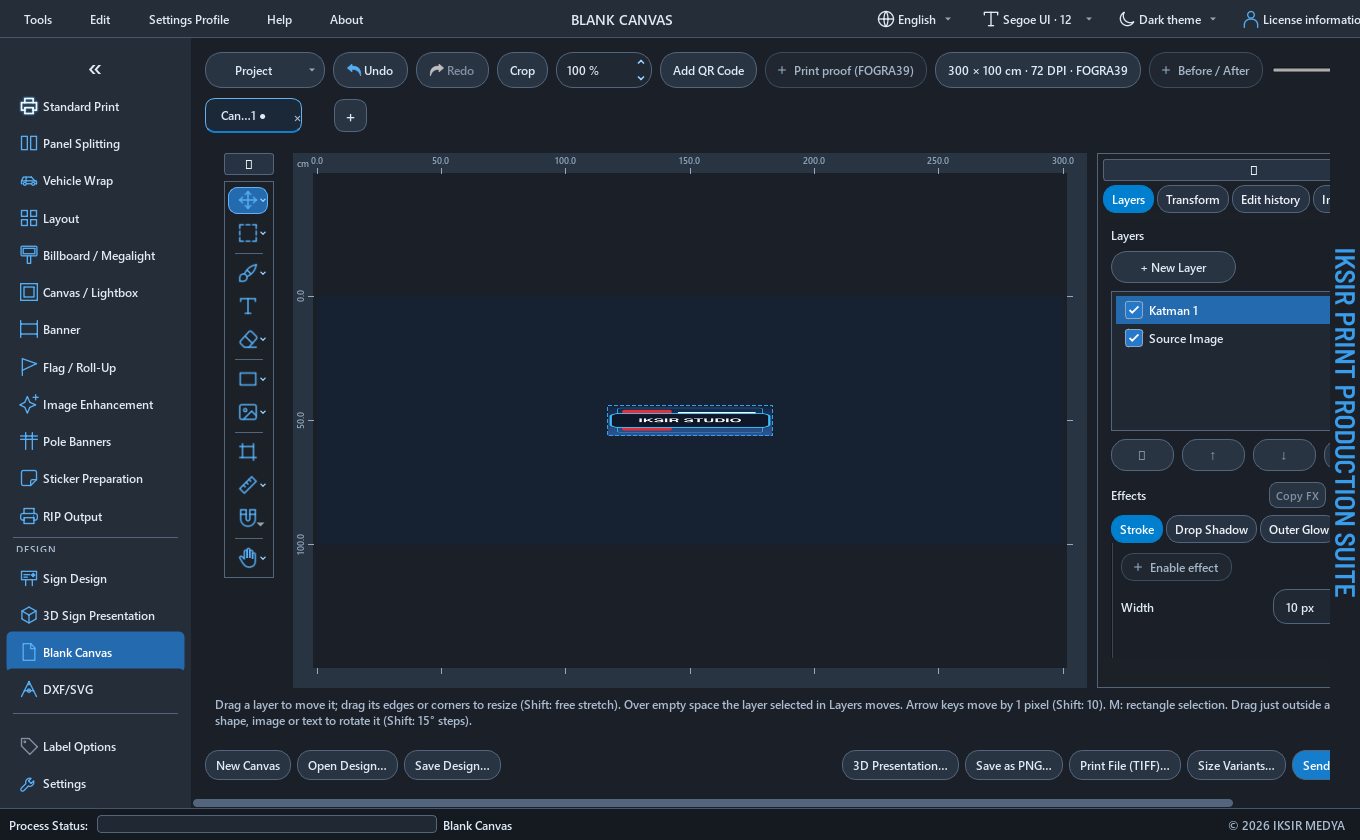
Open multi-tab canvases at exact cm/mm and DPI sizes; compose from scratch with layers, Brush, Clone Stamp, Heal, Magic Wand, Lasso, Vector Shapes, and magnetic ruler guides.
Detailed Mode Guide & Specs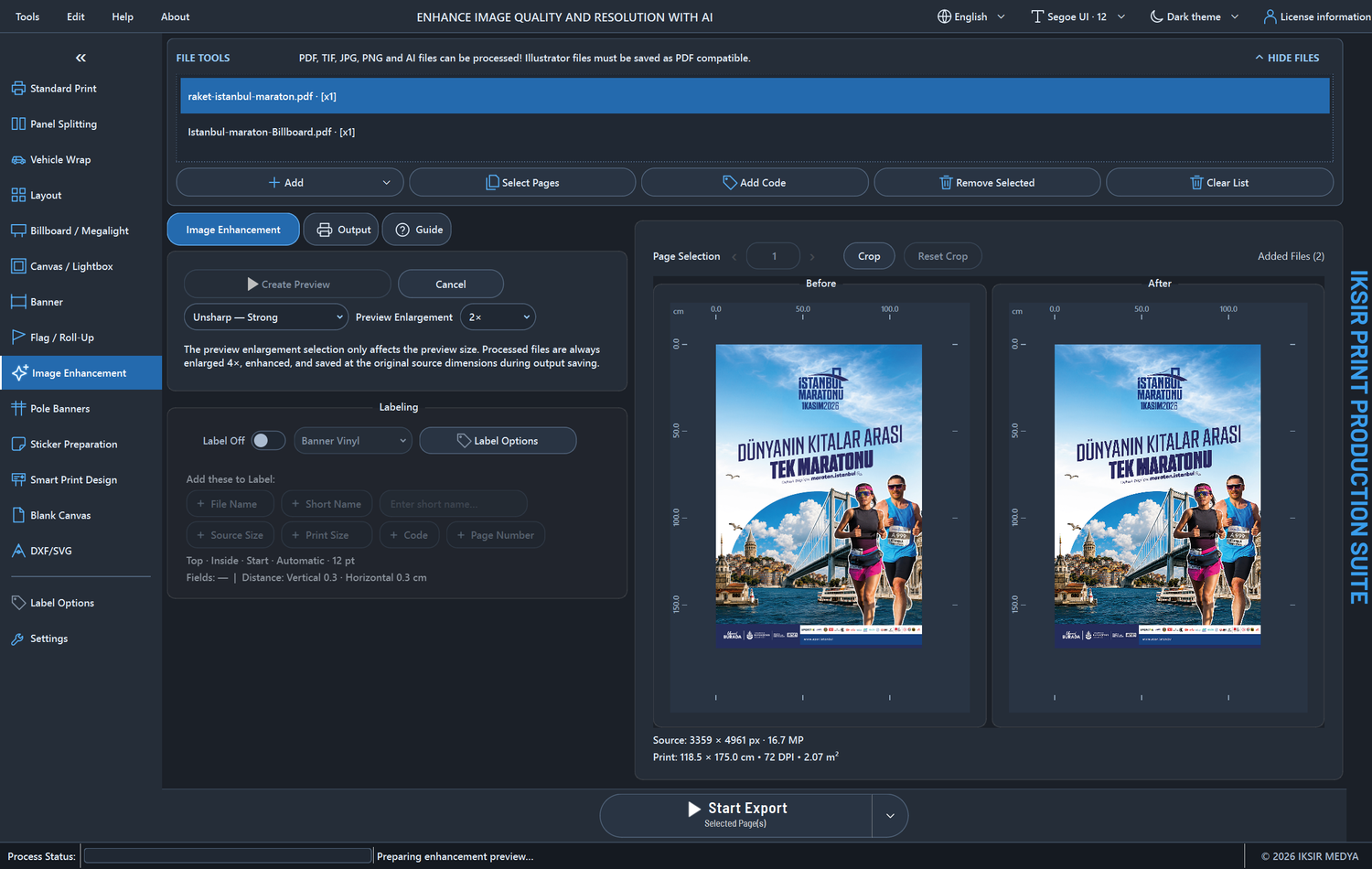
Turn pixelated WhatsApp photos, old logos, and low-DPI product crops into crisp large-format prints with 100% offline 2×/4× AI super-resolution and JPEG artifact removal.
Detailed Mode Guide & SpecsNo need to hunt for test PDFs after installing; click "Try with Sample Artwork" inside any mode to load a real-scale job and inspect the output immediately.