İIKSIRPRINT PRODUCTION SUITE

05 · CANVAS WRAP & SEG LIGHTBOX

Gallery-Wrapped Canvas, Decorative Frames & SEG Silicone-Edge Lightbox

Stop calculating wood stretcher depths, ink-free back staple margins and textile stretch percentages by hand—produce clean mirror wraps, corner reliefs, stitch guides and A4 sewing sheets automatically.

Frames, Gallery-Wrapped Canvas & SEG Silicone-Edge Textile Lightbox

Eliminate manual stretch-bar, back-staple and silicone-keder allowance math with mirrored edges, corner relief cutouts, bidirectional stretch compensation and A4 finishing sheets.

Canvas Wrap & Framed Prints

  • Combine net face dimensions with wooden stretcher depth presets (2, 3, 4 cm) and back staple margins, monitoring net vs gross m² live.
  • Style sides with Mirror Wrap, Pixel Stretch, Soft Blur Stretch, Auto Edge Color or Solid Color while leaving staple margins ink-free.
  • Add square or 45° miter corner relief cutouts, corner fold ticks, outer trim frames and export an A4 Canvas Production Sheet PDF.
SEG Textile Lightbox

  • Configure 12, 14 or 15 mm silicone keder sewing allowances with dashed stitch guides, corner keder relief cutouts and a TOP orientation marker.
  • Compensate fabric stretch independently along horizontal (X%) and vertical (Y%) axes for drum-tight tension in aluminum extrusion channels.
  • Batch front and back graphics for freestanding lightboxes along with an A4 SEG Sewing Specification PDF.
See all 19 modules in Technical GuideLaunch calculator: Viewing Distance, Target Print DPI & 1:10 Large-Format Scale Calculator

13 MODES · REAL-SCALE RIP TEST PACKS

Verify Directly in Your RIP Software or IKSIR

Download both the clean source artwork and IKSIR’s production output (with overlap seams, sleeve folds, grommets, and print labels) to verify physical dimensions in Onyx, Caldera, VersaWorks, PhotoPrint, or Maintop.

Try with Sample Artwork100 × 70 cm

Canvas Wrap / Lightbox / SEG

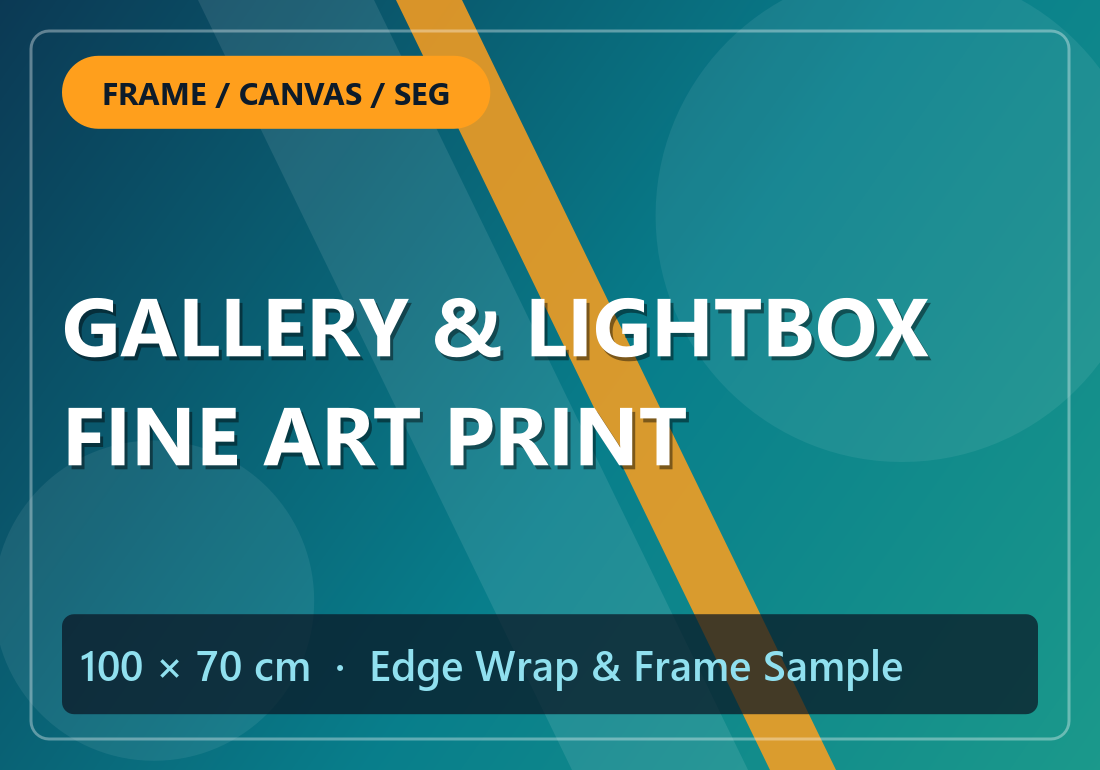
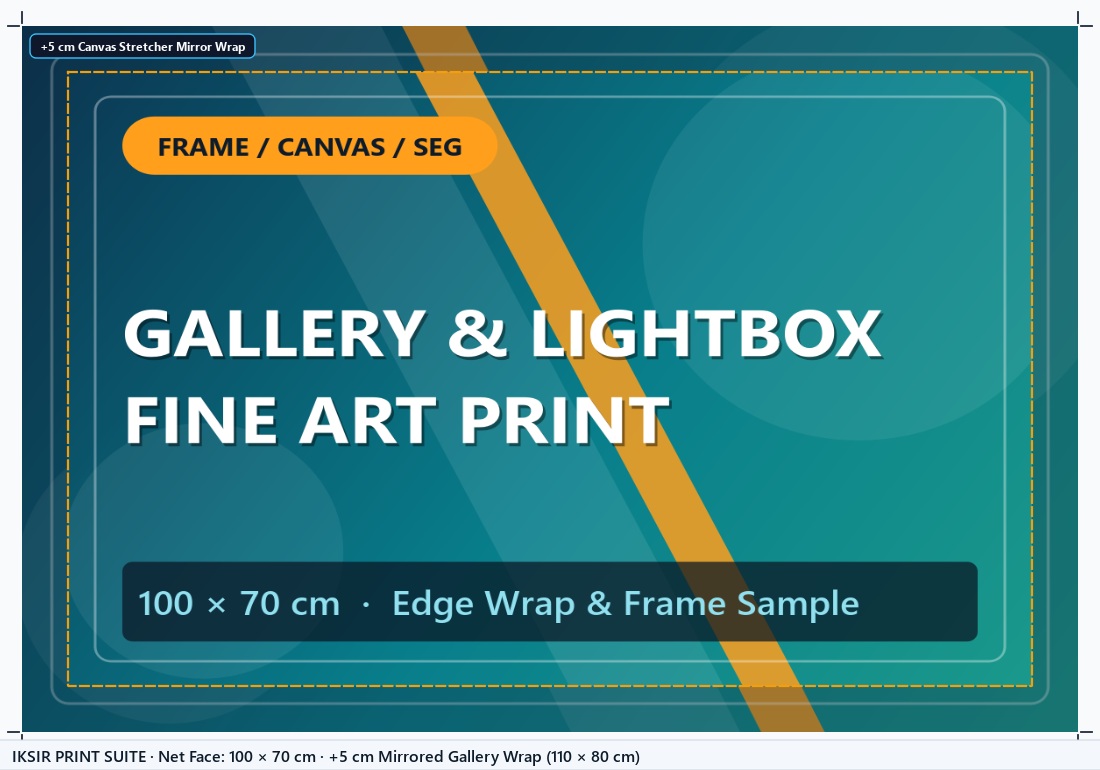
100 × 70 cm fine-art print extended with a +5 cm mirrored gallery wrap border for wooden stretchers.

  • 100 × 70 cm Face
  • +5 cm Mirrored Wrap
  • Fold & Trim Lines
Canvas Wrap / Lightbox / SEG — Raw Sample
Raw Sample
Canvas Wrap / Lightbox / SEG — IKSIR Output
IKSIR Output

FREE SIGNAGE & WIDE-FORMAT RESOLUTION CALCULATOR

Viewing Distance, Target Print DPI & 1:10 Large-Format Scale Calculator

Find the ideal output DPI, required canvas pixels, minimum readable letter height, 1:10 Illustrator/PDF scale export rule, and whether an existing client image needs 4× AI upscaling.

Signage Presets:
Recommended Output DPI115 DPICalculated for 2.0 m normal eye acuity
Minimum Required Pixels3,848 × 9,055 pxAt 1:1 print scale (115 DPI)
Readable Letter Height0.8 – 2.0 cmMin height: 0.8 cm · Headline: 2.0+ cm
PDF / Artwork Scale Rule1:1 True Size SupportedFits under the 508 cm PDF limit — prepare directly at 85 × 200 cm 1:1.
Your Image Check & 4× AI Upscale115 DPI

Enter image pixel width & height to test effective DPI at full size.

Practical Shop-Floor DPI Rules by Viewing Distance
  • Hand-held labels, packaging & stickers (0.3–1 m): target 200–300 DPI.
  • Trade-show Roll-Ups, retail displays & vehicle wraps (1.5–4 m): 100–150 DPI looks razor-sharp at viewing distance.
  • Storefront fascias & street banners (5–10 m): 50–75 DPI keeps file sizes fast without visible pixels.
  • Billboards & highway totems (12–40+ m): 20–40 DPI at full 1:1 scale (or 200–400 DPI at 1:10 Adobe artboard scale).

Frequently Asked Questions

How does bidirectional X/Y stretch compensation help SEG fabric lightboxes?

Knitted and woven backlit fabrics stretch differently lengthwise vs crosswise; enter independent X% and Y% factors so printed panels snap drum-tight into aluminum extrusions without sagging.

Can back staple margins on stretched canvas be kept completely ink-free?

Yes. Choose Mirror, Pixel Stretch, Blur or Auto Edge Color for visible frame sides while keeping the rear staple allowance clean white to save ink and prevent rub-off.

Related Print Solutions

Try every workflow for 21 days with your own files.

All processing runs locally on your PC—executing Photoshop macro-style workflows instantly and error-free inside ready-made templates without recording macros.