1. Lock Physical Width, Height, DPI & Safe Margins First
Set exact dimensions in cm/mm, material type, bleed, and grommet/pocket allowances at the top bar—every layout calculation respects your real print size.
SMART SIGN & BANNER DESIGN STUDIO
Drafting multiple sign or banner concepts for a walk-in customer should take minutes, not hours. Set width and height first, type a plain-language request or pick a curated sector template, check your 0–100 readability and contrast score, and export print-ready CMYK TIFF, Vector PDF, or DXF cut paths.
WORKSHOP TIME & ERROR COMPARISON
STEP-BY-STEP WORKSPACE GUIDE
Set exact dimensions in cm/mm, material type, bleed, and grommet/pocket allowances at the top bar—every layout calculation respects your real print size.
Enter headline, subtitle, phone, and colors—or browse Templates / Compare Alternatives—and place client logos or vector QR codes in safe corners.
Apply rule-based legibility fixes with one click, toggle CMYK soft-proofing to catch out-of-gamut neons early, and fine-tune layers in the embedded editor.
Switch straight to 3D Sign Presentation for facade approval, export crisp Vector PDFs and Technical Proof Sheets, or send directly to DXF cutting or the print queue.
OPERATOR REFERENCE TABLE & TECHNICAL SPECS
Field legibility benchmarks used by the Sign Design rule engine:
| Target Viewing Distance | Minimum Cap Height (cm) | Recommended Output DPI (1:1) |
|---|---|---|
| 1 – 3 m (Indoor wayfinding & door plates) | 1.5 – 3 cm | 150 – 300 DPI |
| 5 – 10 m (Sidewalk storefronts & window signs) | 5 – 10 cm | 100 – 150 DPI |
| 15 – 30 m (Urban street fascia signage) | 15 – 30 cm | 72 – 100 DPI |
| 50 – 100 m (Main boulevard & rooftop signs) | 45 – 80 cm | 50 – 72 DPI |
| 150+ m (Highway pylons & building wraps) | 100 – 150+ cm | 30 – 50 DPI |
UV White Ink and Varnish Guide: A step-by-step guide to adding white ink and varnish layers to UV print files with IKSIR Print Suite: RIP setup, choke, density, reverse printing and output files.
Read the white and varnish guideSAMPLE OUTPUTS & CALCULATORS
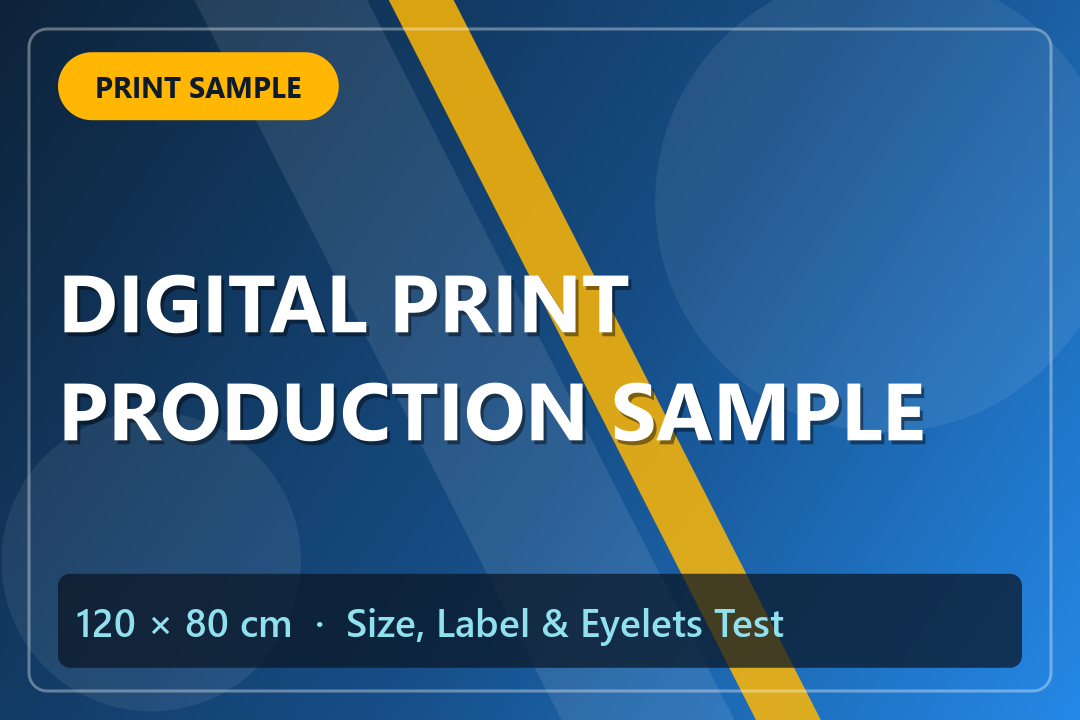
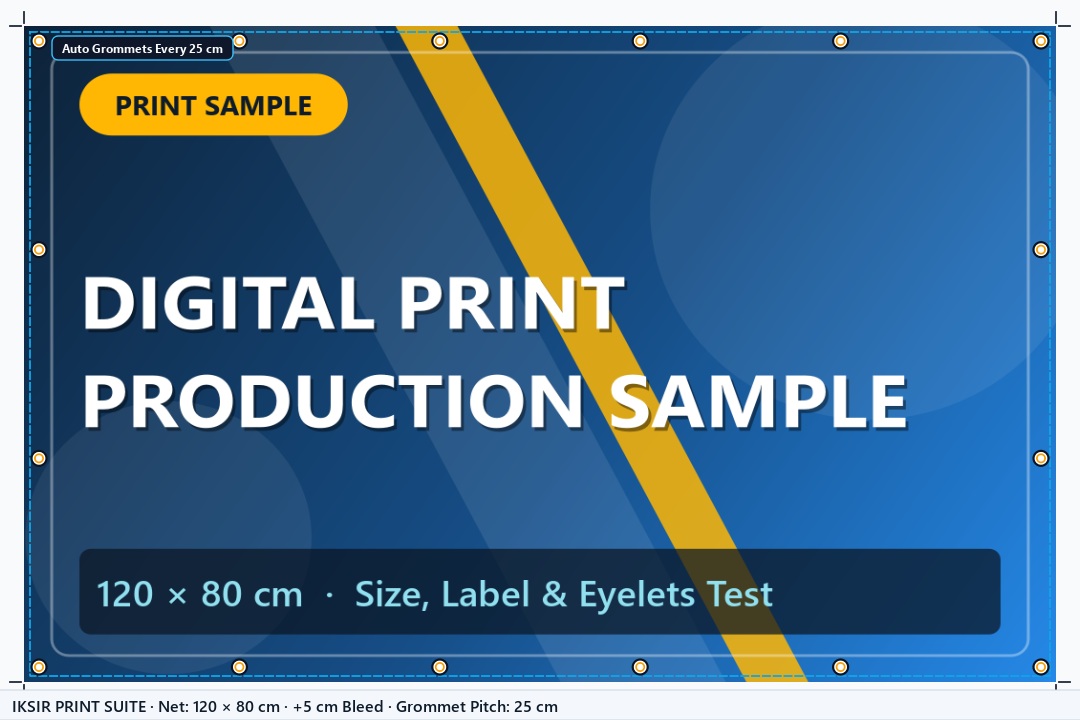
Download both the clean source artwork and IKSIR’s production output (with overlap seams, sleeve folds, grommets, and print labels) to verify physical dimensions in Onyx, Caldera, VersaWorks, PhotoPrint, or Maintop.
460 × 80 cm banner prepared with 7 cm mirrored left/right pole pockets and corner grommets.


120 × 80 cm print job with bleed margin, 25 cm eyelet markers around all edges, and a footer label.
MODE-SPECIFIC FREQUENTLY ASKED QUESTIONS
Yes. Natural-language parsing, sector templates, typography engines, readability rules, CMYK proofing, and Vector PDF/DXF exports all run 100% locally on your PC.
Yes. Vector PDF export preserves crisp text/shape curves, trim marks, and CMYK color values for sharp scaling at any size.
Yes. Saving an .iksir project retains all text fields, layers, dimensions, and 3D presentation states.
Yes. Selecting a sector like Pharmacy or Jewelry automatically pre-selects matching 3D material and lighting presets when you open 3D Sign Presentation.
COMPLEMENTARY WORKSPACES
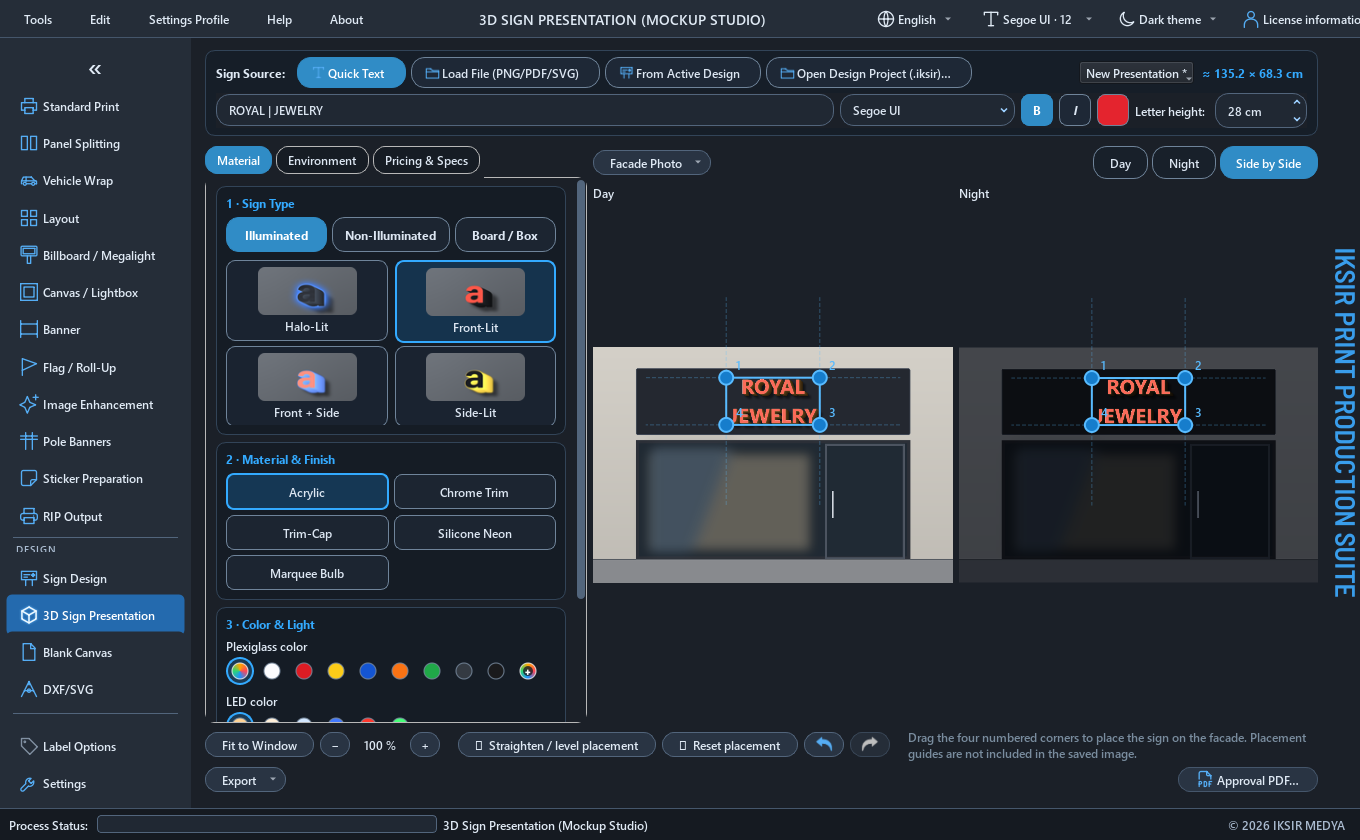
Type quick sign text or drop Corel/Illustrator PDF-SVG-PNG logos to render realistic day/night 3D channel letters, chrome-trimmed acrylic, and neon on client facades—complete with instant pricing and A4 Approval PDFs.
Detailed Mode Guide & Specs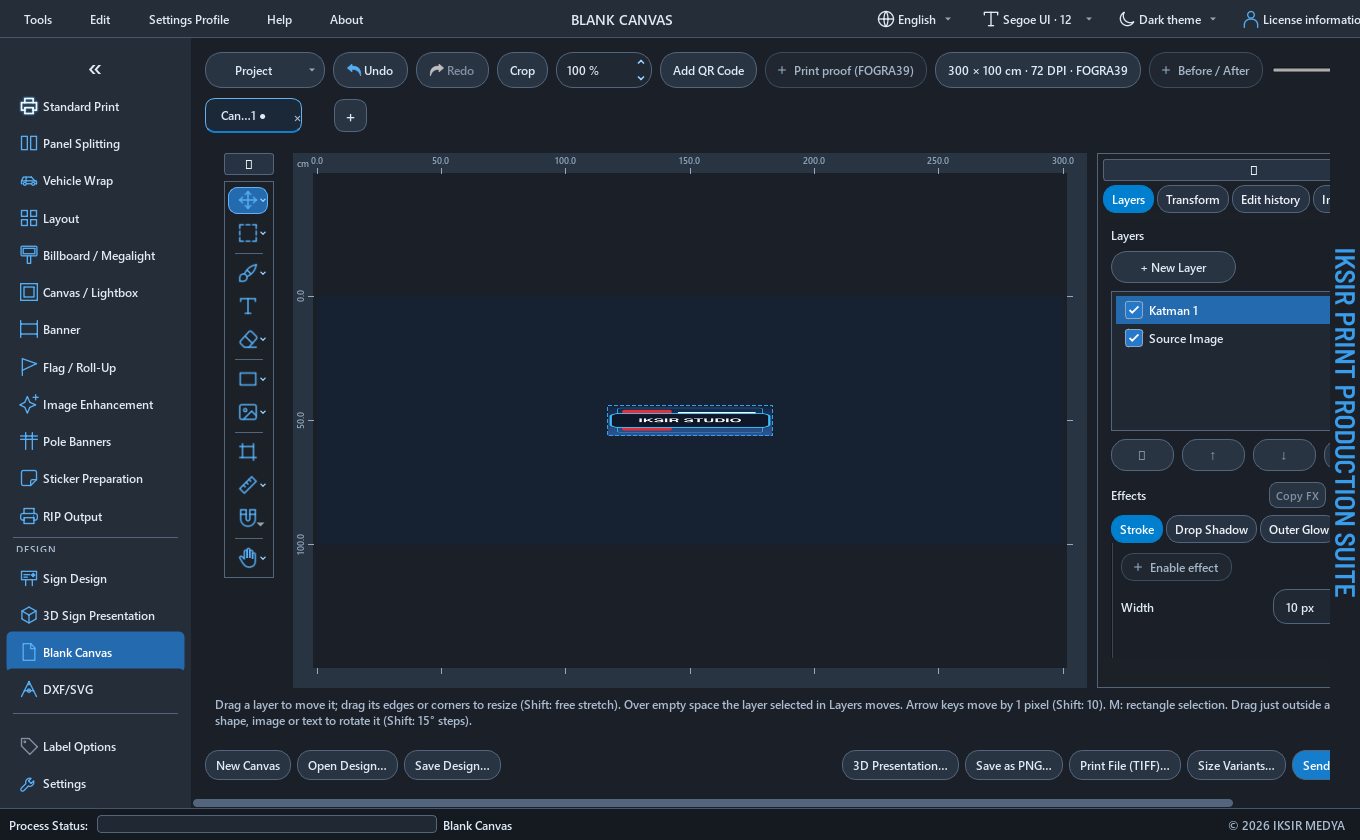
Open multi-tab canvases at exact cm/mm and DPI sizes; compose from scratch with layers, Brush, Clone Stamp, Heal, Magic Wand, Lasso, Vector Shapes, and magnetic ruler guides.
Detailed Mode Guide & Specs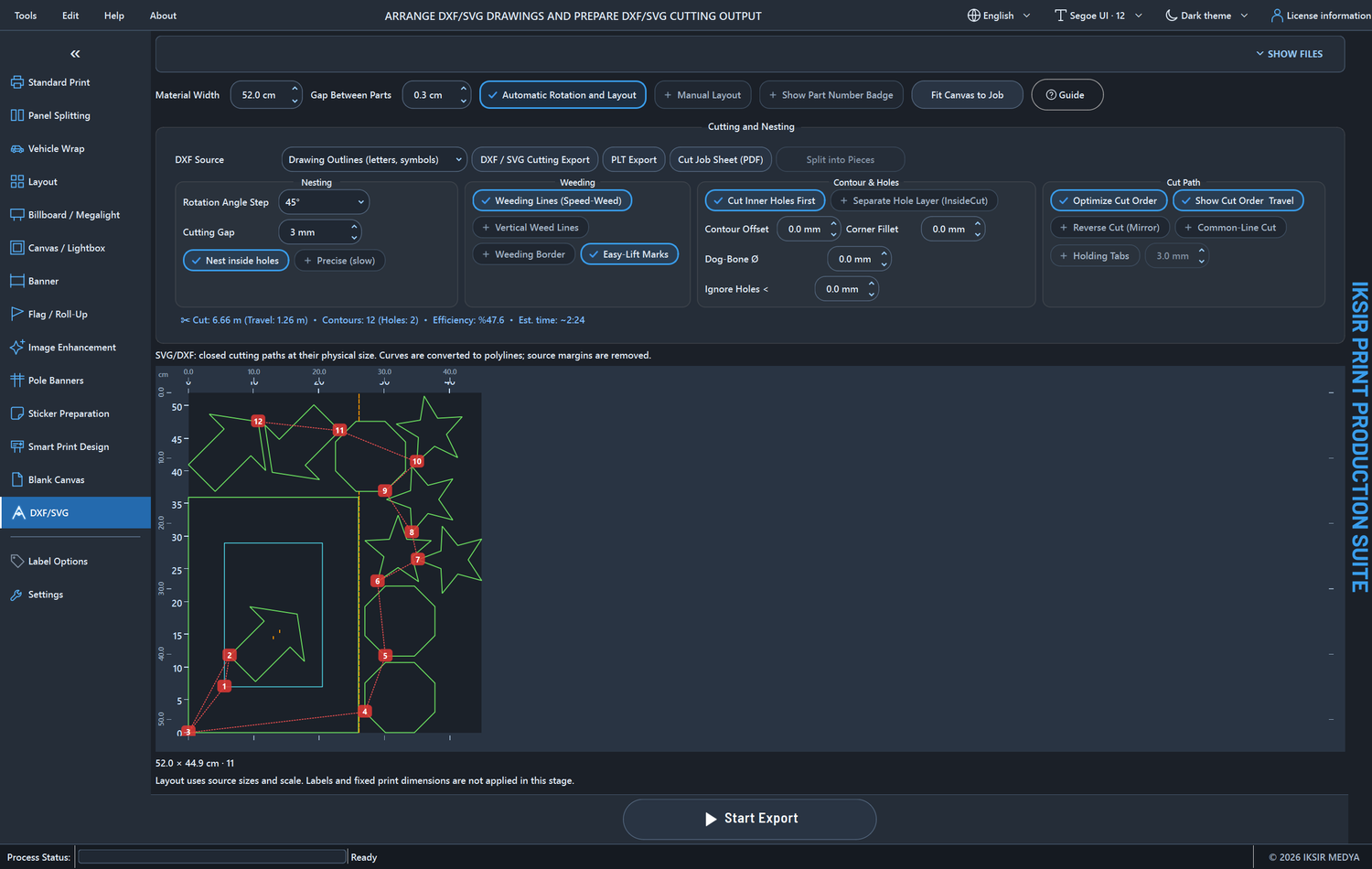
Clean up open contours, compensate tool kerf, nest vector shapes onto acrylic/composite sheets, and export clean R12/2000 DXF or SVG cut files.
Detailed Mode Guide & SpecsNo need to hunt for test PDFs after installing; click "Try with Sample Artwork" inside any mode to load a real-scale job and inspect the output immediately.