1. Drop Files or Folders — TrimBox & Native Sizes Load Automatically
Add PDF, PDF-compatible AI, TIFF, PNG, or JPG batches. Keep each file’s native size ("Auto Size") or lock target width × height and DPI.
CORE DAILY PRODUCTION · SIZING, HEM BLEED & GROMMETS
Opening every daily vinyl banner, decal, and poster in Photoshop just to check TrimBox dimensions, add a 4 cm weld hem, place symmetrical grommet marks, and convert to CMYK LZW TIFF drains hours every week. Standard Print processes entire multi-file queues in parallel across CPU cores.
WORKSHOP TIME & ERROR COMPARISON
STEP-BY-STEP WORKSPACE GUIDE
Add PDF, PDF-compatible AI, TIFF, PNG, or JPG batches. Keep each file’s native size ("Auto Size") or lock target width × height and DPI.
Add white, custom-colored, or image-extended perimeter allowances in cm/mm while tracking net vs. gross dimensions live.
Choose all four sides, top/bottom only, or corners only; enter target spacing (e.g., 40 or 50 cm) for perfectly symmetrical center marks.
Export the entire queue in parallel or click "Send to RIP" to move directly into .prt screening.
OPERATOR REFERENCE TABLE & TECHNICAL SPECS
Field-proven finishing specs by wind load and mounting location:
| Application & Span | Recommended Hem / Weld Allowance | Recommended Grommet Spacing |
|---|---|---|
| Indoor Event / Backdrop Banner (1–3 m) | 3 cm double-fold hem or trim flush | 50 cm spacing (or corners + top center) |
| Outdoor Storefront / Fence Banner (2–6 m) | 4 – 5 cm welded/stitched hem | 40 – 50 cm symmetrical 4-side spacing |
| High-Wind Scaffolding / Building Wrap (6+ m) | 5 – 7 cm reinforced webbing hem | 25 – 30 cm heavy-duty spacing |
| Perforated Mesh Vinyl | 5 – 6 cm with rear solid vinyl reinforcement strip | 30 – 40 cm 4-side spacing |
UV White Ink and Varnish Guide: A step-by-step guide to adding white ink and varnish layers to UV print files with IKSIR Print Suite: RIP setup, choke, density, reverse printing and output files.
Read the white and varnish guideSAMPLE OUTPUTS & CALCULATORS
Download both the clean source artwork and IKSIR’s production output (with overlap seams, sleeve folds, grommets, and print labels) to verify physical dimensions in Onyx, Caldera, VersaWorks, PhotoPrint, or Maintop.
460 × 80 cm banner prepared with 7 cm mirrored left/right pole pockets and corner grommets.


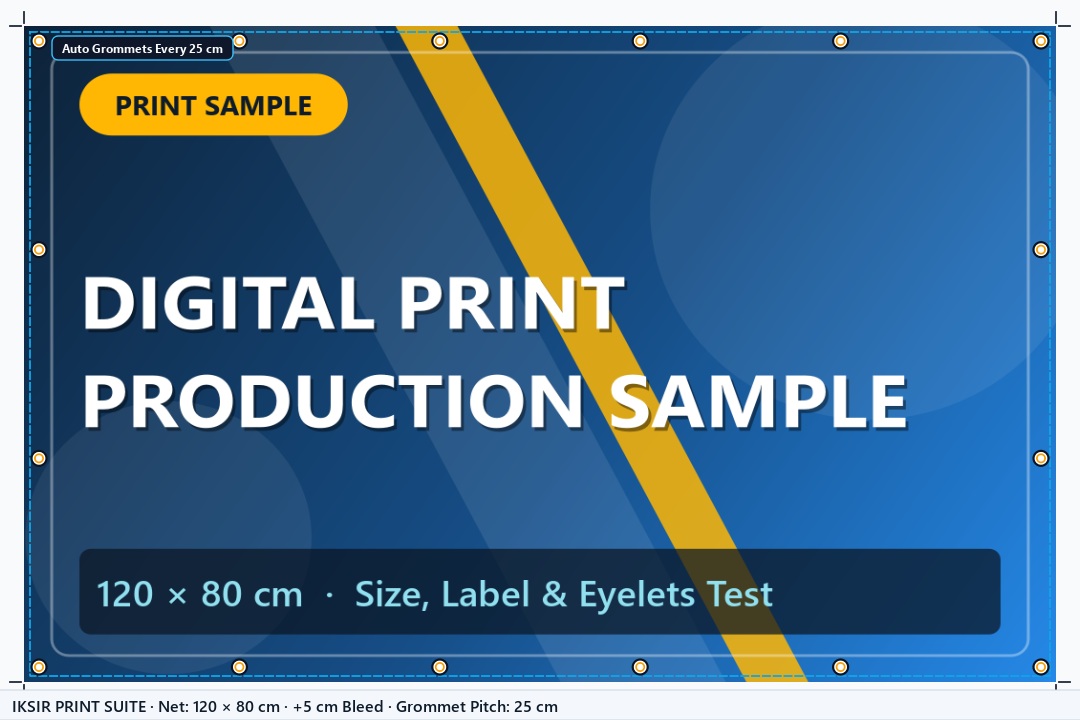
120 × 80 cm print job with bleed margin, 25 cm eyelet markers around all edges, and a footer label.

MODE-SPECIFIC FREQUENTLY ASKED QUESTIONS
No. After deducting corner offsets, IKSIR divides the span into equal intervals closest to your target spacing so every grommet gap is symmetrical.
Yes. The 64-bit imaging pipeline processes heavy files smoothly and distributes multi-file batches across CPU cores.
Export LZW/ZIP TIFF, JPEG, EPS, and PDF in RGB or CMYK with embedded ICC profiles, rendering intents, and black-point compensation.
Yes. Toggle the output scope selector next to Start to run either the entire list or selected items only.
COMPLEMENTARY WORKSPACES
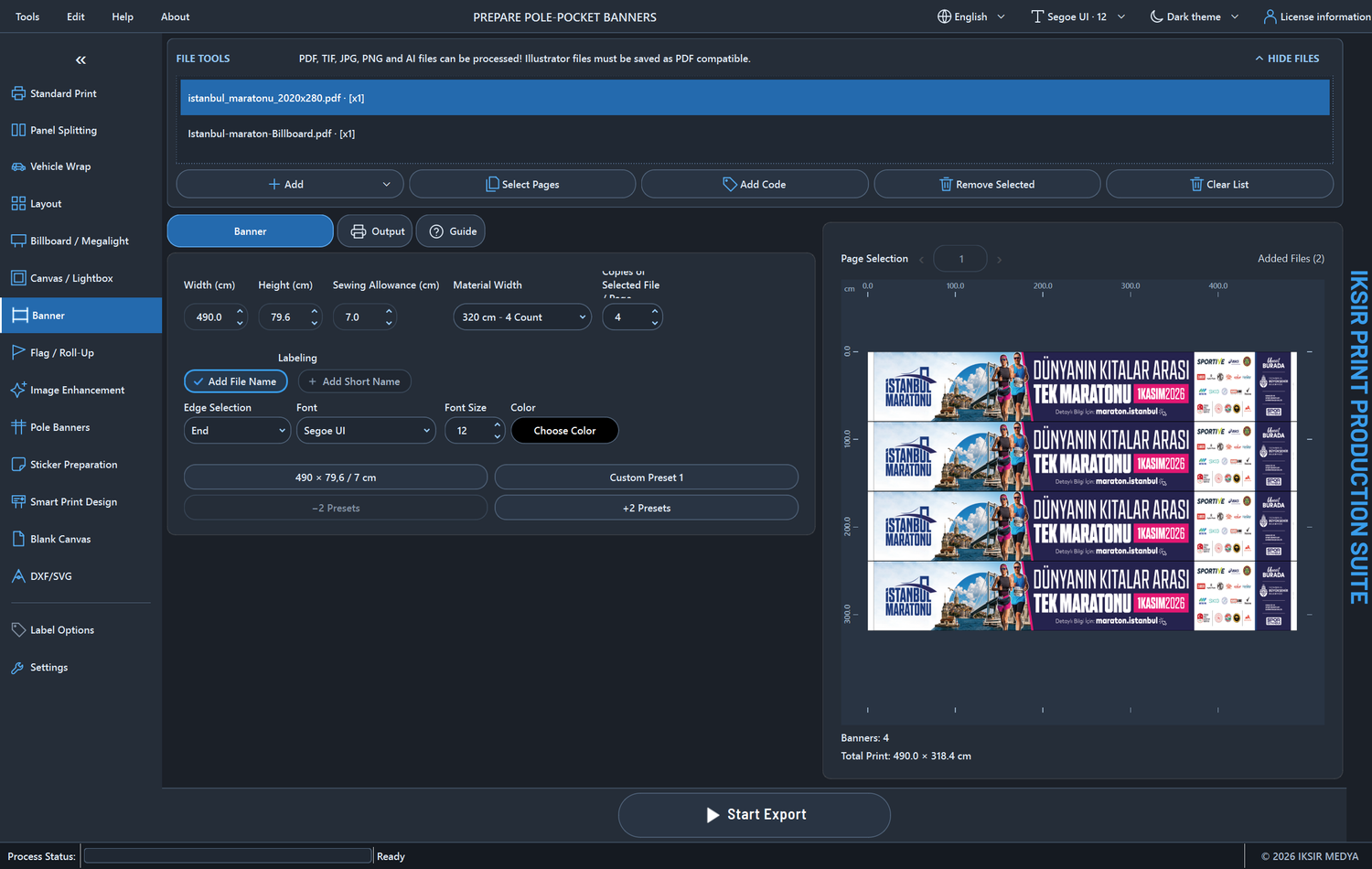
Prepare frontlit/mesh vinyl banners with 3–5 cm hem-welding folds, live visual eyelet (grommet) markers, wind-load spacing, and pole/rope pockets.
Detailed Mode Guide & Specs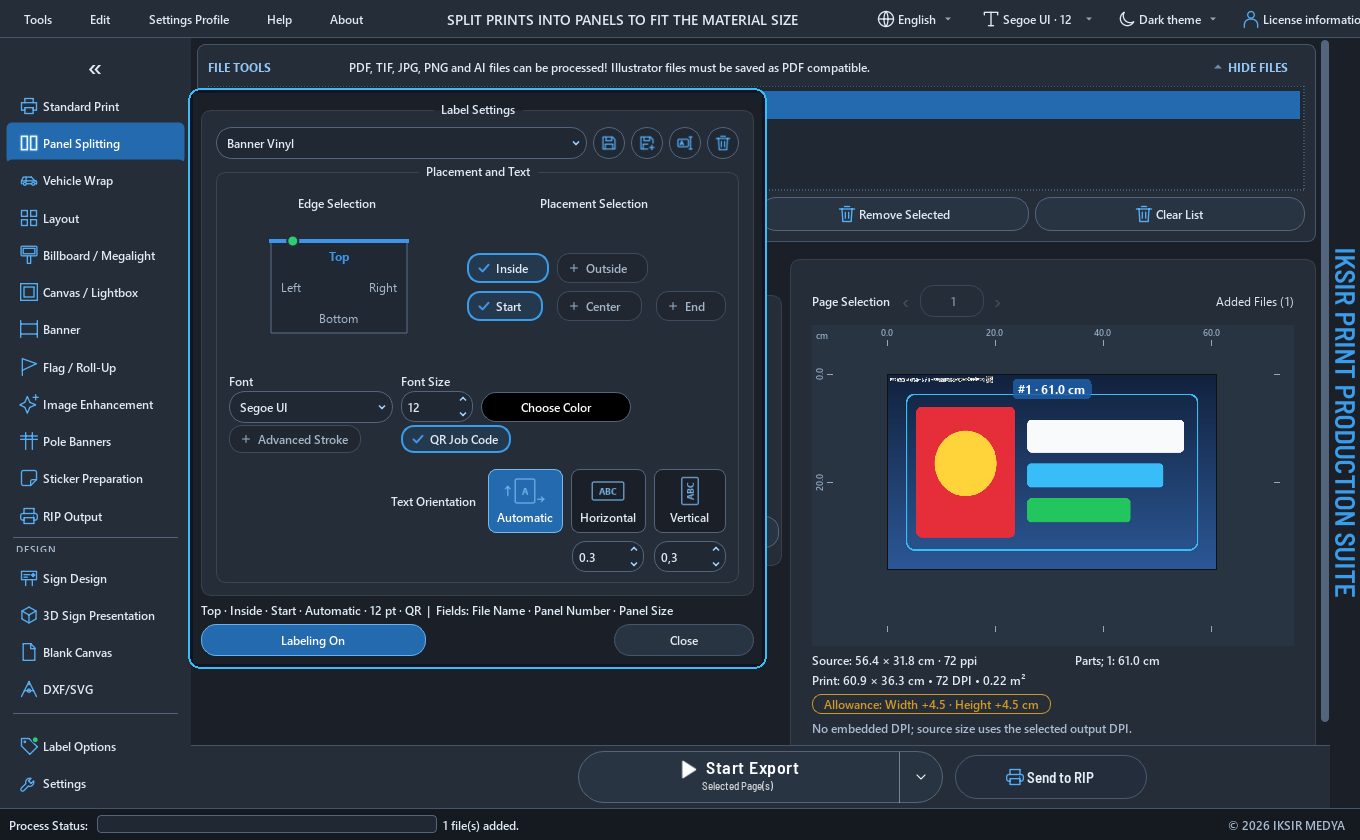
Print filename, job code, panel index (2/5), net/gross dimensions, and a crisp pixel-aligned Mini QR code on any margin edge so cutting and installation crews verify panels by phone scan.
Detailed Mode Guide & Specs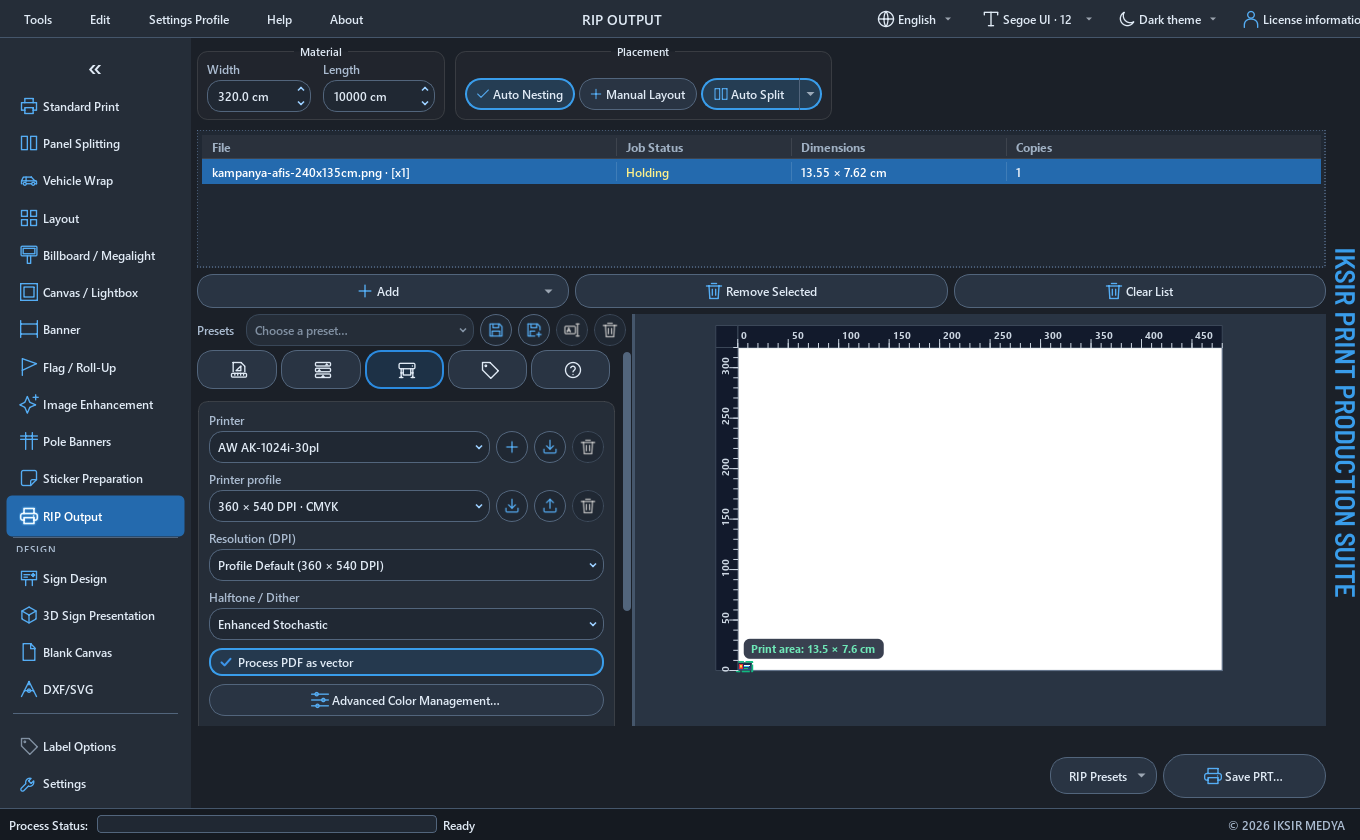
Generate machine-ready .prt files directly with 7 halftone/dither engines, CMYK + Lc/Lm + White + Varnish spot control, per-channel tone curves, live TAC ink inspection, and Eye-One calibration.
Detailed Mode Guide & SpecsNo need to hunt for test PDFs after installing; click "Try with Sample Artwork" inside any mode to load a real-scale job and inspect the output immediately.