1. Select Vehicle Side, Net Body Size & Wrap/Recess Allowances
Choose Driver, Passenger, Rear, or Hood; enter measured dimensions plus door-edge wrap and deep-channel allowances.
10 VEHICLE ZONES · OWV WINDOW SPLIT, MOCKUP & FLEET QUOTE
The costliest mistakes in vehicle wrapping happen when a panel seam lands right on a door handle or sliding-door track, deep body recesses lack extra cast-vinyl allowance, or perforated window graphics get mixed up with solid body vinyl. Vehicle Wrap Mode standardizes single vans and 50-vehicle fleets alike.
WORKSHOP TIME & ERROR COMPARISON
STEP-BY-STEP WORKSPACE GUIDE
Choose Driver, Passenger, Rear, or Hood; enter measured dimensions plus door-edge wrap and deep-channel allowances.
Flag door handles, fuel doors, and tracks so panel seams shift automatically onto clean sheet metal; mark glass zones for OWV export.
Perspective-place artwork onto a photo of the client’s vehicle for approval and calculate total cast vinyl + laminate + OWV m² across the fleet.
Body panels and OWV glass panels export into cleanly separated, numbered, Mini-QR-labeled files accompanied by an A4/A3 install map.
OPERATOR REFERENCE TABLE & TECHNICAL SPECS
Shop-floor standards for durable fleet installations:
| Vehicle Area / Media | Recommended Extra Allowance & Seam | Key Installation Note |
|---|---|---|
| Cargo Van Sides (Cast Vinyl) | +5 – 10 cm perimeter wrap · 1.5 cm vertical overlap | Shingle overlaps rear-to-front so highway wind never lifts seam edges |
| Deep Recessed Body Channels | +2 – 3 cm per deep horizontal/vertical recess | Feed vinyl into recesses rather than bridging and over-stretching |
| Rear & Side Glass (One-Way Vision) | +2 cm gasket trim bleed · Single-piece per window | Trim 2–3 mm inside rubber seal and seal with optical clear overlaminate |
| Hood & Roof Panels | +5 cm under-edge tuck allowance | Use 152 cm wide cast rolls for seamless single-piece hood coverage |
SAMPLE OUTPUTS & CALCULATORS
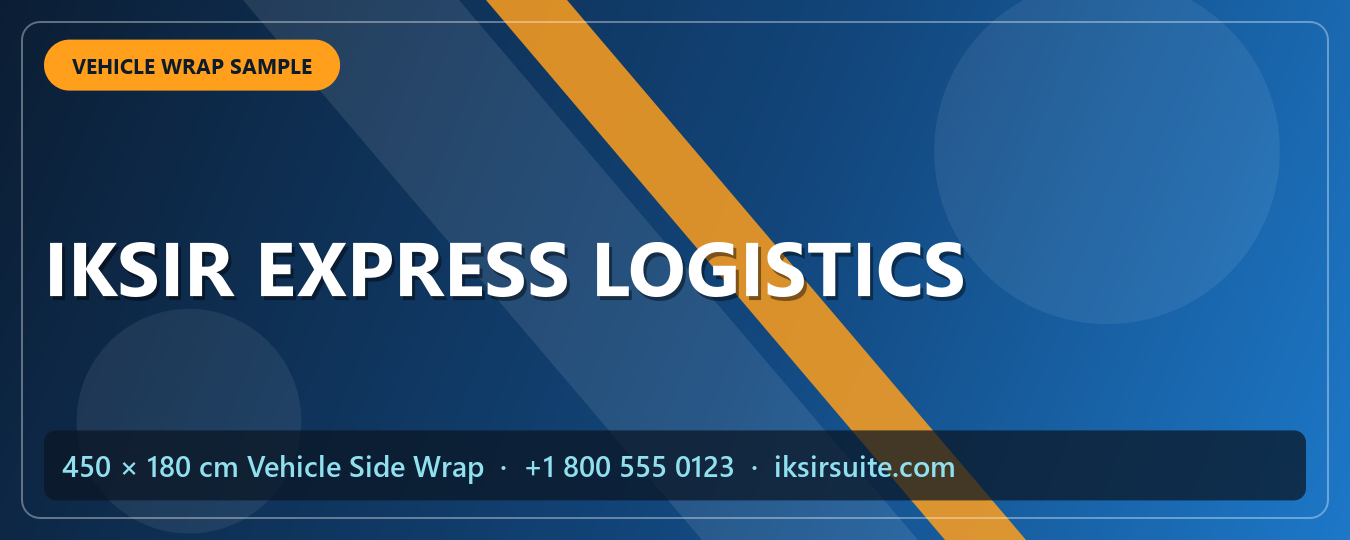
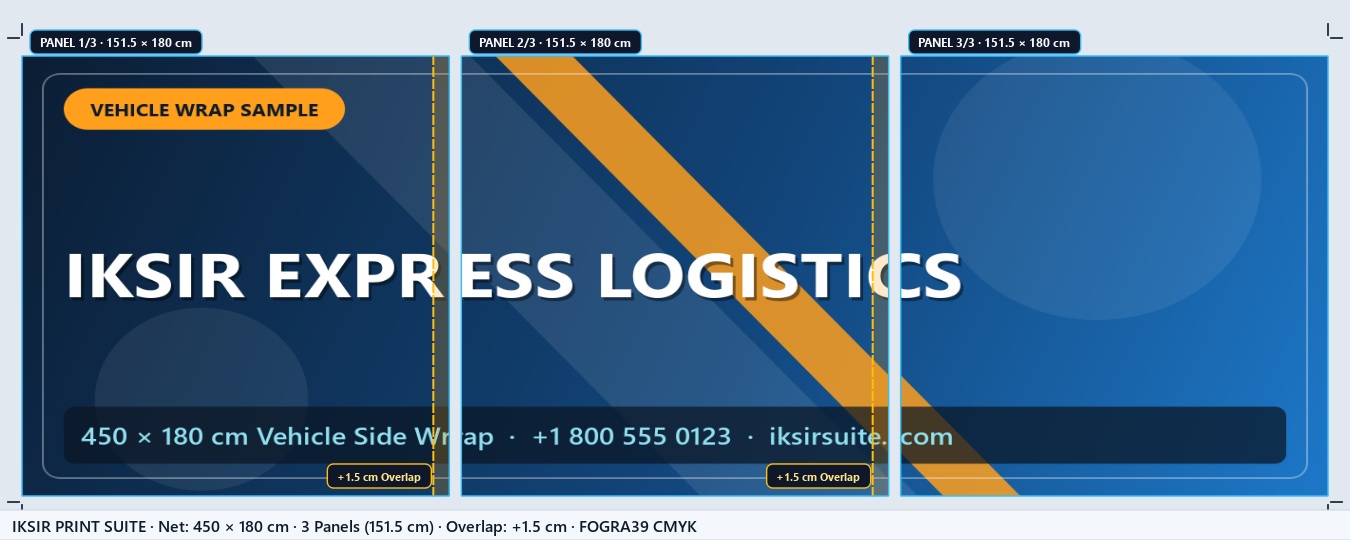
Download both the clean source artwork and IKSIR’s production output (with overlap seams, sleeve folds, grommets, and print labels) to verify physical dimensions in Onyx, Caldera, VersaWorks, PhotoPrint, or Maintop.
450 × 180 cm side-wrap artwork automatically tiled across 152 cm vinyl rolls with +1.5 cm overlap seams.
MODE-SPECIFIC FREQUENTLY ASKED QUESTIONS
Yes. Whenever a default split line intersects a marked no-seam obstacle zone, IKSIR shifts the cut onto safe adjacent bodywork within your roll width.
Bodywork prints on cast vinyl with cast laminate, whereas windows print on perforated OWV film. Automatic separation prevents printing glass zones twice or on the wrong roll.
Yes. Enter field measurements and client vehicle photos directly without needing third-party CAD templates.
Each vehicle side holds its own independent artwork assignment and seam layout.
COMPLEMENTARY WORKSPACES
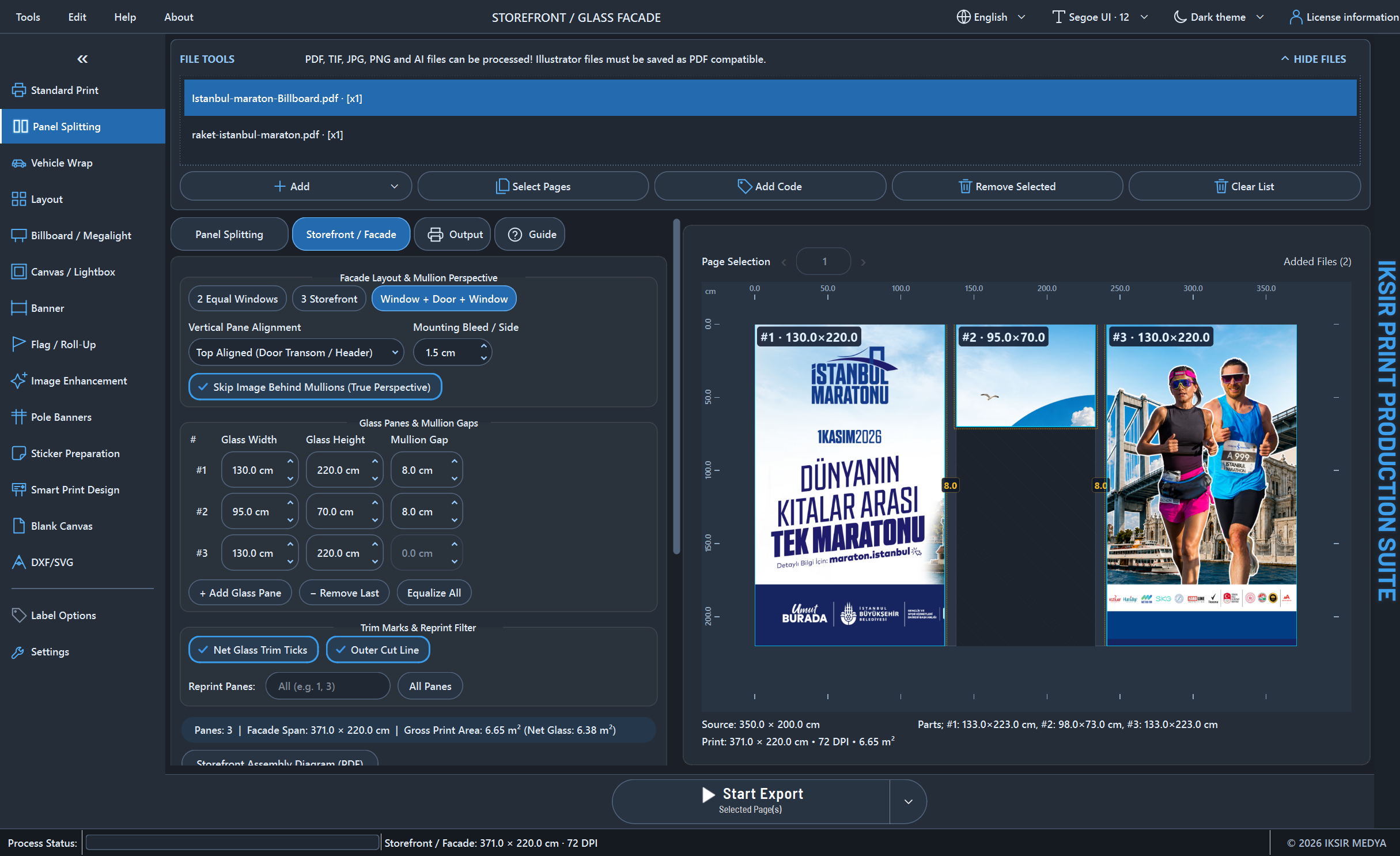
Model asymmetric shopfront glass panes and aluminum mullion bar gaps so graphics flow continuously across dividers—exporting pane-numbered prints and an A4 installation map.
Detailed Mode Guide & Specs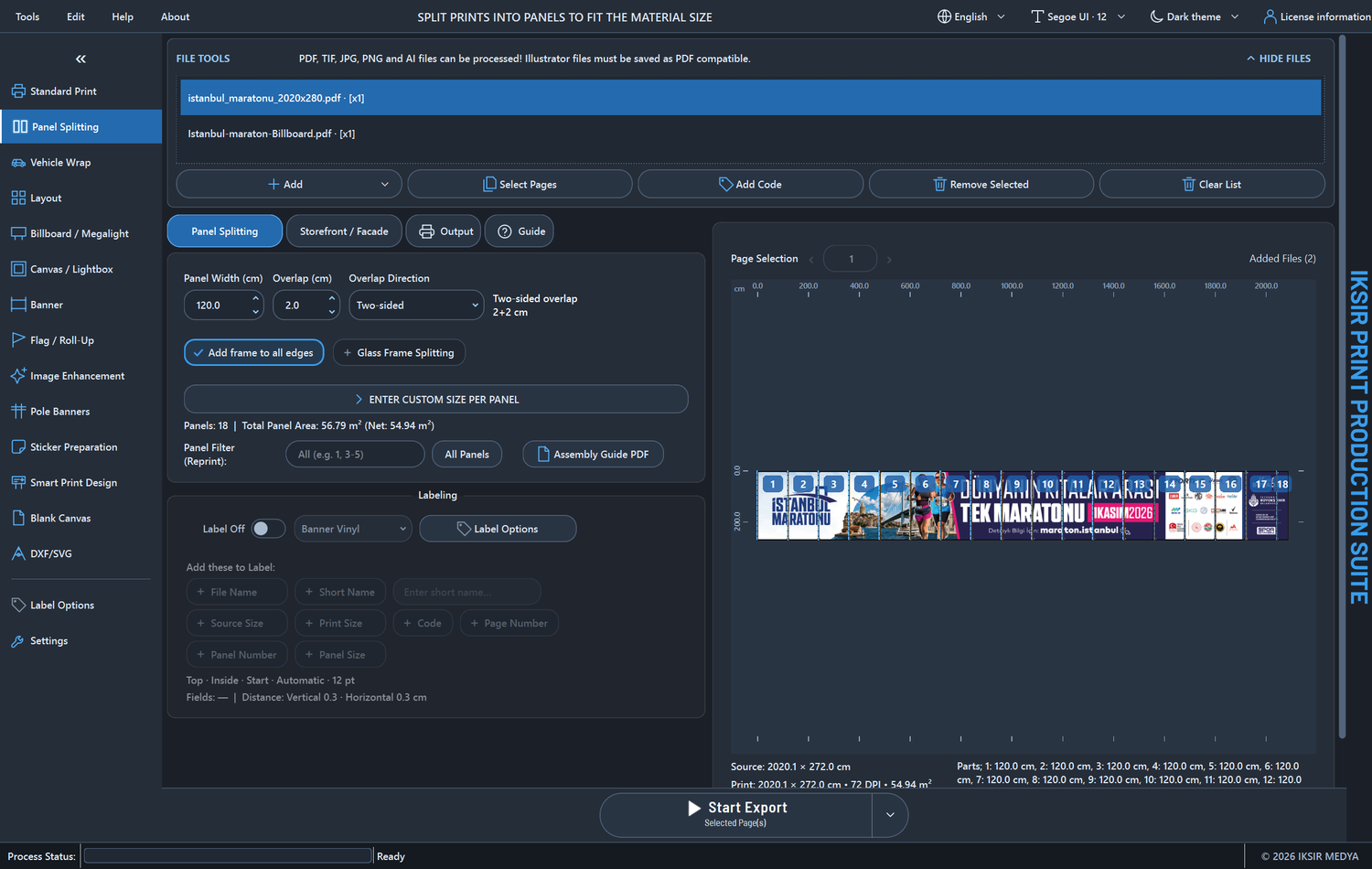
Tile oversized wall murals, building wraps, and backdrops into equal or custom-width panels with precise overlap seams and automatic "Panel 1/N" margin numbering.
Detailed Mode Guide & Specs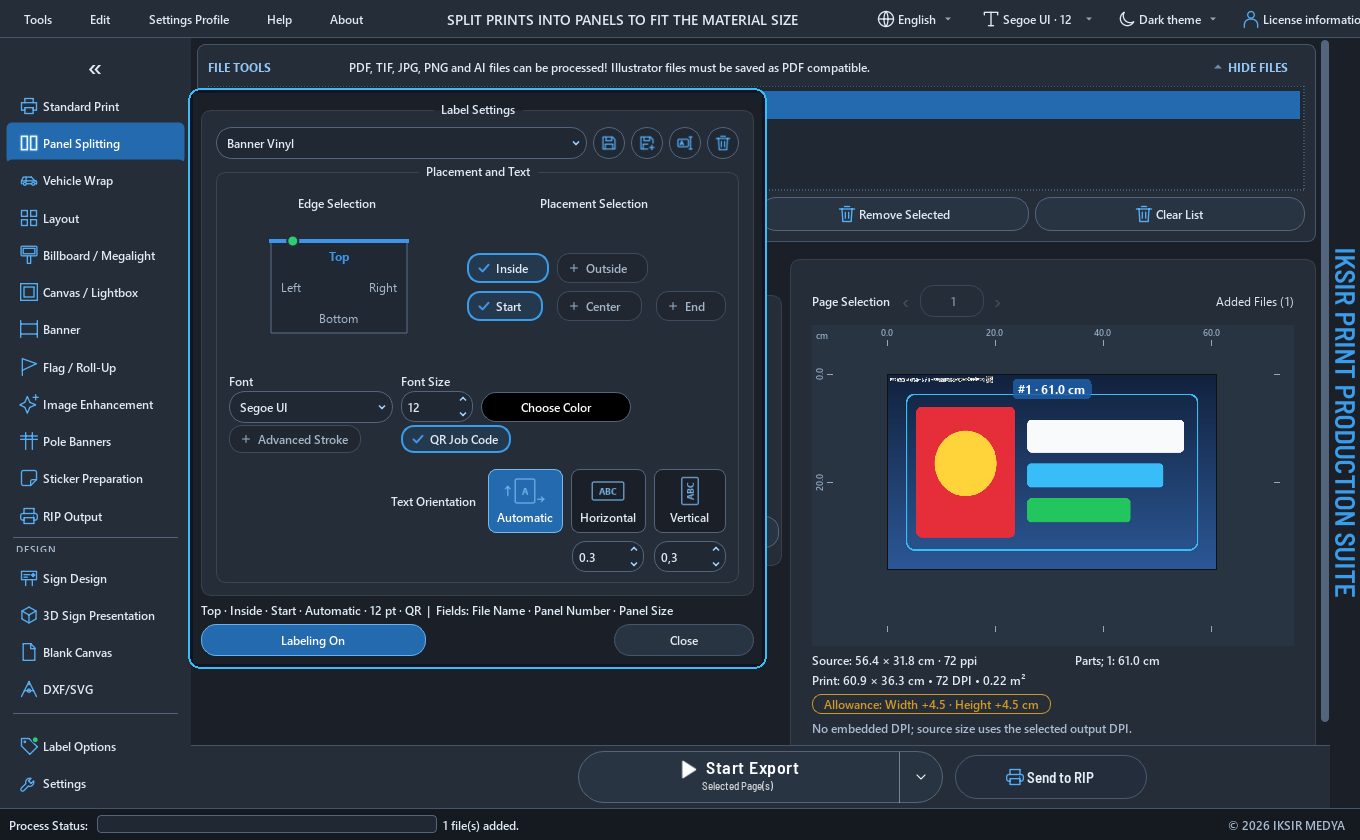
Print filename, job code, panel index (2/5), net/gross dimensions, and a crisp pixel-aligned Mini QR code on any margin edge so cutting and installation crews verify panels by phone scan.
Detailed Mode Guide & SpecsNo need to hunt for test PDFs after installing; click "Try with Sample Artwork" inside any mode to load a real-scale job and inspect the output immediately.