İIKSIRPRINT PRODUCTION SUITE

STANDALONE MODE · 3D FACADE MOCKUP, QUOTE & APPROVAL PDF

3D Sign Presentation (Mockup Studio): Day/Night Facade Simulation, Pricing & Client Approval PDF

Nothing closes a signage sale faster than showing the client their exact logo mounted on their own storefront in both daylight and night illumination. Drop a PDF/SVG/PNG file from CorelDRAW or Illustrator—or type directly in Quick Text—choose from 24 realistic materials, calculate letter-height or m² pricing, and hand over a signed A4 Approval Sheet in under a minute.

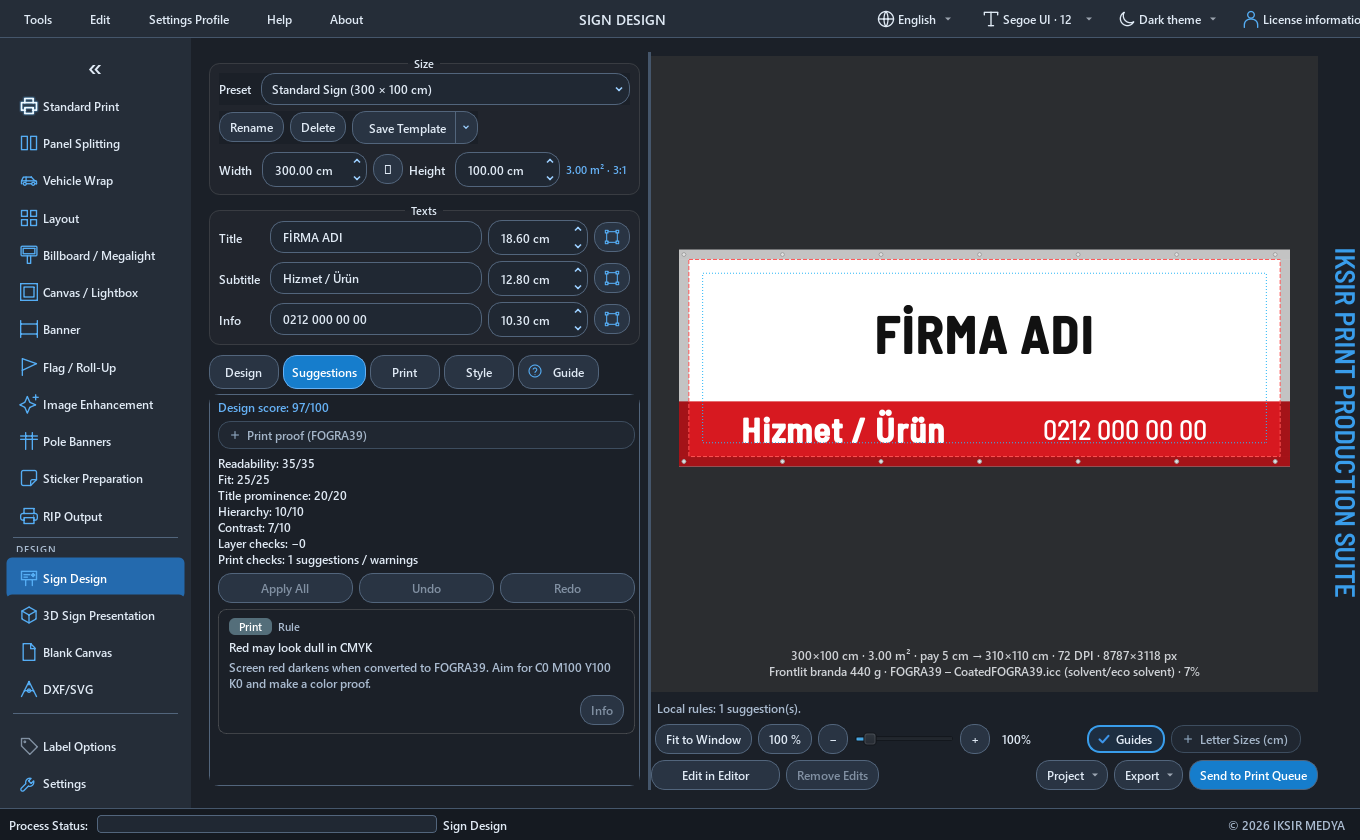
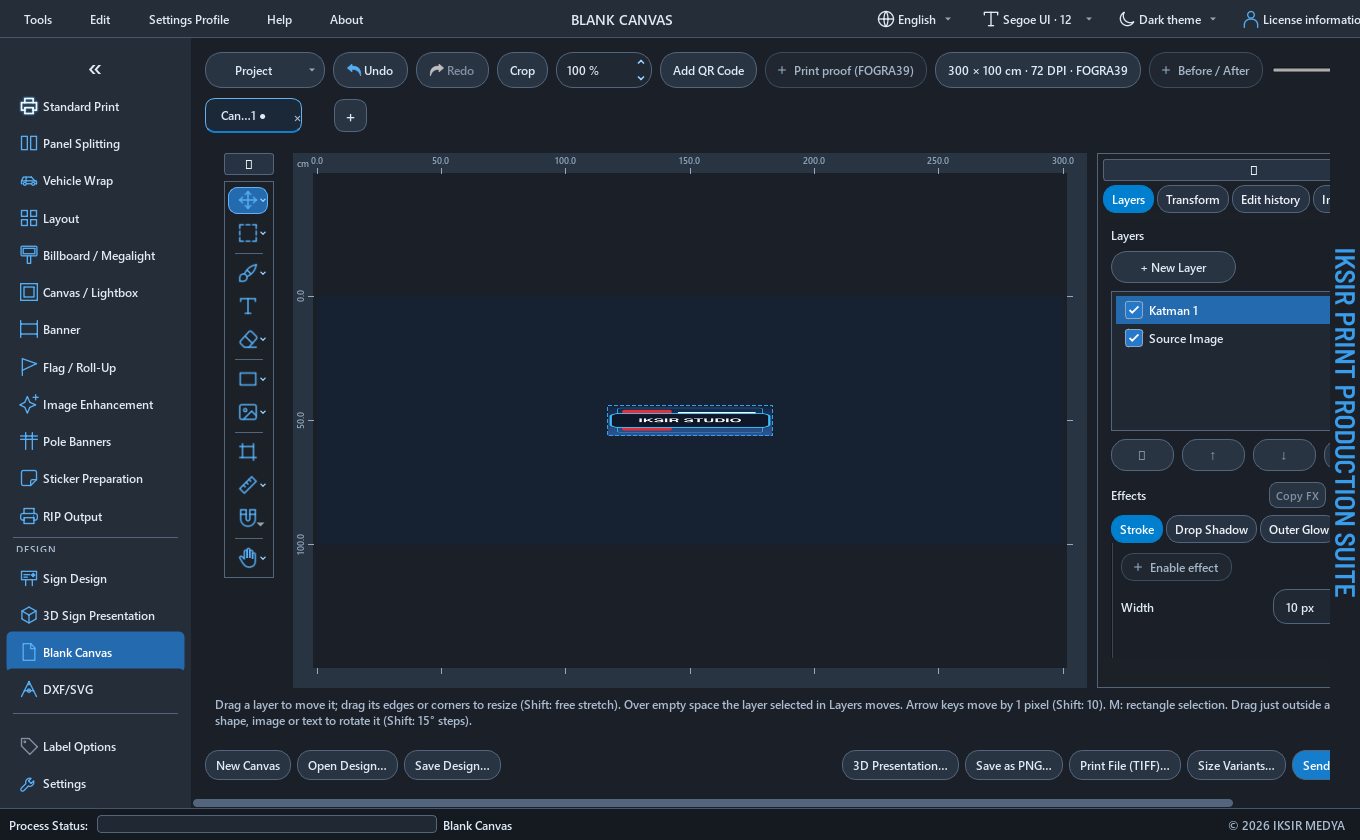
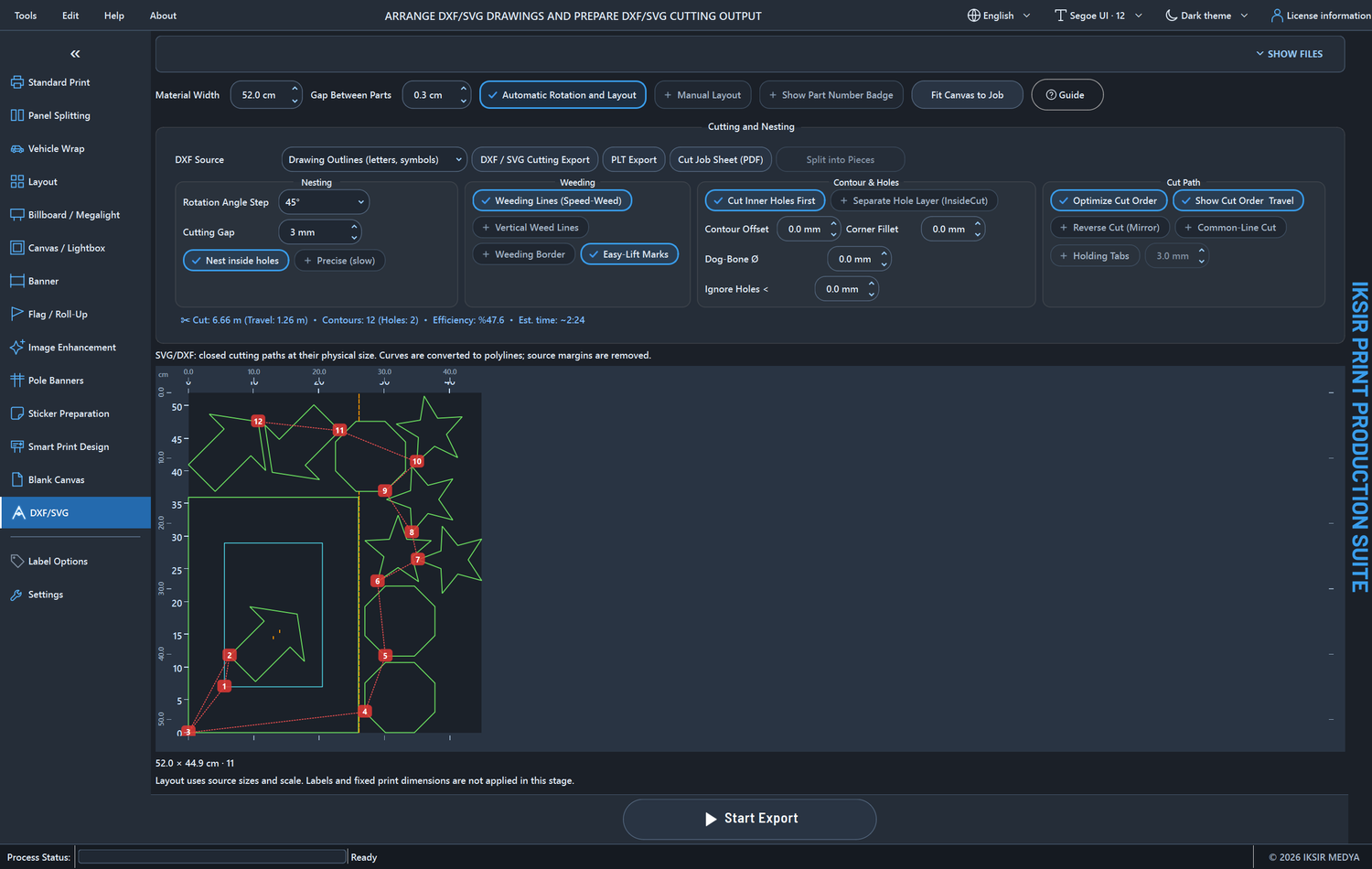
8s Live App Workflow8s · WebP
Real Application Screen (Click to enlarge)

WORKSHOP TIME & ERROR COMPARISON

Traditional Manual Prep ↔ IKSIR Template Workflow

Flat 2D Proofs or Slow 3D Rendering Suites

  • Clients hesitating on flat 2D drawings because they cannot visualize halo-lit vs. front-lit vs. chrome-trimmed depth.
  • Spending hours modeling extrusions and lighting in heavy 3D software for a single quote.
  • Losing material, LED Kelvin, or dimension sign-offs inside long WhatsApp threads.

IKSIR 3D Sign Presentation — 30-Second Sales-Closing Mockups

  • Three instant sign sources: Quick Text + Font + Letter Height (cm), Load File (PDF/SVG/PNG with 1-click solid-background knockout), or From Active Design.
  • Guided 4-step visual cards covering 24 materials (Acrylic, Chrome-Trimmed, Gold/Smoked Mirror Steel, Silicone Neon, Vintage Bulb, Styrofoam, Corten/Moss) and 6 lighting modes.
  • 4-corner perspective facade placement, Day / Night / Side-by-Side views, automatic cm/m² price estimator, branded WhatsApp card, and 2-page A4 Client Approval + Tech Spec PDF.

STEP-BY-STEP WORKSPACE GUIDE

How Jobs Are Prepared in This Mode

1. Choose Sign Source: Quick Text, PDF/SVG/PNG File, or Active Design

Type text, font, and letter height (cm) on the spot, or drop an existing PDF/SVG/PNG logo. Opaque white PDFs and JPGs automatically crop empty page margins and knock out solid backgrounds.
2. Pick Sign Style, Material & LED Color Using Visual 3D Cards

Select Lit, Unlit, or Board/Box; click visual 3D "a" cards (Back-Lit Halo, Front-Lit, Front+Side Lit, Chrome-Trimmed, Styrofoam) and choose face, side-band, and LED Kelvin (3000K/4000K/6500K/RGB) swatches.

3. Perspective-Match onto the Client Facade & Compare Day / Night

Load or Ctrl+V paste the storefront photo (or pick a built-in architectural facade), drag the 4 numbered corners to match perspective, and toggle Day, Night, or Side-by-Side comparison.

4. Estimate Price Automatically & Export WhatsApp / Approval PDF

Review automatic letter-height or m² pricing and generated technical specifications in the Pricing & Specs tab, then export a company-branded WhatsApp image or A4 Approval PDF.

OPERATOR REFERENCE TABLE & TECHNICAL SPECS

Channel Letter Depth, Wall Standoff & Illumination Reference Guide

Recommended fabrication parameters reflected in 3D Sign Presentation:

Sign / Letter ConstructionRecommended Return Depth & GapLighting & Backing Recommendation
Front-Lit Acrylic / Chrome-Trimmed6 – 10 cm return depth · 0 cm flush or tray mount6500K or 4000K 3-chip LED modules; dark composite tray boosts contrast
Back-Lit Halo Brushed / Mirror SteelMin. 3 – 6 cm depth · 1.5 – 3 cm wall standoffs3000K warm LEDs over matte stone, concrete, or travertine facades
Front + Side / Side-Lit Acrylic5 – 8 cm opal/colored return band · 0 – 2 cm gapColored acrylic face paired with opal white or warm yellow side glow
Silicone LED Neon Flex1.5 – 2.5 cm profile on 8–10 mm clear/black acrylicHigh night pop against dark brick, wood slats, or matte black panels
Unlit Styrofoam (EPS) / PVC Forex2 – 5 cm cut thickness · Flush wall mountCombine with overhead facade spotlights for crisp architectural shadows

Shop-Floor & Operator Tips

  • When Back-Lit Halo is selected, IKSIR enforces realistic fabrication minimums (at least 3 cm letter depth and 1 cm wall standoff) so mockups never promise physically impossible lighting.
  • Save your company logo and phone number once in Settings › Company Profile to stamp branded headers/footers onto exported WhatsApp client proofs automatically.
  • Expand the "Presets & Detailed Settings" drawer anytime to access 15+ one-click industry concepts (Jewelry, Clinic, Loft Neon, Hotel, Boutique) and fine reflection controls.

SAMPLE OUTPUTS & CALCULATORS

Download Sample RIP Output or Calculate Material

Download both the clean source artwork and IKSIR’s production output (with overlap seams, sleeve folds, grommets, and print labels) to verify physical dimensions in Onyx, Caldera, VersaWorks, PhotoPrint, or Maintop.

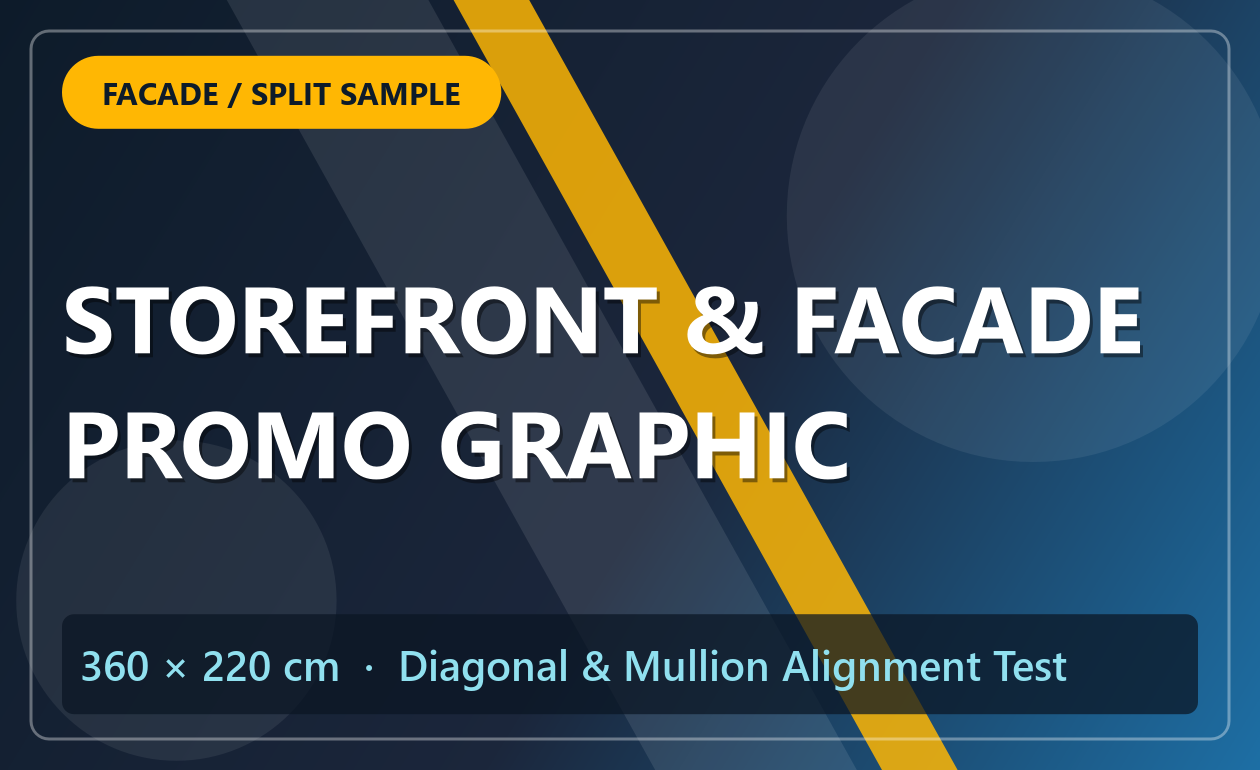
Try with Sample Artwork360 × 220 cm

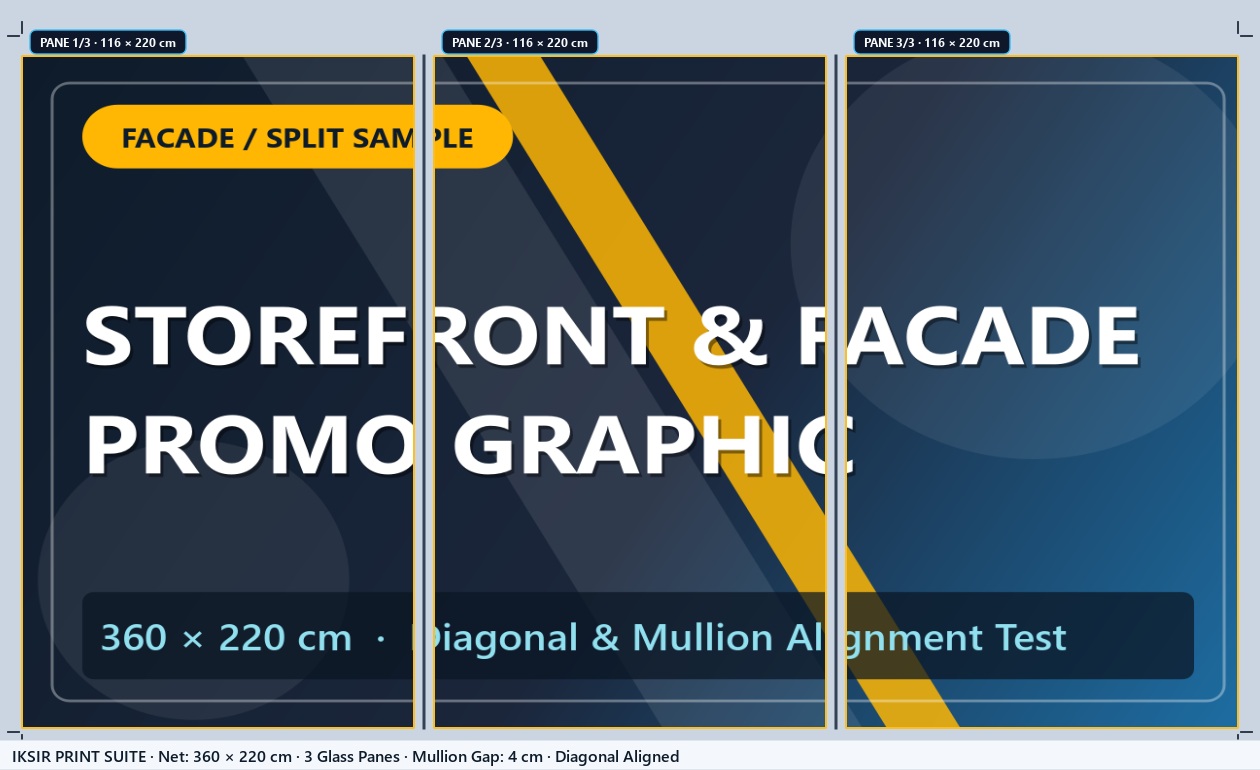
Storefront & Facade Split

360 × 220 cm shopfront graphic split across 3 glass panes with 4 cm aluminum mullion gap compensation.

  • 360 × 220 cm Facade
  • 4 cm Mullion Deduction
  • Perspective-Safe Alignment
Storefront & Facade Split — Raw Sample
Raw Sample
Storefront & Facade Split — IKSIR Output
IKSIR Output
Viewing Distance, Target Print DPI & 1:10 Large-Format Scale CalculatorExplore All 13 Mode Sample Packs & RIP Test Files

MODE-SPECIFIC FREQUENTLY ASKED QUESTIONS

Technical Questions & Answers

Can I import a flat white-background PDF or JPG logo from CorelDRAW / Illustrator?

Yes. Load File imports PDF, AI, SVG, PNG, WebP, and JPG files, trims blank page borders, and offers one-click "Remove solid background" to turn flat artwork into 3D cutout letters.

How does the automatic price estimator calculate totals?

For cutout letters, it multiplies letter height (cm) and character weight by your saved per-cm rate; for lightboxes, flat boards, and banners, it calculates m² area plus optional composite backing tray m² and mounting/transformer fees.

What is included in the A4 Approval PDF?

Page 1 presents landscape Day & Night mockups side by side with dimensions, materials, LED specs, quotation price, and client signature block; optional Page 2 adds a portrait technical proof sheet.

Does 3D lighting or perspective alter my print/cut production artwork?

Never. All 3D extrusions, reflections, and facade perspectives are strictly non-destructive presentation renders.

COMPLEMENTARY WORKSPACES

Related Design & Production Modes

Test With Your Own Files or Built-In Samples — 21 Days Free

No need to hunt for test PDFs after installing; click "Try with Sample Artwork" inside any mode to load a real-scale job and inspect the output immediately.